AI Time Blocking in 2026: How to Build a Smarter Weekly Calendar
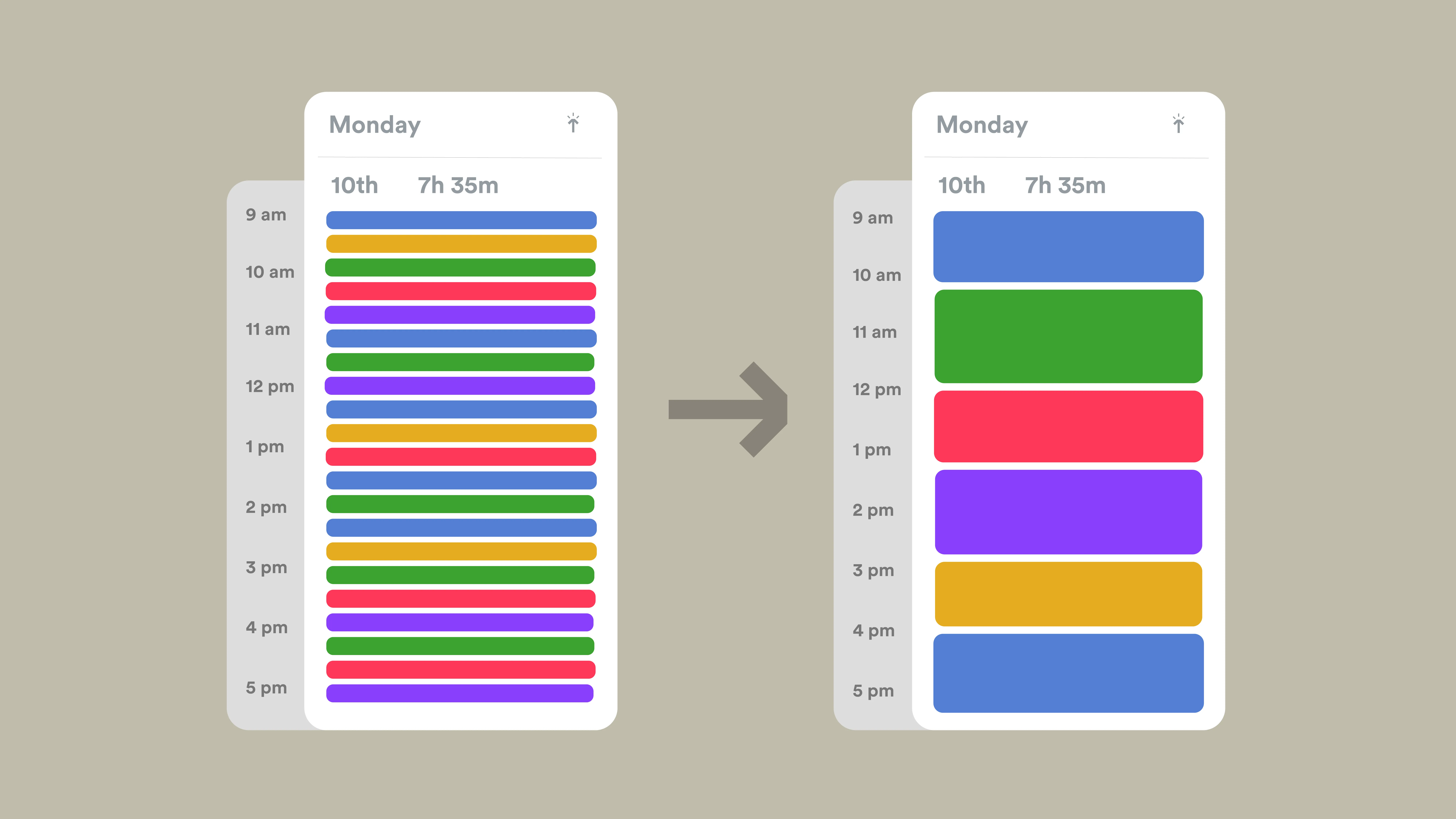
A crowded calendar does not always mean you are productive. It often means important work is competing with meetings, messages, errands, and small tasks that expand to fill the day. The result is a schedule that looks busy but leaves little protected time for focused work.
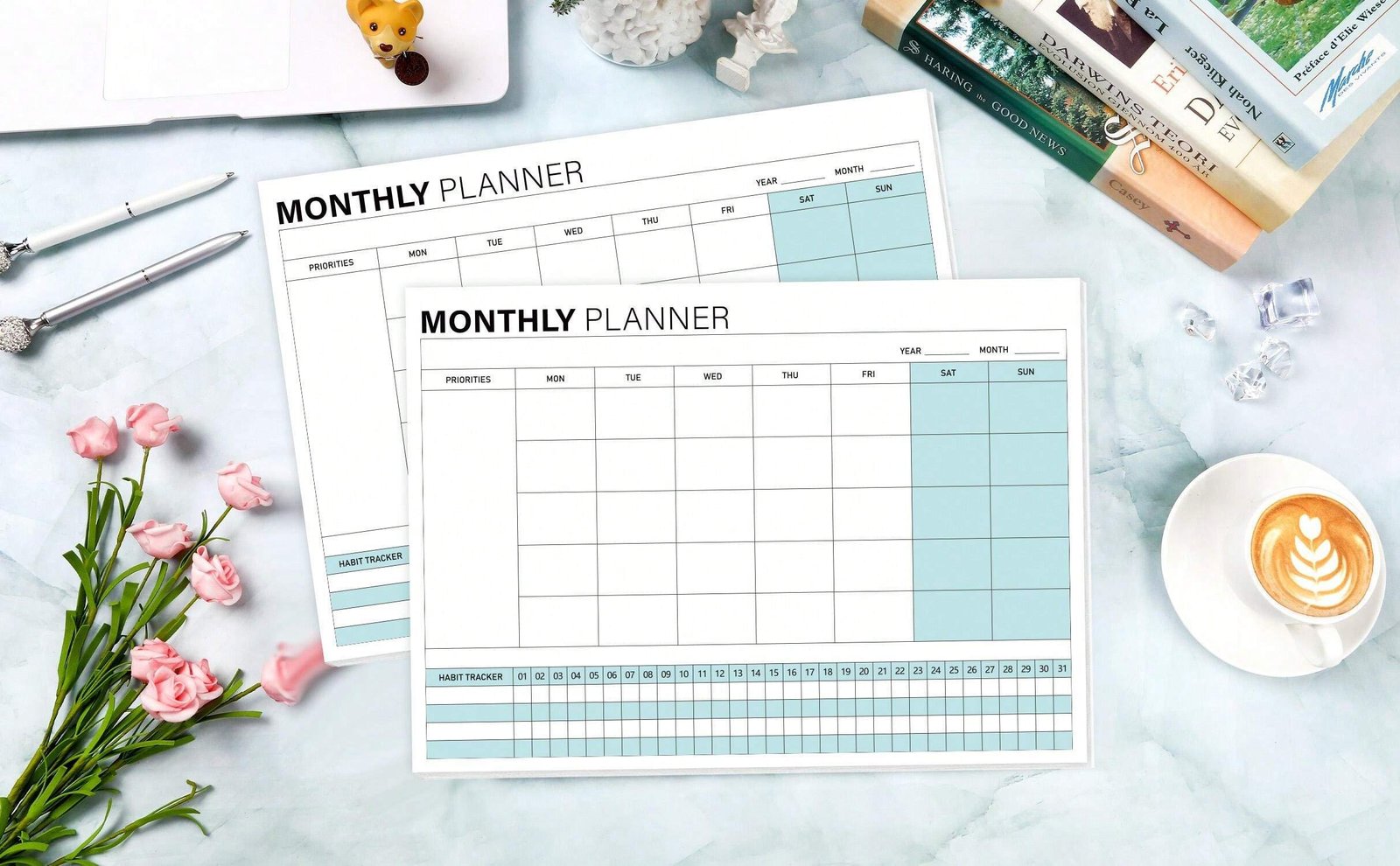
AI time blocking can help by turning priorities, deadlines, meetings, and routines into a realistic weekly plan. The useful version of this idea is not an app moving every minute around automatically. It is a system where AI helps you estimate, organize, and reschedule work while you stay responsible for what actually deserves your time.
This guide is for U.S. professionals, freelancers, students, and small teams who want a practical calendar workflow in 2026. It explains how to build a weekly plan, where AI adds value, and how to avoid the common mistake of creating a schedule that is mathematically full but humanly impossible.
What AI Time Blocking Actually Does
Traditional time blocking means assigning a specific period of the day to a specific type of work. Instead of keeping a long task list and hoping you find time, you decide when the work will happen.
AI adds another layer. A scheduling assistant can look at your meetings, task deadlines, estimated durations, working hours, habits, and priorities. It can then suggest where to place work and what to move when the day changes.
Good uses of AI scheduling
- Finding open blocks for deep work.
- Grouping similar tasks together.
- Protecting recurring habits such as planning or exercise.
- Rescheduling unfinished work after a meeting runs long.
- Identifying days that are overloaded.
- Creating buffers before important deadlines.
- Reducing the manual effort of moving tasks around.
If you want to compare calendar automation with other productivity tools, see our guide to the best AI productivity tools in 2026.
Start With Capacity, Not Ambition
The biggest time-blocking mistake is planning based on everything you want to finish instead of the hours you actually have. A realistic weekly plan begins with capacity.
Calculate your usable work time
Start with your normal working hours. Subtract fixed meetings, commuting, lunch, recurring responsibilities, and necessary administrative time. Then reserve some unplanned capacity for surprises.
For example, a 40-hour workweek may contain only 20 to 25 hours of truly flexible project time after meetings and routine obligations. If you schedule 35 hours of focused tasks into that space, the plan will fail before Monday morning.
AI is useful here because it can total recurring commitments and highlight the difference between available time and requested work.
Use Four Types of Calendar Blocks
A simple system is easier to maintain than a calendar with dozens of colors and categories. Most knowledge work can be organized into four block types.
1. Focus blocks
These are periods for work that requires concentration: writing, coding, analysis, design, planning, or difficult problem-solving. Protect them from routine meetings whenever possible.
2. Collaboration blocks
Use these for meetings, calls, reviews, interviews, and work that depends on other people. Grouping collaboration into predictable windows can reduce context switching.
3. Admin blocks
Email, approvals, expense reports, forms, scheduling, and other small tasks need time too. If they are not scheduled, they leak into focus blocks.
4. Recovery and buffer blocks
No schedule survives contact with a real day. Add space between demanding tasks and leave room for unexpected requests. A buffer is not wasted time; it is what makes the schedule resilient.
A Practical Weekly AI Time-Blocking Workflow
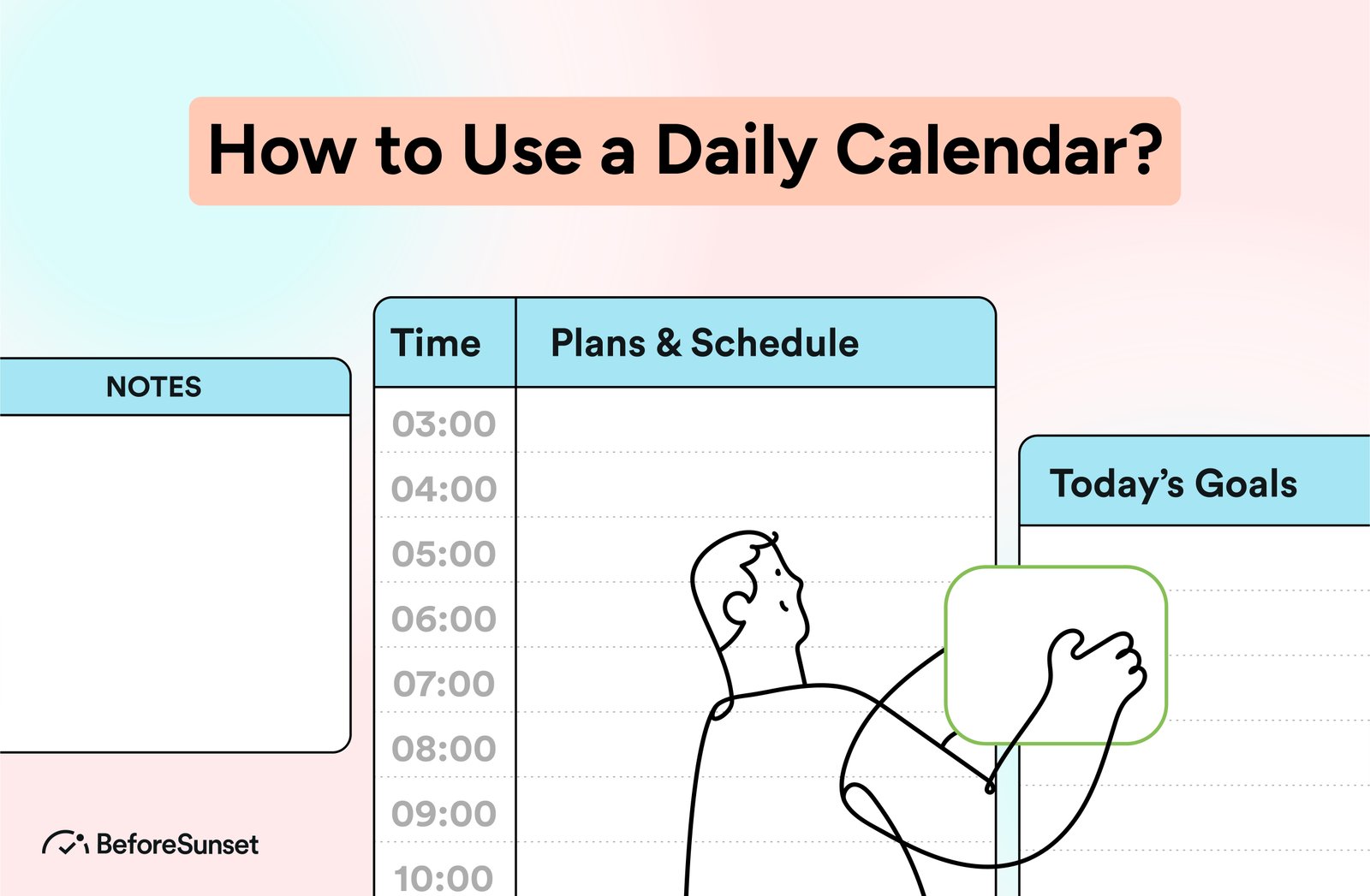
The best planning rhythm is usually weekly, with small daily adjustments. Planning every hour from scratch each morning creates unnecessary work.
Step 1: Collect your commitments
Bring together deadlines, active projects, meetings, personal obligations, and recurring tasks. If your information is spread across multiple apps, create one temporary planning list before asking AI to prioritize anything.
Step 2: Identify the three most important outcomes
Choose the results that matter most by the end of the week. These are outcomes, not vague categories. “Finish the client proposal” is better than “work on sales.” “Ship version 1.2 to testing” is better than “coding.”
Your AI assistant can help compare tasks, but you should decide the final priorities because importance depends on business context, relationships, and consequences that may not be visible in your tools.
Step 3: Estimate the work in blocks
Estimate how many focused sessions each outcome needs. Avoid pretending that a complex task can be estimated to the minute. Use practical blocks such as 30, 60, 90, or 120 minutes.
If a task is expected to take five hours, split it into stages. For example: research, outline, first draft, review, and final edits. Smaller blocks are easier to place and reschedule.
Step 4: Place high-value work first
Put the most important focus blocks into the calendar before lower-value admin work. If your energy is strongest in the morning, protect morning focus time. If you work better later, design around that reality instead of copying someone else’s routine.
Step 5: Let AI fill the flexible gaps
Once priorities are protected, AI can help place smaller tasks around them. This is where automation is strongest because the decisions are lower risk.
Step 6: Add buffers
Do not schedule every open minute. Leave room for transitions, urgent requests, technical problems, and tasks that take longer than expected.
Step 7: Review the plan on Friday
At the end of the week, compare planned time with actual time. Which tasks were repeatedly moved? Which estimates were unrealistic? Which meetings disrupted focus? AI can summarize patterns, but you decide what should change next week.
How to Prioritize Tasks Without Overcomplicating It
AI can produce sophisticated priority scores, but most people need a simpler model. Use three questions:
- What happens if this is not done?
- When does it actually need to be done?
- Does it move an important goal forward?
A task that is urgent but low impact may need a quick response. A task that is important but not urgent may deserve a protected focus block before it becomes a crisis.
Use AI to find hidden dependencies
Ask the assistant to identify tasks that block other people or future work. A 20-minute approval that unlocks a team may be more important than a two-hour task that affects only you.
Use Calendar Rules Instead of Constant Manual Decisions
Good time blocking becomes easier when you create rules. Rules reduce the number of decisions you make every day.
- No internal meetings during the first focus block.
- Keep at least one 60-minute buffer each day.
- Process email in two or three windows instead of continuously.
- Do not schedule more than two high-concentration tasks back to back.
- Reserve Friday afternoon for review and cleanup.
- Protect lunch or a real break instead of using it as emergency capacity.
An AI scheduler can apply these rules consistently if your calendar system supports them.
When AI Should Not Move Your Calendar Automatically
Not every event is equal. Some items can be rescheduled freely; others should require approval.
| Calendar item | Automation level | Reason |
|---|---|---|
| Personal focus block | Can move within limits | Flexible if deadline is protected |
| Routine admin | Can move automatically | Low impact |
| Client meeting | Human approval | Affects another person |
| Interview | Human approval | High coordination cost |
| Medical or legal appointment | Do not auto-move | High impact |
| Deadline milestone | Protect | Moving it can hide risk |
The principle is simple: automation should be strongest where the cost of a mistake is low.
Protect Privacy When Connecting Calendar Tools
Calendars reveal sensitive information: where you will be, who you meet, customer names, interview schedules, medical appointments, and private routines. Before connecting an AI tool, review what calendars it can read and what data it stores.
For business use, apply least-privilege access. If a scheduling assistant only needs your work calendar, do not give it access to every shared calendar by default. Review the provider’s current privacy and security documentation, especially if your organization handles regulated or confidential information.
The NIST AI Risk Management Framework is a useful reference for organizations thinking about AI access, governance, and human oversight. The FTC privacy and security resources are also relevant when evaluating how customer or employee information is handled.
AI Time Blocking for Remote and Hybrid Work
Remote work creates flexibility, but it can also blur the line between availability and productive work. A shared calendar often becomes the default signal of whether someone can be interrupted.
Make focus time visible
If your team respects calendar status, clearly labeled focus blocks can reduce unnecessary meetings. Use a short description so coworkers know when interruption is appropriate.
Coordinate across time zones
AI can help identify overlapping hours for distributed teams, but avoid optimizing only for the organizer. Rotate inconvenient meeting times when the same people are repeatedly affected.
Do not use the calendar as surveillance
A productivity system should help people plan work, not measure every minute as proof of activity. Output, deadlines, communication, and quality are better indicators of performance than a calendar packed from morning to evening.
A Simple AI Planning Prompt
You can use a prompt like this with a trusted assistant: review my fixed meetings, working hours, deadlines, and task estimates; protect two focus blocks for my top priority; keep 60 minutes of buffer each day; place routine admin in lower-energy periods; do not move meetings involving other people; and flag any week where requested work exceeds available capacity.
The important part is the constraints. Without them, an AI scheduler may create a technically efficient plan that ignores how you actually work.
Common Time-Blocking Mistakes
- Scheduling 100% of available time: real work needs buffer.
- Using tiny blocks for complex work: context switching becomes the schedule.
- Ignoring energy levels: not every hour is equally productive.
- Letting meetings occupy every open slot: availability is not the same as capacity.
- Moving important tasks repeatedly: repeated rescheduling is a signal that priorities or estimates are wrong.
- Automating external commitments: client and team meetings should not be moved casually.
30-Minute Weekly Planning Checklist
- Review next week’s fixed meetings.
- Choose three important outcomes.
- Estimate focus blocks for each outcome.
- Place the highest-value blocks first.
- Add admin windows.
- Add daily buffers.
- Check for overloaded days.
- Protect personal and recovery time.
- Let AI place low-risk flexible tasks.
- Review and approve the final calendar.
Frequently Asked Questions
Does AI time blocking really improve productivity?
It can reduce planning friction and protect time for important work, but the benefit comes from realistic priorities and good calendar rules. Automation cannot fix an overloaded workload by itself.
How much of my day should be time blocked?
There is no universal percentage. Many people benefit from protecting core focus and admin periods while leaving meaningful flexible space. If every minute is scheduled, the system is usually too rigid.
Should AI automatically reschedule unfinished tasks?
Low-risk personal tasks can often be moved automatically within rules. High-impact deadlines, meetings, and commitments should be reviewed by a person.
What is the best block length for deep work?
Many people prefer 60 to 120 minutes for demanding work, but the right length depends on the task and your concentration. Test a few formats and use the one you can sustain.
Conclusion
AI time blocking works best when it makes your calendar more realistic, not more crowded. Start with capacity, protect important work, add buffers, and use automation mainly for flexible scheduling.
Your calendar should show your priorities, not just your obligations. When AI helps maintain that balance, it becomes a useful planning assistant instead of another system you have to manage.