Best Note-Taking Apps in 2026: How to Choose the Right System for Work and Study
A good note-taking app should make information easier to use, not give you another place to lose it. The problem is that modern note apps now do far more than store text. They can manage projects, scan documents, sync across devices, transcribe meetings, connect notes, summarize pages, and answer questions with AI.

That flexibility is useful, but it also makes choosing the best note-taking app in 2026 more complicated. A student building study notes needs something different from a project manager running team documentation, and a researcher with thousands of linked ideas needs something different from a person who only wants fast checklists on a phone.
This guide focuses on the decision criteria that matter most for U.S. users: organization, search, offline access, collaboration, portability, privacy, AI features, and long-term reliability. Instead of declaring one app perfect for everyone, it helps you match the tool to the way you actually work.
Start With Your Note-Taking Style
Before comparing apps, decide what kind of notes you create most often.
Quick capture
You mainly save short ideas, lists, reminders, links, and photos. Speed matters more than advanced organization.
Structured work notes
You create meeting notes, project pages, SOPs, checklists, and client documentation. Templates and collaboration matter.
Research and knowledge notes
You collect sources, link ideas, annotate documents, and expect to retrieve information months or years later. Search, backlinks, export, and metadata matter.
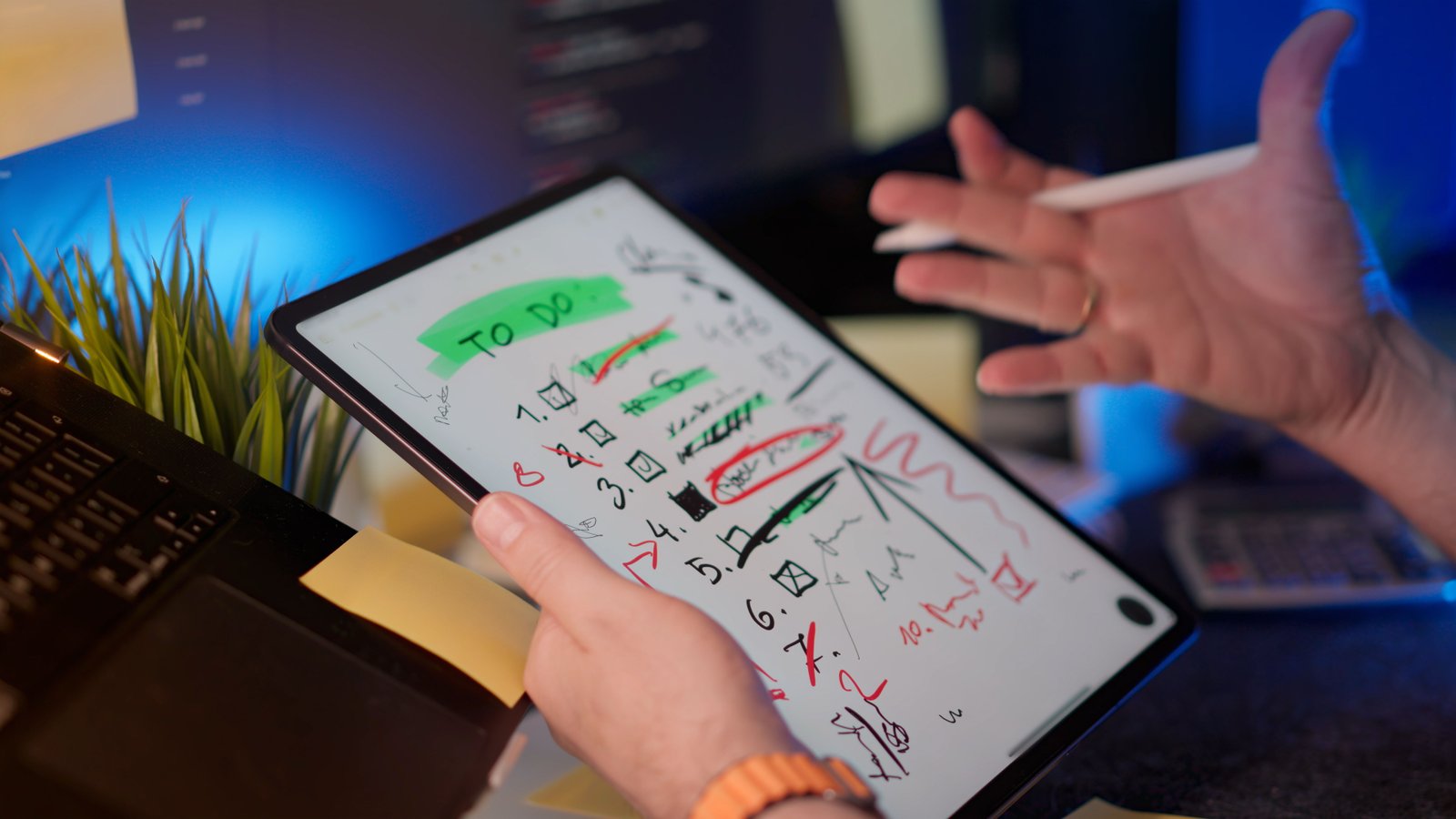
Handwritten or visual notes
You use a tablet, stylus, diagrams, sketches, or scanned pages. Pen support and handwriting recognition matter more than database features.
If your goal is to build a broader “second brain,” see our AI personal knowledge management guide for a complete system beyond the app itself.
What to Look for in a Note-Taking App

Fast capture
A note system fails if adding information feels slow. Test how many taps or clicks it takes to create a note from your phone, browser, and computer.
Reliable search
Search becomes more important than folders as your library grows. Look for full-text search, filters, OCR for images or scans if you need it, and clear ways to narrow results.
Offline access
If you travel, commute, or work in unreliable internet conditions, confirm that the notes you need remain available offline. Some apps are cloud-first and behave differently when disconnected.
Export and portability
Your notes may outlive the app you choose. Check whether you can export to common formats such as plain text, Markdown, PDF, HTML, CSV, or other structured formats that preserve useful content.
Collaboration
Teams may need comments, permissions, version history, mentions, shared workspaces, and guest access. Personal users may prefer a simpler interface without team features.
AI features
AI can summarize pages, rewrite notes, generate action items, or answer questions across a workspace. These features are useful, but they should not replace the basics. Search, sync, export, and reliability still matter more than an impressive demo.
Popular Note-Taking Apps and Who They Fit
Microsoft OneNote
OneNote is a strong choice for people who like notebook-style organization and already use Microsoft 365. It supports rich notes, images, drawings, and flexible page layouts. It is especially useful for users who mix typed and handwritten material.
Check current platform and feature details on the official Microsoft OneNote page.
Apple Notes
Apple Notes is convenient for people deeply invested in iPhone, iPad, and Mac. It offers fast capture, folders, tags, scanning, attachments, and strong integration with the Apple ecosystem. It is less attractive if you regularly work across non-Apple devices.
Apple documents current features in its official Notes user guide.
Notion
Notion works well when notes are part of a larger workspace with databases, project pages, documentation, and team collaboration. It can be powerful for structured work but may feel heavy if you only want quick personal notes.
See the official Notion product information for current capabilities.
Obsidian
Obsidian is popular with users who value local Markdown files, links between notes, and a flexible plugin ecosystem. It is especially attractive for long-term personal knowledge management because the underlying files remain readable outside the app.
The official Obsidian site explains its current approach to local notes and optional services.
Evernote
Evernote remains recognizable for web clipping, notebooks, search, document capture, and cross-device note organization. It can suit users with a long history in the ecosystem or those who rely heavily on clipping reference material.
Review current features directly on the official Evernote website.
Google Keep
Google Keep is simple and fast. It works well for short notes, lists, reminders, and quick captures that need to sync across devices. It is not designed to be a deep research database, which can be an advantage if you prefer simplicity.
Google provides current information through the official Google Keep Help Center.
Comparison by Use Case
| Use case | Features to prioritize | Apps often considered |
|---|---|---|
| Quick personal notes | Speed, sync, reminders | Apple Notes, Google Keep |
| Microsoft workplace | Office integration, handwriting | OneNote |
| Team wiki and projects | Databases, permissions, collaboration | Notion |
| Long-term linked knowledge | Markdown, backlinks, local files | Obsidian |
| Web clipping and archive | Capture, search, attachments | Evernote |
| Handwritten notes | Stylus support, drawing, OCR | OneNote, Apple Notes and specialist apps |
How AI Changes Note-Taking
AI features can reduce mechanical work, especially with long meeting notes and research material. Useful functions include summarization, action extraction, rewriting, categorization, and semantic search.
Do not let AI generate a library you never review
Automatic summaries can create more content than you need. Save AI-generated material only when it helps a project, decision, or future retrieval.
Keep source material attached
If a note summarizes a report or article, preserve the source link. If a meeting summary contains an important commitment, keep a connection to the original transcript or approved record.
Our AI document summarization guide explains how to keep evidence attached to long-document summaries.
Local-First vs Cloud-First Notes
One of the biggest design differences between note apps is where the primary copy of your data lives.
Local-first approach
Local-first tools emphasize files stored on your device, often in open or readable formats. This can improve portability and control, but sync and collaboration may require additional setup or services.
Cloud-first approach
Cloud-first apps make syncing and collaboration easy because the service manages the central copy. The tradeoff is greater dependence on the provider’s account system, export tools, and service availability.
Neither model is automatically better. Choose based on your need for collaboration, control, portability, and convenience.
Privacy Questions to Ask
Notes can contain highly sensitive information. Before storing work or personal material, review the provider’s current privacy and security documentation.
- Is data encrypted in transit and at rest?
- Does the app offer multifactor authentication?
- Can administrators control sharing?
- How do AI features process note content?
- Can you disable AI features if required?
- Can you export and delete your data?
- Does your employer allow the service for company information?
For general account-security practices, the CISA Secure Our World guidance is a useful U.S. resource.
How to Test a Note App Before Migrating
Do not move thousands of notes on day one. Run a two-week test with real work.
Test five workflows
- Capture a quick note on your phone.
- Create a detailed work note with attachments.
- Find an old note using search.
- Export a small set of notes.
- Use the app offline, if that matters to you.
If collaboration matters, also test sharing, comments, permissions, and what happens when two people edit at the same time.
Build a Simple Structure
Many people abandon note apps because they over-design the organization system. Start with a small structure:
- Inbox: temporary captures.
- Projects: active work.
- Areas: ongoing responsibilities.
- Reference: reusable information.
- Archive: completed material.
Use tags only for attributes that genuinely help retrieval, such as decision, research, template, or waiting.
Migration Checklist
- Export a backup from the old app.
- Test the new app with a small sample.
- Check formatting and attachments after import.
- Confirm important links still work.
- Rebuild only the organization you actually use.
- Keep the old export until the migration is verified.
- Update browser extensions and mobile shortcuts.
- Review sharing permissions.
- Test search across migrated notes.
- Document the new system if a team will use it.
Common Note-Taking App Mistakes
- Choosing by feature count: more features can create more friction.
- Ignoring export: portability matters for long-term notes.
- Saving everything: retrieval gets worse when the library becomes unfiltered.
- Using too many apps: fragmented notes are hard to trust.
- Moving all data before testing: pilot the workflow first.
- Assuming AI summaries are always accurate: verify important facts.
Frequently Asked Questions
What is the best note-taking app for most people?
There is no single best choice. Apple Notes and Google Keep are strong for simple capture, OneNote for flexible notebooks, Notion for structured team workspaces, and Obsidian for linked personal knowledge. Your ecosystem and workflow matter more than rankings.
What is the best note-taking app for Windows?
OneNote is a natural fit for many Windows users, while Notion, Obsidian, Evernote, and browser-based tools are also widely used. Test search, offline behavior, export, and integration with your existing work tools.
What is the best note-taking app for Mac?
Apple Notes is convenient inside the Apple ecosystem, while Obsidian, Notion, OneNote, and other cross-platform tools may be better if you need advanced linking or collaboration.
Are AI note-taking features worth it?
They can save time on summarization and retrieval, especially for long notes. They are most useful when the underlying note system is already organized and trustworthy.
Conclusion
The best note-taking app in 2026 is the one that makes capture fast, retrieval reliable, and migration possible. Start with your use case, not a feature checklist.
Test the app with real notes, check export and offline behavior, review privacy settings, and keep your structure simple. A smaller system you trust will outperform a powerful system you avoid using.