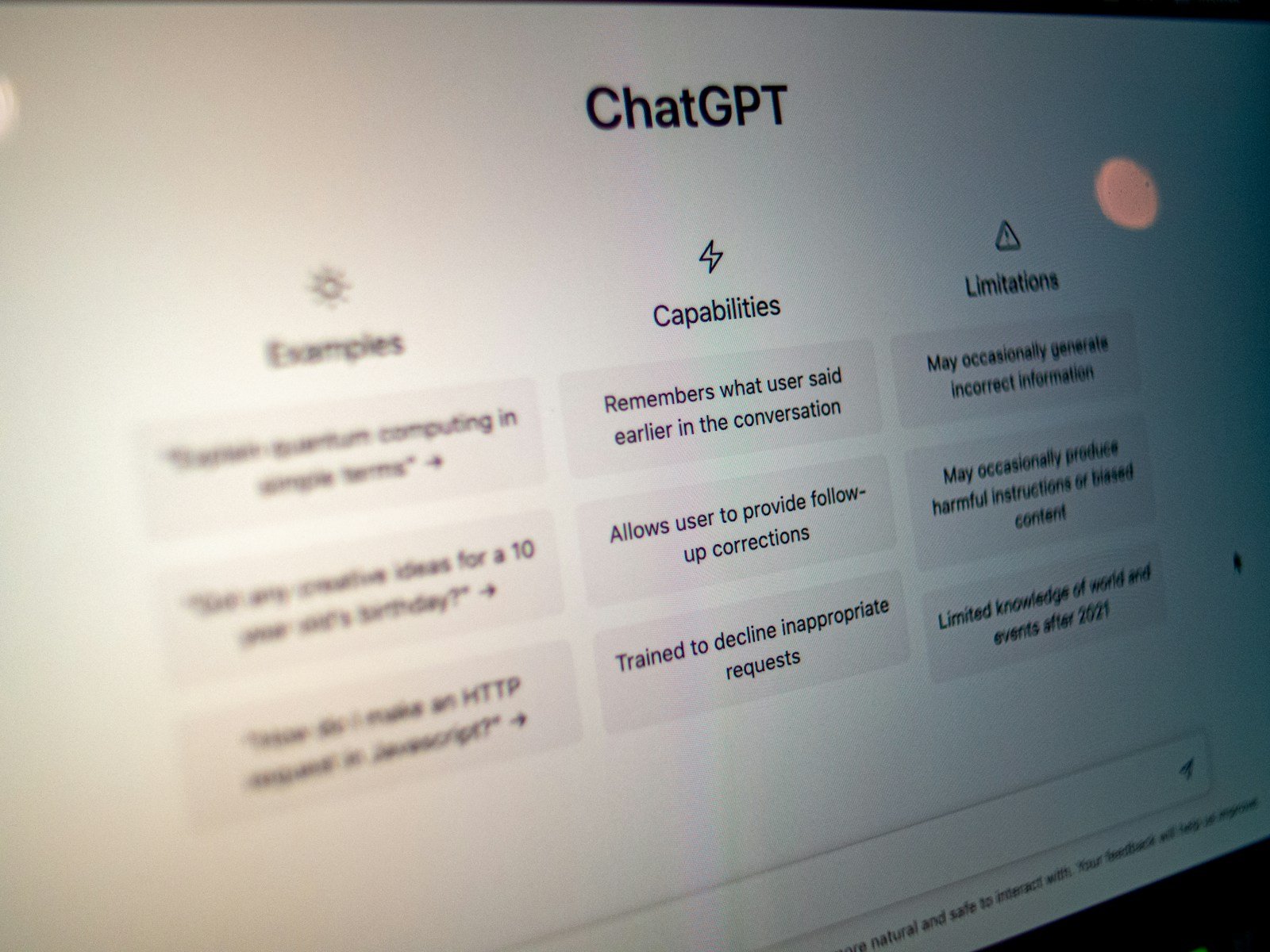
ChatGPT vs Gemini in 2026: Features, Ecosystems and Best Uses
ChatGPT and Google Gemini are two of the most widely used AI assistants in 2026, but choosing between them is not as simple as asking which one has the larger user count or the newest model. They are built around different ecosystems, product integrations and workflows, so the better choice depends on what you actually need to accomplish.
Current official usage figures also need careful context. OpenAI reported in April 2026 that ChatGPT had more than 900 million weekly active users, while Alphabet reported in its second-quarter 2026 update that the Gemini app had more than 950 million monthly active users. Weekly and monthly active-user figures measure different time periods, so they should not be treated as a direct head-to-head score.
This ChatGPT vs Gemini 2026 comparison focuses on practical differences: writing, research, coding, multimodal work, connected services, privacy controls and everyday productivity. The goal is to help you choose a useful tool, not to declare a universal winner.
Editorial Methodology and Source Note
This guide is an editorial comparison based on official product information, publicly documented capabilities and practical workflow criteria. It does not claim laboratory testing or hands-on testing of every paid feature. AI products change frequently, so readers should confirm current plan limits, regional availability and feature access on the official product pages before purchasing a subscription.
For current scale and product updates, see OpenAI’s official April 2026 company update and Alphabet’s Q2 2026 update.
How Large Are ChatGPT and Gemini in 2026?
Both products operate at enormous scale, but public metrics are reported differently. OpenAI’s figure is based on weekly active ChatGPT users, while Google’s figure refers to monthly active users of the Gemini app. Because a monthly user only has to be active within a much longer period, the two numbers cannot be compared as if they were measured the same way.
For readers, the more useful takeaway is that both platforms have reached mainstream scale. Neither should be chosen merely because a headline says it has more users. Reliability for your own tasks, data controls, integrations and total cost matter more.
ChatGPT vs Gemini at a Glance
| Area | ChatGPT | Gemini |
|---|---|---|
| General conversation | Strong for flexible drafting, analysis and iterative work | Strong for general assistance with deep Google ecosystem connections |
| Google services | Depends on available connectors and integrations | Natural fit for users working heavily in Google products |
| Long-form work | Useful for documents, structured writing and multi-step reasoning | Useful for long-context and multimodal workflows |
| Coding | Strong coding and technical assistance, depending on model and tools | Strong coding assistance, especially when paired with Google developer tools |
| Images and files | Supports multimodal conversations and file-based workflows | Supports multimodal conversations and file-based workflows |
| Best fit | Users wanting a flexible general AI workspace | Users deeply invested in Google’s ecosystem |
The table is intentionally qualitative because available models, limits and integrations can change faster than a yearly article can remain current.
Writing and Editing
Both assistants can help draft emails, articles, outlines, proposals, summaries and social content. The important question is not whether they can produce text, but how much editing the result needs for your purpose.
How to compare them fairly
- Give both tools the same brief.
- Specify the same audience and tone.
- Ask for the same structure and word limit.
- Check factual claims before publishing.
- Measure how much rewriting is needed.
A polished first draft is valuable, but consistency is even more important for repeated professional work. The assistant that needs fewer corrections for your style may be the better writing tool for you.
Research and Source Verification

AI assistants can speed up research, but they should not replace primary sources. For current events, technical specifications, prices, laws, medical information or financial facts, verify important claims against authoritative sources.
When comparing ChatGPT and Gemini for research, ask each system to separate facts from interpretation and provide sources where the product supports that workflow. Then open the source and confirm that it actually supports the claim.
A safer research workflow
- Define the question clearly.
- Ask for a list of primary or authoritative sources.
- Read the most important sources yourself.
- Use AI to summarize or compare them.
- Flag uncertainty instead of forcing a confident answer.
- Record the date of time-sensitive information.
This process is slower than blindly copying an AI answer, but much faster than discovering an error after publication.
Google Ecosystem Integration
Gemini has a natural advantage for people whose daily work already happens inside Google’s ecosystem. Google continues to integrate Gemini across its products, and that can reduce copying between services when the required features are available to your account.
That does not automatically make Gemini the better general assistant. A user who works mainly in independent tools, developer environments or mixed platforms may care more about model behavior, integrations outside Google and the way the assistant manages projects or files.
ChatGPT as a General AI Workspace
ChatGPT is designed as a broad AI workspace for conversation, writing, coding, analysis, files, images and tool-assisted tasks. OpenAI continues to expand agent and tool capabilities, so the product is increasingly used for workflows that go beyond a single chat response.
For users who move between many different types of work, this flexibility can be useful. The practical test is whether the specific tools you need are available on your plan and in your region.
Multimodal Work: Images, Audio and Documents
Both platforms support multimodal experiences, but the details vary by model, account and product surface. You may be able to upload images, analyze documents, use voice or work with other media, but not every capability is available in every plan.
Test the real workflow
If you regularly analyze PDFs, upload the same representative document to both tools and ask detailed follow-up questions. If image understanding matters, use an image from your real workflow. If voice is important, test in the environment where you will actually use it.
Marketing pages demonstrate what a product can do. Your own repeatable test tells you whether it does that job well enough for you.
Coding and Technical Work
Both ChatGPT and Gemini can explain code, generate examples, help debug errors and discuss architecture. Developers should judge them inside real repositories and normal engineering practices rather than short demonstration prompts.
Keep normal software controls
- Review generated code.
- Run tests.
- Check dependencies and licenses.
- Never paste secrets or private keys into an ordinary chat.
- Use version control.
- Confirm security-sensitive changes before deployment.
An AI assistant can accelerate coding, but responsibility for the final software remains with the developer or team shipping it.
Privacy and Data Controls
Privacy deserves the same attention as model quality. Before using either assistant with business or personal information, review current data controls, retention settings and the terms that apply to your account type.
Consumer and business plans may have different data-handling options. Do not assume that settings are identical across products or plans.
Practical privacy checklist
- Do not share passwords, private keys or authentication tokens.
- Use organization-approved accounts for confidential work.
- Review connected-service permissions.
- Remove access that is no longer needed.
- Understand whether conversation history or memory is enabled.
- Check company policy before uploading customer data.
Memory and Personalization
Personalization can make an assistant more useful because recurring preferences and project context do not have to be repeated constantly. It can also create privacy questions if information is remembered longer than you expect.
Use memory intentionally. Stable preferences, such as a preferred writing format, can be useful. Sensitive personal or business information should receive more careful treatment. Review available controls and delete stored information when it is no longer appropriate.
Which Assistant Is Better for Students?
Students should choose based on learning workflow rather than which tool produces an answer fastest. A useful assistant can explain a concept at multiple difficulty levels, create practice questions, compare arguments and help organize notes.
Students should still follow school rules on AI use, cite real sources and avoid submitting unverified generated work as their own. The best educational use of AI is to improve understanding, not bypass it.
Which Is Better for Small Businesses?
Small businesses should evaluate where their information already lives. A company centered on Google Workspace may value Gemini integration. A business using a mixed set of tools may prefer ChatGPT or may use both for different roles.
Before standardizing, test common tasks such as drafting support replies, summarizing meetings, analyzing documents and preparing internal reports. Measure correction time and quality, not just generation speed.
Can You Use Both?
Yes. There is no rule that one assistant must handle every task. Some users keep one as the default workspace and use the other for ecosystem-specific tasks or as a second opinion.
A two-assistant workflow becomes inefficient if every prompt is duplicated automatically. Assign clear roles. For example, use one for connected Google work and the other for independent drafting and analysis, then compare only when the task is important enough to justify it.
A Repeatable Five-Test Comparison
If you want to choose objectively, create a personal benchmark using tasks that reflect your actual work.
- Writing: draft a customer email or article section.
- Research: answer a current question with sources.
- Document analysis: summarize and query a long file.
- Technical task: debug or explain a realistic code example.
- Workflow task: complete a task involving the ecosystem you use most.
Score each result for accuracy, usefulness, clarity, correction effort and privacy suitability. Repeat the test when major product updates arrive.
Frequently Asked Questions
Has ChatGPT reached one billion weekly users?
OpenAI reported more than 900 million weekly active users in April 2026. Because usage changes over time, check OpenAI’s latest official reporting for a newer figure.
Has the Gemini app reached one billion monthly users?
Alphabet reported more than 950 million monthly active users for the Gemini app in its Q2 2026 update. That is a monthly metric and should not be compared directly with ChatGPT’s weekly metric.
Which is better, ChatGPT or Gemini?
There is no universal winner. ChatGPT is a strong flexible general-purpose workspace, while Gemini can be especially attractive for people deeply connected to Google services. Test both on your own tasks.
Can I trust AI answers without checking them?
No. Both systems can produce incorrect or outdated information. Verify important claims with authoritative sources, especially when the information is current, technical, legal, medical or financial.
Conclusion
The useful 2026 comparison is not “which company won the billion-user race?” The reported usage metrics are different, and user counts do not tell you which assistant will save you more effort.
Choose based on your workflow, ecosystem, privacy requirements and the amount of correction each tool needs. Keep important work portable, verify factual claims and re-evaluate periodically because both products change quickly. For related options, see our AI productivity tools guide and our guide to AI agents in modern workflows.