USB-C in 2026: USB4, 80Gbps, 240W Charging and Why Cables Still Matter
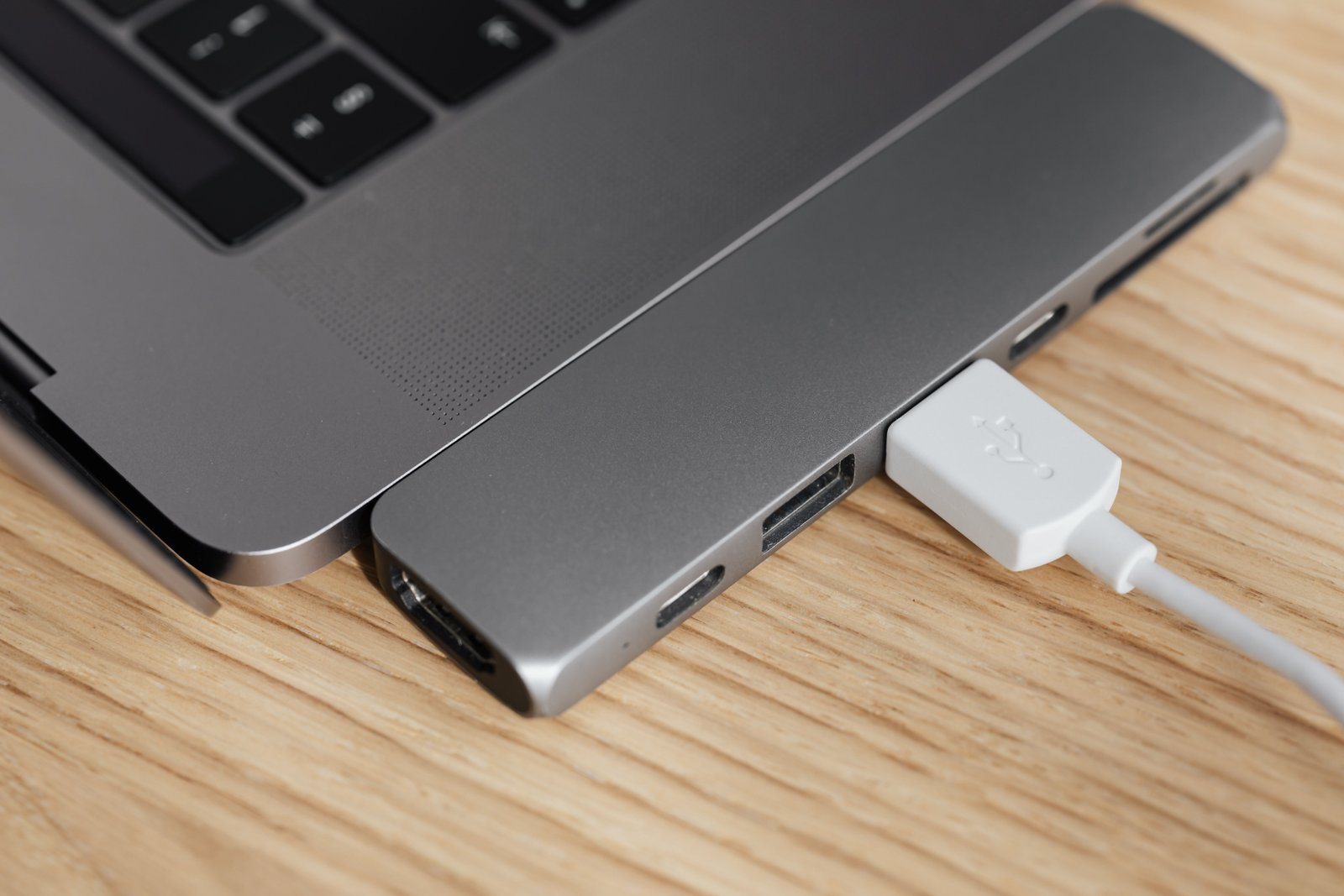
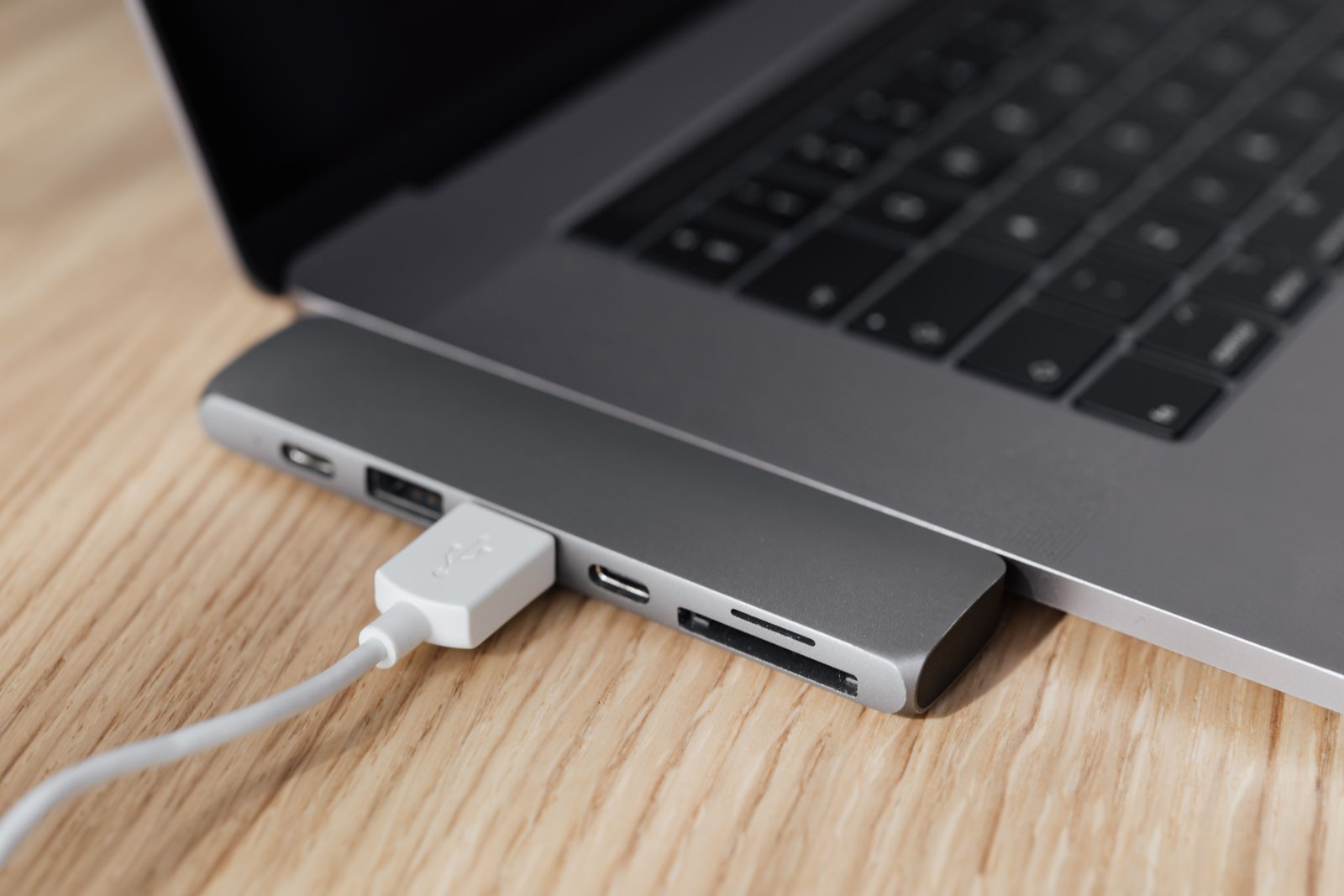
USB-C has become the default connector on modern laptops, phones, tablets, monitors, docks, chargers, storage devices, and accessories. That sounds like the end of cable confusion. In reality, the connector is more universal than the capabilities behind it.
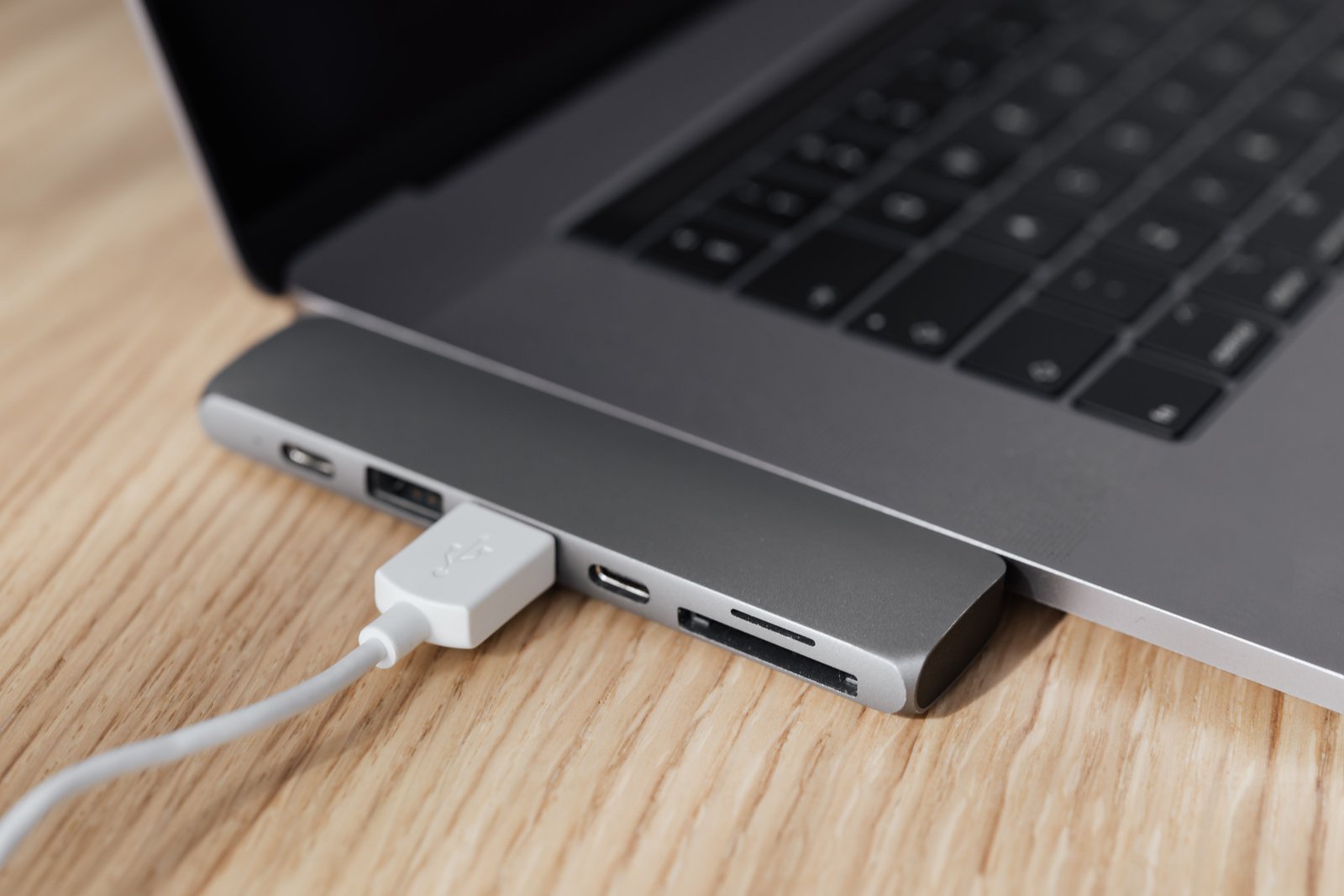
In 2026, the USB ecosystem includes USB4 version 2.0, data links that can reach 80Gbps in supported implementations, USB Power Delivery that can provide up to 240W over properly rated USB-C cables, and a newer USB Type-C cable and connector specification. The USB Implementers Forum’s document library lists USB Type-C Release 2.5 dated April 8, 2026 and USB Power Delivery Revision 3.2 Version 1.2 dated May 20, 2026.
This article explains what USB-C in 2026 means for normal users. The key lesson is simple: the plug shape is standardized, but data speed, video, charging and cable capability still have to be matched.
USB-C Is the Connector
USB-C describes the reversible connector and cable system. It does not, by itself, tell you the maximum data rate, charging wattage, video capability, or whether the port supports USB4 or Thunderbolt.
A USB-C port can be used for:
- USB 2.0 data.
- Faster USB 3.x data modes.
- USB4.
- DisplayPort video.
- Charging and USB Power Delivery.
- Thunderbolt on compatible devices.
- Audio and accessory modes in supported designs.
That flexibility is powerful, but it means consumers have to look beyond the connector shape.
What USB4 v2.0 Changes
USB4 version 2.0 increases the maximum data capability available to certified implementations. The current USB-IF specification supports high-performance links suitable for fast external storage, docks, displays, and other demanding devices.
The USB-IF maintains the official USB document library, where the USB4 v2.0 specification and updated 2026 compliance documents are published.
What 80Gbps means
An 80Gbps-class USB4 connection provides a large amount of link bandwidth, but it does not guarantee that one file will copy at 80 gigabits per second.
Real performance depends on:
- The host controller.
- The peripheral.
- The cable.
- The storage media.
- Protocol overhead.
- Thermal limits.
- Whether display traffic shares the connection.
An external SSD limited by its flash or controller will not become faster simply because the cable link has more bandwidth.
Why Faster USB4 Matters for Docks
Docks have to share one host connection among many devices. A single cable may carry monitor data, external SSD transfers, Ethernet, audio, webcams, and USB peripherals while also delivering power to the laptop.
More link bandwidth gives manufacturers more flexibility to support high-resolution displays and fast peripherals together without forcing as many compromises.
Our USB-C docking station buying guide explains how display support, charging, host capabilities and cables interact in a real desktop setup.
USB Power Delivery Can Reach 240W
USB Power Delivery has grown far beyond phone charging. The USB-IF’s official USB Power Delivery overview explains that the extended power range supports up to 240W through a full-featured USB Type-C cable and connector.
New fixed voltage levels
The extended power range includes higher voltage levels that support power classes up to:
- 140W.
- 180W.
- 240W.
This expands the kinds of devices that can potentially use standardized USB-C charging, including higher-performance laptops and other electronics that previously required separate power connectors.
A 240W Charger Does Not Force 240W Into a Phone
USB Power Delivery is based on negotiation. The source and device communicate about supported power levels.
A compatible phone that needs a much smaller amount of power requests an appropriate profile. A properly implemented 240W-capable charger does not simply push its maximum output into every connected device.
Why this matters for multi-device chargers
A high-output charger can support several devices, but total power is often shared among ports. Plugging in a second device may change the output available to the first port.
Always check the manufacturer’s port-combination table.
The Cable Can Limit Charging

High-power USB-C charging requires cables designed and electronically identified for the relevant power level. A random USB-C cable from an old phone may physically fit but may not support the charging capability of a high-performance laptop.
High-current and extended-power cables can include electronic markers that help devices identify cable capabilities.
Do not assume “USB-C cable” means one specification
Cables can differ in:
- Maximum charging current and power.
- Data speed.
- Video support.
- Length.
- Active or passive electronics.
- USB4 or Thunderbolt certification.
Charging Speed and Data Speed Are Separate
This is one of the biggest sources of confusion. A cable can be excellent for high-power charging but relatively slow for data. Another cable may support very fast USB4 data and also support high charging power, but you need to verify both.
When buying a cable, decide whether the job is:
- Charging only.
- Phone data transfer.
- External SSD use.
- Docking.
- High-resolution display connection.
- High-power laptop charging.
Then choose a cable with clearly documented support for that job.
USB Type-C Release 2.5 in 2026
The USB-IF document library lists USB Type-C Cable and Connector Specification Release 2.5 with an April 8, 2026 date. Standards continue to evolve even though the physical Type-C connector is familiar.
For consumers, this does not mean existing USB-C devices suddenly stop working. It means manufacturers and implementers have current technical requirements covering connectors, cables, interfaces and future product development.
USB Power Delivery Revision 3.2 Version 1.2
The USB-IF document library lists USB Power Delivery Revision 3.2 Version 1.2 dated May 20, 2026.
Consumers do not need to memorize revision numbers, but current standards matter because devices, chargers, test programs and certified products are built around them.
Why USB Branding Changed
USB naming has historically been confusing because technical generation names did not always communicate what users cared about. The USB-IF has increasingly emphasized certified performance logos that communicate data speed or charging capability more directly.
Look for performance, not a vague generation name
When comparing a port or cable, ask:
- What maximum data speed is certified or specified?
- What charging power is supported?
- Does it support video?
- Does it support USB4?
- Is the cable certified for the desired use?
USB4 vs Thunderbolt
USB4 and Thunderbolt share important technical relationships and can offer similar high-performance use cases, but they are not simply interchangeable labels.
A Thunderbolt-certified product follows Intel’s certification and feature requirements for the relevant Thunderbolt generation. A USB4 device follows USB-IF specifications and certification requirements.
For demanding docking or storage, check the exact host and peripheral compatibility rather than assuming that any USB-C cable can expose every feature.
DisplayPort Over USB-C
USB-C can carry DisplayPort video using an alternate mode or through USB4 tunneling in supported configurations.
That allows a single laptop port to connect to monitors and docks, but maximum resolution and refresh rate depend on available bandwidth, GPU capability, display mode, and dock design.
A USB-C monitor can also charge the laptop
Many monitors combine video, USB hub functions and USB Power Delivery. One cable can connect the display while delivering power back to the computer.
This is one of the most practical USB-C use cases because it reduces desk cabling dramatically.
External SSDs and USB4
Fast external SSDs can take advantage of high-bandwidth USB4 connections, particularly for large video, photo and project files.
However, sustained speed depends on flash design and heat. Peak interface speed is not the same as sustained drive performance.
See our external SSD buying guide for a complete explanation of USB, USB4, Thunderbolt, cables and sustained transfers.
Why Cheap Cables Can Cause Strange Problems
A weak or unsuitable cable does not always fail in an obvious way. Symptoms can include:
- A laptop charging slowly.
- A dock falling back to lower data speed.
- External SSD disconnects.
- Monitor flicker.
- No video output.
- Intermittent USB devices.
- High-speed mode working only at certain cable positions.
When troubleshooting a USB-C setup, testing with the manufacturer-supplied cable is one of the first useful steps.
How to Label Your Own Cables
Because USB-C cables look alike, a simple labeling system can save time.
For example
- “240W charge.”
- “USB4 80G.”
- “Dock cable.”
- “Phone charge only.”
- “Monitor USB-C.”
Small reusable cable tags or a labeled storage pouch can prevent the classic situation where an expensive dock appears broken because the wrong cable was used.
What Laptop Buyers Should Check
When comparing laptops in 2026, do not count USB-C ports without reading their specifications.
Check each port for
- USB data speed.
- USB4 support.
- Thunderbolt support if required.
- Display output.
- Charging input.
- Charging output for accessories.
Some laptops have two identical-looking ports with different capabilities.
What Phone Buyers Should Check
Phones may use USB-C for charging but support relatively modest wired data speeds. If you regularly transfer large video files, connect external displays, or use wired desktop modes, check the phone’s actual USB data and video specification.
USB-C Does Not Mean Every Charger Gives Full Fast Charging
Some phone manufacturers use additional charging protocols beyond basic USB Power Delivery. A high-wattage charger may work safely but not deliver the device’s maximum proprietary fast-charging rate.
For broad compatibility, USB PD is an important baseline, but users who care about maximum charging speed should verify the exact device requirements.
A Practical USB-C Compatibility Checklist
- Identify the device’s USB-C port capability.
- Identify the peripheral’s required data rate.
- Check whether video is needed.
- Check required charging wattage.
- Choose a cable rated for both data and power needs.
- Use certified cables for high-performance applications.
- Check dock and display compatibility.
- Test with the included cable before troubleshooting hardware.
- Update device firmware and operating systems.
- Label high-performance cables.
Frequently Asked Questions
Does every USB-C cable support 240W?
No. High-power charging requires a cable designed and rated for the appropriate USB Power Delivery level. Check the cable specification.
Does every USB-C cable support 80Gbps?
No. Data capability varies widely. An 80Gbps USB4 setup requires compatible host hardware, device hardware and cable capability.
Is USB4 the same as USB-C?
No. USB-C is the connector type. USB4 is a data and protocol specification that can operate through USB-C.
Why does my USB-C laptop charge slowly?
The charger may provide too little power, the cable may not support the required level, a multi-port charger may be sharing power, or the laptop may require a proprietary charger under heavy load.
Conclusion
USB-C in 2026 is more capable than ever. USB4 can provide enormous data bandwidth, USB Power Delivery can support devices up to 240W, and one connector can handle data, displays and charging.
The remaining challenge is knowing what each port and cable actually supports. Read the performance specifications, match the cable to the task, and do not treat identical connector shapes as identical capabilities. When the host, peripheral, charger and cable are matched correctly, USB-C finally delivers the one-cable simplicity it has always promised.