Android 17 Features in 2026: U.S. Pixel Rollout, Samsung Updates, Privacy and Security
Updated October 24, 2026 for U.S. and Tier‑1 readers: Android 17 reached supported Pixel phones in June, but exact availability still depends on model, region and carrier. This guide explains how to check your own phone safely rather than assuming every Android device is on the same release schedule.
Android 17 moved from beta to release on June 16, 2026, when Google made it available on most supported Pixel devices. Other eligible Android devices are expected to receive it throughout 2026, depending on manufacturer and carrier schedules.
This guide focuses on the practical user-facing changes Google has documented: multitasking, screen recording, privacy, theft protection, foldable gaming and the broader move toward adaptive large-screen apps.
Android 17 Rollout Status in the U.S., U.K. and Canada
Google says Android 17 began rolling out first to Pixel on June 16, 2026. The Android Developers Blog says the release is available on most supported Pixel devices and that Android 17 source code is available through AOSP. Samsung, OnePlus, Motorola and other manufacturers follow their own update schedules, and U.S. carrier variants may receive firmware after an unlocked model. A phone being eligible does not mean every carrier or country receives Android 17 on the same day.
Bubbles make multitasking more flexible
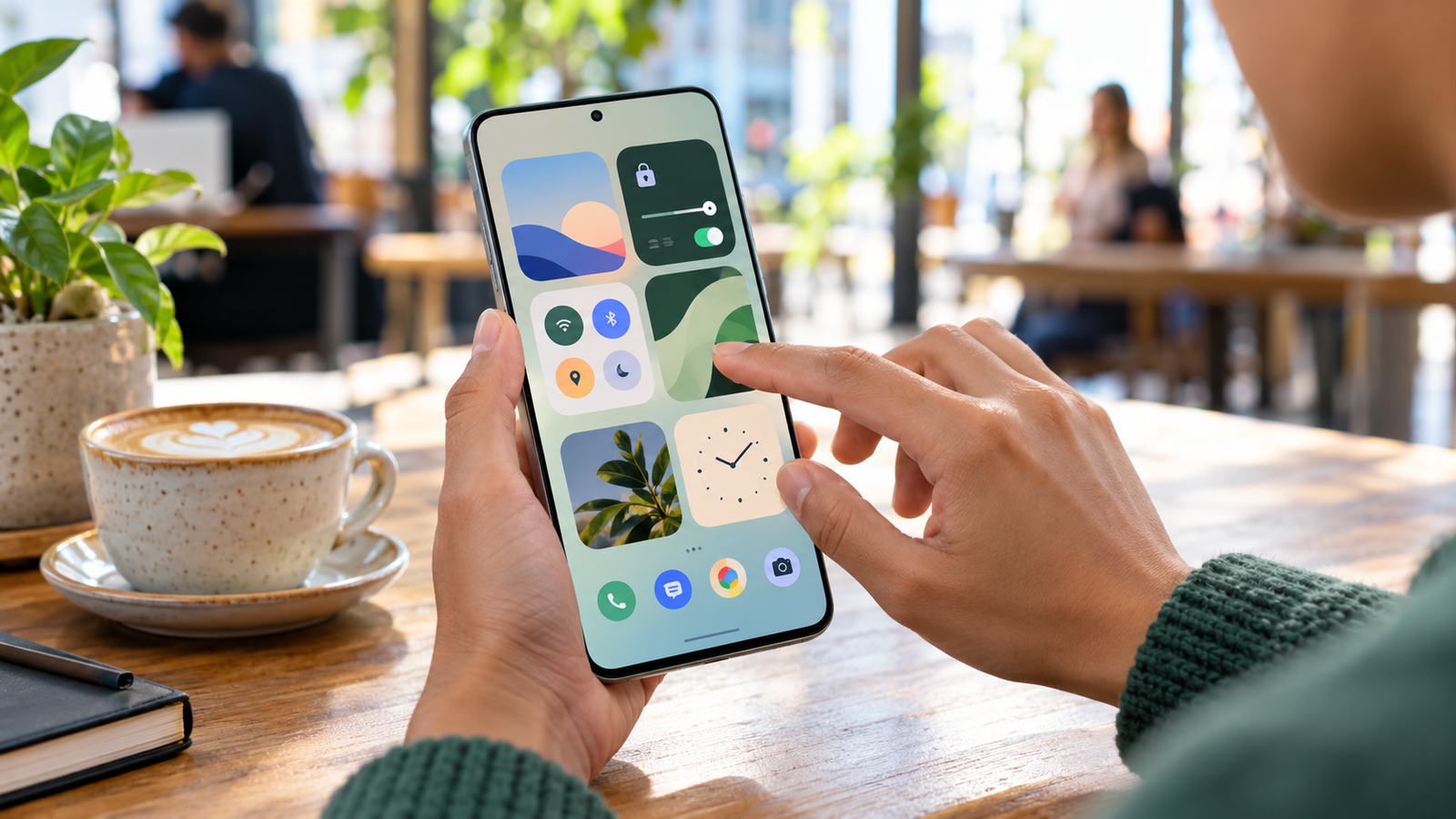
Android 17 expands floating Bubbles so apps can be kept in a small movable window while you work in another app. This can be useful for messages, notes, timers and other tasks that need quick access without a full app switch.
The feature is most useful when you keep it selective. Turning every app into a floating surface can create the same clutter that multitasking is supposed to solve.
Screen recording and reactions
Google added tools that make it easier to record the screen and your reaction at the same time. That can help creators, teachers, support teams and people making app walkthroughs. Before recording, close private notifications and use sample data because screen recordings can capture information you did not intend to share.
Temporary location access
Android 17 adds stronger controls around app data and includes temporary location access in Google’s user-facing privacy improvements. The idea is straightforward: an app may need your location for a short task without requiring an open-ended permission forever.
After upgrading, review location permissions for delivery, travel, shopping and social apps. “Allowed all the time” should be reserved for apps that genuinely need background access.
Stolen-device security
Google says Android 17 includes enhanced security features to help lock a lost or stolen device and protect app data. These controls work best when the basics are already configured: a strong screen lock, account recovery information, Find My Device and current security updates.
Foldable gaming improvements
Android 17 includes gaming improvements for foldable devices, allowing games and interfaces to make better use of changing screen layouts. Google is also pushing developers toward adaptive-first design, which should reduce the number of apps that look like stretched phone interfaces on large screens.

Performance changes are not a universal speed promise
Android 17 includes platform work around memory and app behavior, but users should not assume every phone becomes dramatically faster after updating. Performance depends on the device, manufacturer software, storage health, apps and background services. Evaluate your own battery life and responsiveness over several days after the update completes.
How to Check Android 17 on a U.S. Carrier Phone
Open Settings and find the software update screen. On Pixel, this is usually under System; Samsung and other brands may label it Software update. Record the exact model and build number before installing. An unlocked phone and the same model sold by Verizon, AT&T or T-Mobile may not show an update simultaneously.
Before you install
Use a trusted Wi-Fi connection, keep the battery charged, check free space, and make sure your Google account recovery and backup settings work. If you depend on a work profile, mobile payment, authenticator app or hearing-aid pairing, check vendor compatibility notes.
What if Android 17 is not offered?
Do not download an unknown firmware package just because a search result says your phone is compatible. Check your phone maker’s U.S. support page and carrier update tracker. The manufacturer build and security patch level matter more than a generic article’s estimated release date.
What to do after updating
- Install pending Play system and security updates.
- Review location, camera and microphone permissions.
- Check notification settings for apps you rarely use.
- Test banking, authentication and work apps.
- Verify backups and Find My Device.
- Try Bubbles only for apps where it saves time.
- Review screen-recording privacy before sharing clips.

Should U.S. Pixel and Samsung Users Install Android 17 Now?
If your supported Pixel offers the stable release and your critical apps are compatible, Android 17 is a normal platform update rather than an experimental beta. For managed work devices, follow your organization’s rollout policy. For other manufacturers, wait for the stable build provided for your exact model and region rather than sideloading an unrelated package.
October 2026 update: how to verify Android 17 availability
Android 17 was released on June 16, 2026 and began its rollout on eligible Pixel devices. Google says other manufacturers’ eligible devices receive the release on different schedules through 2026. Do not assume that a Samsung, Xiaomi, OnePlus or other Android phone already has Android 17 simply because the Android platform release is available.
To check safely, open Settings > System > Software update (the wording varies by brand), confirm your model and region, and install only manufacturer-issued stable updates. Before updating, review banking apps, backup status, free space and security-patch level. In Android 17, Bubbles can place apps in floating windows; the most useful workflow is to enable them selectively instead of leaving many floating apps open. Google’s official feature overview is here.
FAQ: Does every Android 17 phone get the same features?
No. The hardware, manufacturer interface, app compatibility and staged feature launches affect what each user sees. Some Gemini features may also depend on the device and account.
What to Prioritize: Privacy, Security or Performance?
For families sharing devices, review app location access and screen recording before trying new features. For a small business, test enterprise app sign-in, VPN, managed work profiles and backup recovery first. For students and creators, Bubbles and recording tools may be more useful than small benchmark gains.
Android feature availability varies by hardware and software layer. For example, a Google platform feature may appear differently on Samsung’s interface. Carrier certification and monthly security updates can also affect the practical experience. Google’s June 2026 platform release post is a reliable starting point, while your device maker is the source for exact-model rollout.
Official sources checked
Related GetTechDose guides
Frequently Asked Questions
When was Android 17 released?
Google released Android 17 on June 16, 2026 and began rolling it out to most supported Pixel devices.
Will every Android phone get Android 17?
No. Eligibility and timing depend on the phone manufacturer, model, carrier and region.
What is one of the most visible Android 17 features?
Expanded Bubbles multitasking is one of the most noticeable changes, alongside new recording, privacy, security and foldable features.