External SSD Buying Guide 2026: Speed, USB4, Durability and Real-World Performance
External SSDs are now fast enough to handle much more than occasional file copies. Creators use them for photo and video projects, developers carry code and virtual machines, gamers move large libraries, and everyday users rely on portable SSDs for backups and fast transfers between computers.

The problem is that advertised speed can be misleading when the drive, cable, computer port, thermal design, and workload do not match. This external SSD buying guide for 2026 explains how to choose a portable solid-state drive based on real use instead of the biggest number on the package.
Start With Your Main Workload
Backup and general storage
Reliability, capacity, price, and broad compatibility matter more than maximum benchmark speed.
Photo and video editing
Sustained transfer performance, fast interfaces, thermal behavior, and a durable enclosure become more important.
Large project files
Developers, designers, and researchers may benefit from faster random access and high sustained throughput.
Travel
Compact size, shock resistance, a short reliable cable, and environmental protection can matter as much as speed.
Understand the Interface First
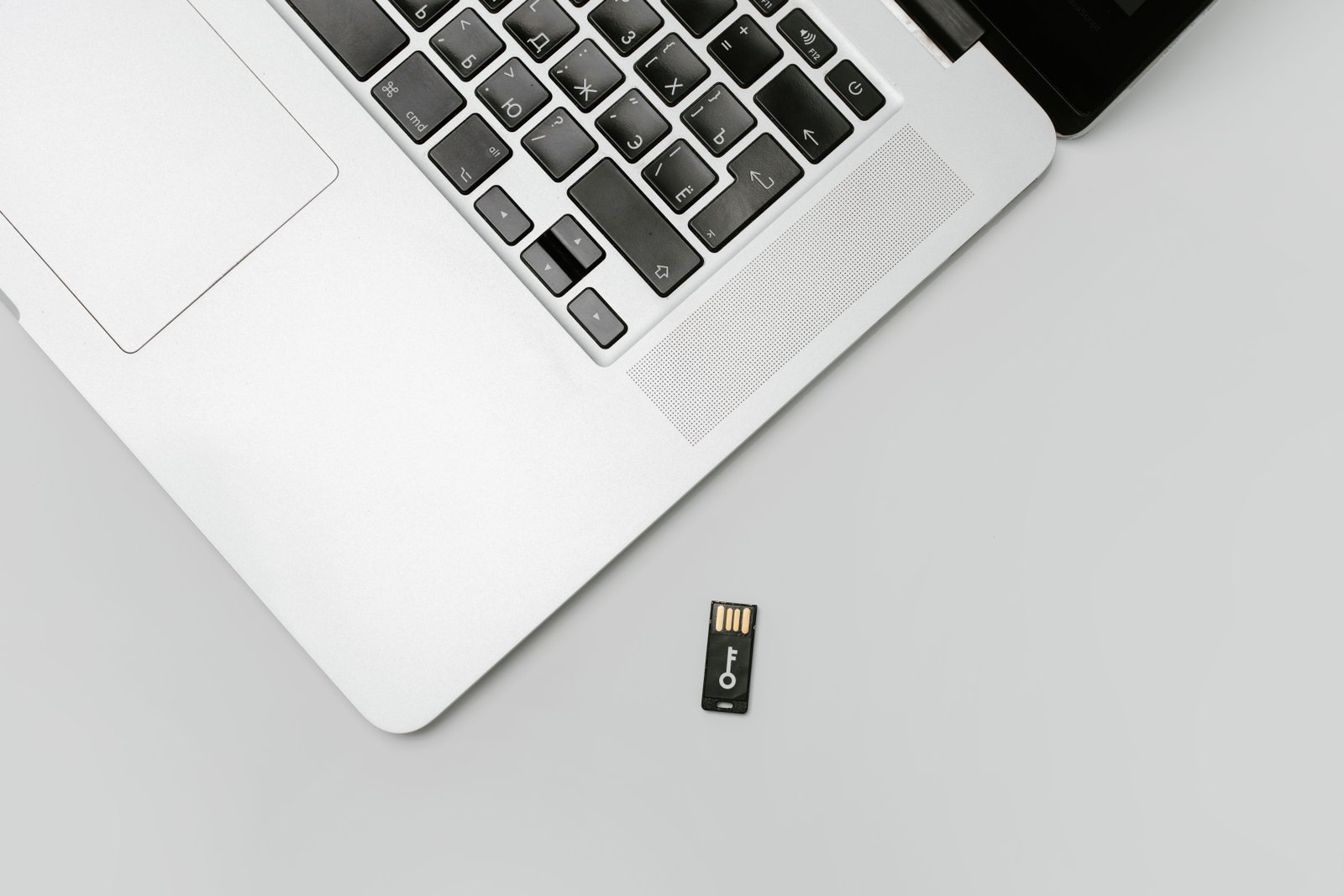
An SSD cannot transfer data faster than the slowest part of the connection. The drive interface, enclosure, cable, and computer port all matter.
USB 5 Gbps and 10 Gbps class connections
These are widely compatible and fast enough for general storage, backups, and many creative workflows.
Higher-speed USB connections
Some drives use faster USB modes that can offer significantly more bandwidth when connected to a compatible host port.
USB4 and Thunderbolt
Premium drives can use USB4 or Thunderbolt-class connectivity for very high throughput. These drives only make sense if your computer supports the interface and your workload can use the extra speed.
The USB Implementers Forum publishes official information on USB standards and certified branding. Intel provides official information about Thunderbolt technology.
The USB-C Connector Does Not Tell You the Speed
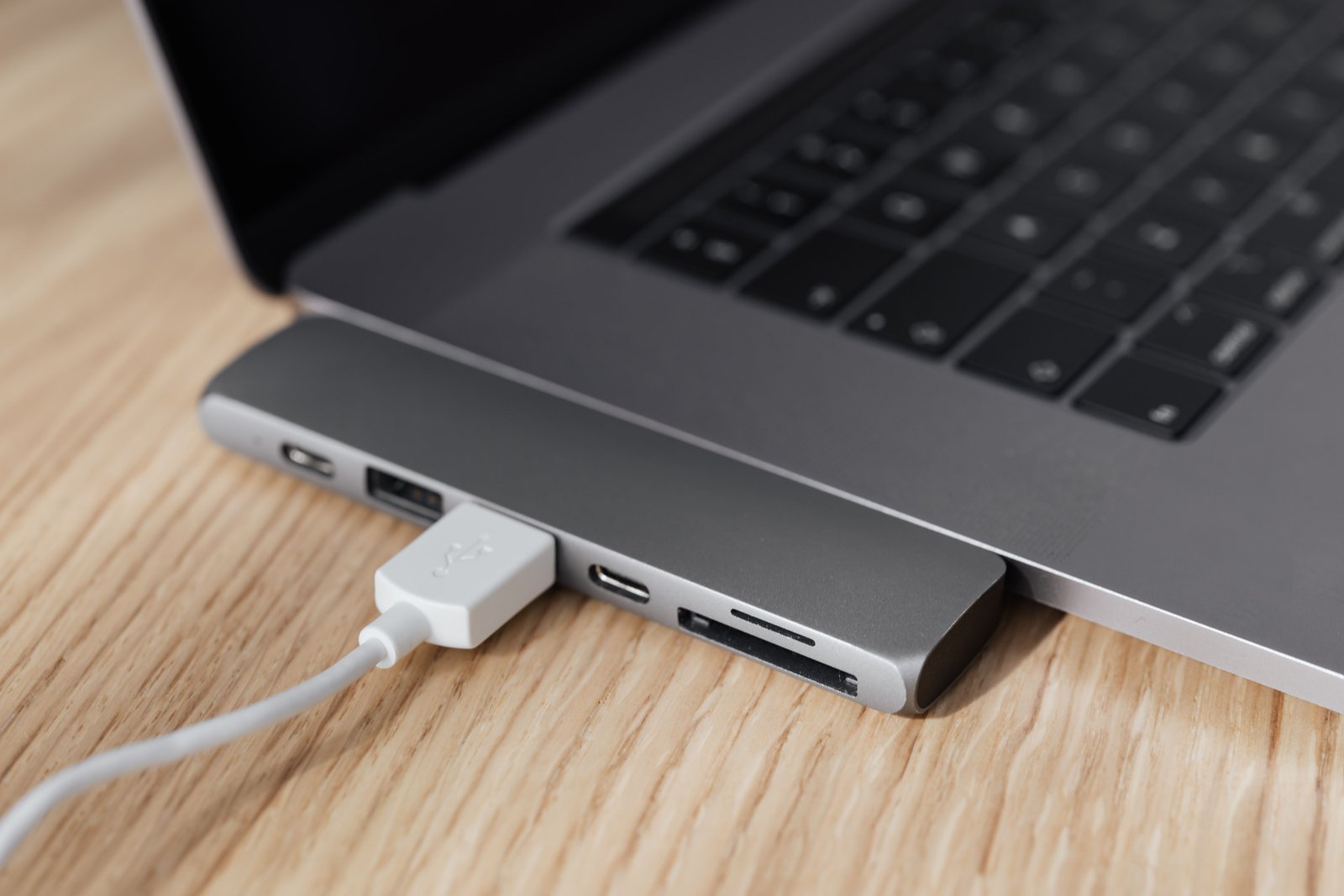
A USB-C port can support several different data rates. A USB-C cable can also be designed mainly for charging and offer lower data performance.
Check the exact port specification on your laptop or desktop. If you connect a premium SSD to a slower port, the drive will work at the slower link rate.
Advertised Speed vs Sustained Speed
Manufacturers often advertise peak sequential read or write performance under ideal conditions. Real transfers can behave differently.
Why speed drops
- The drive’s fast cache fills.
- The SSD controller becomes hot.
- The host port is slower.
- The cable limits performance.
- You are copying many small files instead of one large file.
- The destination drive is slower.
If you routinely copy hundreds of gigabytes, sustained write performance matters more than a short benchmark peak.
Capacity: Leave Room to Grow
External SSDs are available in a wide range of capacities. Choose based on your current data plus expected growth.
Estimate by workload
- Documents and general files use relatively little space.
- RAW photos consume more.
- 4K and higher-resolution video can consume storage very quickly.
- Game libraries can contain individual titles that require large amounts of space.
- Backups may need capacity for multiple versions.
A nearly full SSD may also perform differently from an emptier drive depending on its design and workload.
NVMe Inside Does Not Guarantee Fast External Performance
Many portable SSDs use NVMe flash storage internally, but the external interface can still limit the speed. A very fast internal SSD connected through a slower USB bridge will behave like a slower external drive.
Evaluate the complete product, not only the internal storage technology mentioned in marketing.
Thermal Throttling
High-speed SSD controllers generate heat. A compact drive may reduce speed during a long transfer to stay within safe operating temperatures.
Who should care most
- Video editors moving large projects.
- People using the drive as active workspace.
- Users transferring hundreds of gigabytes at once.
- High-speed USB4 or Thunderbolt users.
Independent sustained-transfer testing can be more informative than a short synthetic benchmark.
Durability and Environmental Protection
A travel drive may be exposed to drops, dust, moisture, and cable strain. Some portable SSDs advertise ingress-protection ratings or rugged enclosures.
Check the exact rating and what it covers. “Rugged” is a broad marketing word; an official IP rating has a defined meaning.
The International Electrotechnical Commission explains the IP rating system used for protection against solids and water.
Hardware Encryption and Password Features
Some external SSDs include encryption or password software. These features can be useful for sensitive files, but the implementation matters.
For very sensitive data, use security methods approved by your organization and make sure you understand recovery. Encryption that cannot be recovered after losing a key or password can protect data from attackers and from you.
File System Compatibility
The file system determines which operating systems can read and write the drive and affects features such as permissions and maximum file sizes.
Cross-platform sharing
ExFAT is commonly used when a drive needs broad read/write compatibility between Windows and macOS, although it lacks some features of platform-native file systems.
Windows-focused use
NTFS offers Windows-oriented features and is commonly used for Windows storage.
Mac-focused use
APFS is Apple’s modern file system for current macOS storage workflows.
Choose based on your devices and backup software. Reformatting erases data, so copy important files elsewhere first.
External SSDs for Backup
An SSD can be an excellent fast backup destination, but one external drive should not be the only copy of important data.
A good backup plan keeps multiple copies and separates at least one copy from the main computer. The CISA ransomware guidance discusses backups as part of resilience against ransomware and data loss.
External SSD vs External Hard Drive
| Feature | External SSD | External HDD |
|---|---|---|
| Speed | Much faster | Slower |
| Moving parts | No | Yes |
| Drop tolerance | Generally better | More vulnerable while operating |
| Cost per TB | Higher | Lower |
| Best fit | Active work and portable use | Large economical archives |
Many people use SSDs for active projects and hard drives or cloud storage for larger secondary backups.
Can You Edit Video Directly From an External SSD?
Often yes, if the drive provides enough sustained performance for the media format and the computer interface supports the speed.
High-bitrate multicamera, RAW, or professional workflows can require much more bandwidth than basic compressed 4K video. Check the codec data rate and test your own project.
External SSDs for Gaming
Support varies by platform. PCs can generally use external storage flexibly, while game consoles may have specific rules about which games can run directly from external USB storage.
Check the console manufacturer’s current storage documentation before buying a drive specifically for console expansion.
Cable Quality Matters
Use the included cable during initial testing. If you need a replacement, choose one rated for the drive’s data speed.
A cable that supports high-wattage charging does not automatically support the fastest data mode, and a long cable may have different capabilities than a short certified cable.
How to Test a New External SSD
- Confirm the drive firmware and utility software if the manufacturer provides them.
- Connect directly to the fastest compatible computer port.
- Use the included cable.
- Copy one large file.
- Copy a folder containing many small files.
- Run a longer transfer to check sustained speed.
- Monitor whether the drive becomes unstable or disconnects.
- Test sleep and wake behavior.
- Test on a second computer if cross-platform use matters.
- Verify backups by restoring a sample file.
How to Compare Value Instead of Only Price
When two drives have similar capacity, compare the complete ownership experience. Look at warranty length, sustained performance, included cable quality, management software, hardware encryption options, thermal behavior, and whether the enclosure is designed for frequent travel. A slightly more expensive drive can be better value if it avoids throttling, disconnects, or compatibility problems in the workflow you use every day.
Also check the cost per usable terabyte rather than the sticker price alone. If you expect your project library to grow quickly, buying enough headroom now may be cheaper than replacing a smaller drive after only a few months.
Common External SSD Mistakes
- Buying speed your computer cannot use: check the host port.
- Using the wrong cable: data rating matters.
- Judging only by peak benchmarks: sustained performance matters for large transfers.
- Using one SSD as the only backup: maintain multiple copies.
- Ignoring file system compatibility: choose before loading the drive with data.
- Assuming rugged means waterproof: check the actual IP rating.
Buying Checklist
- Capacity.
- Host computer port speed.
- Drive interface.
- Sustained performance.
- Cable type.
- File system needs.
- Ruggedness.
- Encryption requirements.
- Warranty.
- Backup strategy.
- Operating-system compatibility.
- Size and weight.
Frequently Asked Questions
Is an external SSD faster than a USB flash drive?
High-quality external SSDs are generally much faster and better suited to sustained large transfers, although performance varies widely by product.
Do I need USB4 for an external SSD?
No. USB4 is useful for very high-speed workloads, but a 10 Gbps-class portable SSD is already fast for many backups, documents, photos, and everyday transfers.
Can I use one SSD with Windows and Mac?
Yes, if you choose a file system both platforms can read and write or use appropriate software. ExFAT is a common cross-platform choice for general file exchange.
How long do external SSDs last?
Lifespan depends on flash endurance, controller quality, workload, temperature, physical treatment, and other factors. Keep backups because no storage device should be treated as permanent.
Conclusion
The best external SSD in 2026 is the one that matches your computer’s interface and your real workload. A premium drive cannot outperform the port, cable, or destination connected to it.
Prioritize capacity, sustained speed, compatibility, durability, and backup planning. Those factors will matter every day long after the first benchmark test is forgotten.