Webcam Buying Guide 2026: 1080p vs 4K, HDR, Autofocus, AI Tracking and Privacy
A good webcam can improve meetings, teaching, streaming and recorded tutorials, but resolution is only one part of image quality. In 2026, autofocus, HDR, exposure, lens field of view, AI tracking, microphones and privacy controls can matter more than a 4K label.
Updated September 2026. This guide uses current manufacturer specifications and focuses on real buying criteria rather than claiming hands-on testing of every model.
1080p is still enough for many meetings
For Teams, Zoom and browser meetings, a well-lit 1080p image is often more useful than a noisy or poorly exposed 4K image. 4K becomes valuable when you crop into the frame, record higher-quality content, need extra detail or want more flexibility for reframing.

Current reference point: Logitech Brio 4K
Logitech’s current Brio 4K supports Ultra HD 4K at 30 fps, 1080p at up to 60 fps and 720p at up to 90 fps. It also includes autofocus, HDR-oriented RightLight 3 processing and Windows Hello support through optical and infrared sensors.
Those specifications illustrate why frame rate and exposure are worth considering alongside resolution. A smoother 1080p60 feed may be preferable to 4K30 for motion-heavy demonstrations or presentations.
AI tracking is useful when you move
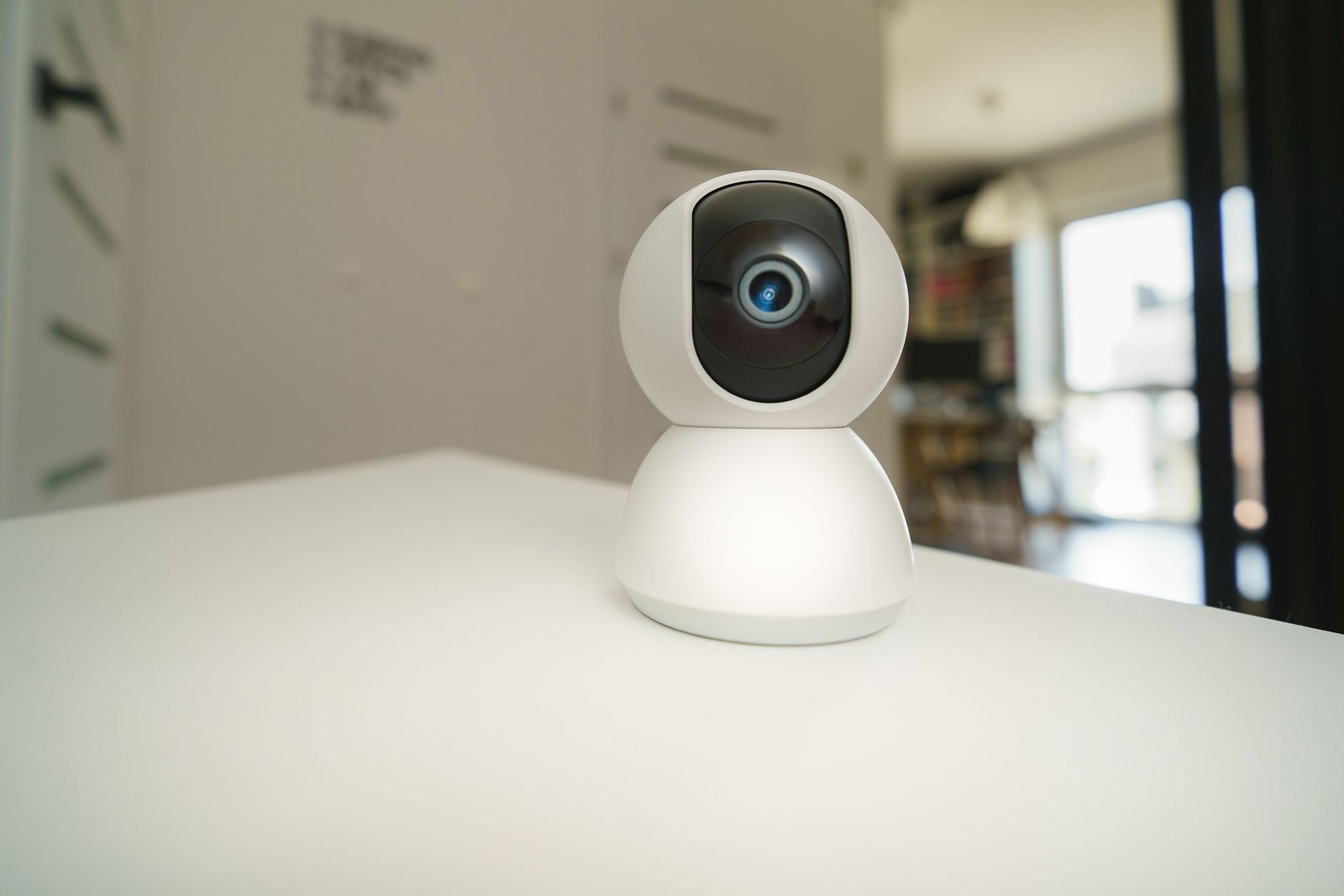
Motorized or software-driven tracking can keep a presenter framed while they move around a room. Insta360’s current Link 2 Pro supports AI Tracking with single and group modes. Its Link 2C Pro uses Auto Framing instead of motorized AI tracking, so products in the same family can behave differently.
Autofocus should be fast but not distracting
For normal desk use, the camera should lock reliably on your face without constant focus hunting. If you frequently hold products, handwritten notes or electronics close to the lens, test how quickly the webcam shifts focus and returns to your face.
HDR and lighting
HDR can help in high-contrast scenes, such as sitting near a bright window, but it cannot fix poor lighting completely. A soft light placed near eye level can make a bigger improvement than moving from one premium webcam to another.
Place the camera close to eye level and avoid a strong window directly behind you. Automatic exposure works best when your face is not competing with a much brighter background.
Built-in microphone or separate mic?
Webcam microphones are convenient for casual calls, but a headset or dedicated microphone usually provides more consistent voice quality, especially in echo-prone rooms. If the camera is mounted far from you, microphone distance becomes an even bigger problem.
Privacy controls
A physical shutter provides clear visual reassurance that the lens is blocked. Also review operating-system camera permissions and remove access from applications that do not need it. For AI-tracking webcams, check whether tracking zones or pause areas can limit movement outside your intended workspace.
USB bandwidth and compatibility
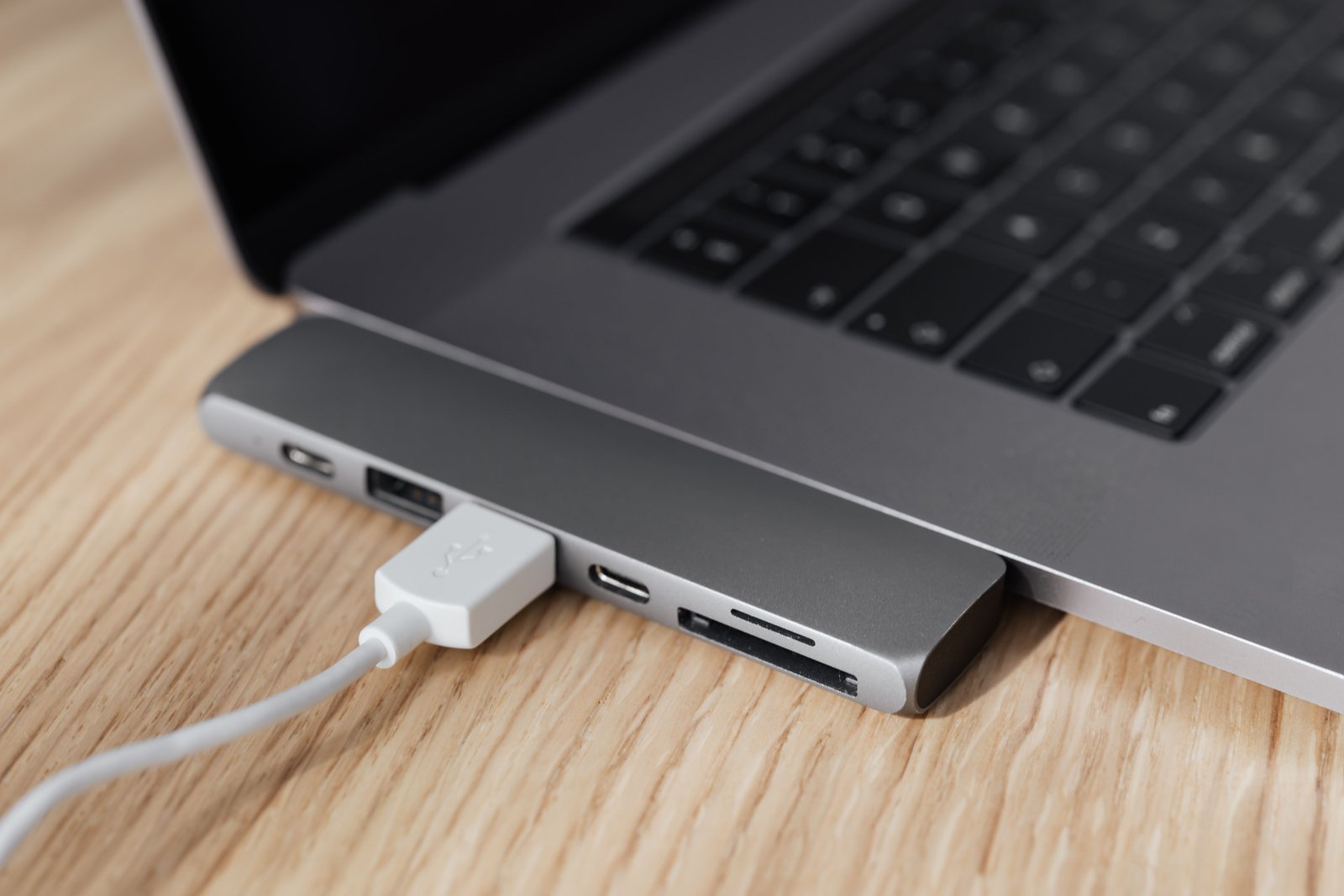
Higher resolutions and frame rates require more data. Use the cable supplied with the camera, connect through an appropriate USB port and avoid overloaded low-quality hubs. If the webcam is part of a docking setup, test it alongside your external displays and storage devices to catch bandwidth or sleep/wake issues.
Webcam buying checklist
- 1080p60 for smooth general use or 4K if cropping/detail matters.
- Reliable autofocus.
- Good exposure and HDR for difficult lighting.
- Field of view that fits one person or a meeting room.
- AI tracking only if movement is part of your workflow.
- Physical privacy shutter where possible.
- Compatible mounting and cable length.
- Strong software support without requiring constant background apps.
Official sources checked
Related GetTechDose guides
- Best Screen Recording Software in 2026
- Noise-Canceling Headphones Buying Guide
- USB-C Docking Station Buying Guide
Frequently Asked Questions
Do I need a 4K webcam?
Not for every meeting. 1080p with good lighting is often excellent. 4K helps when you crop, record content or need more detail.
Is AI tracking useful?
Yes for teachers, presenters and demonstrations where you move. A fixed desk user may not need it.
Is the webcam microphone good enough?
It can be for casual calls, but a good headset or dedicated microphone usually sounds clearer and more consistent.