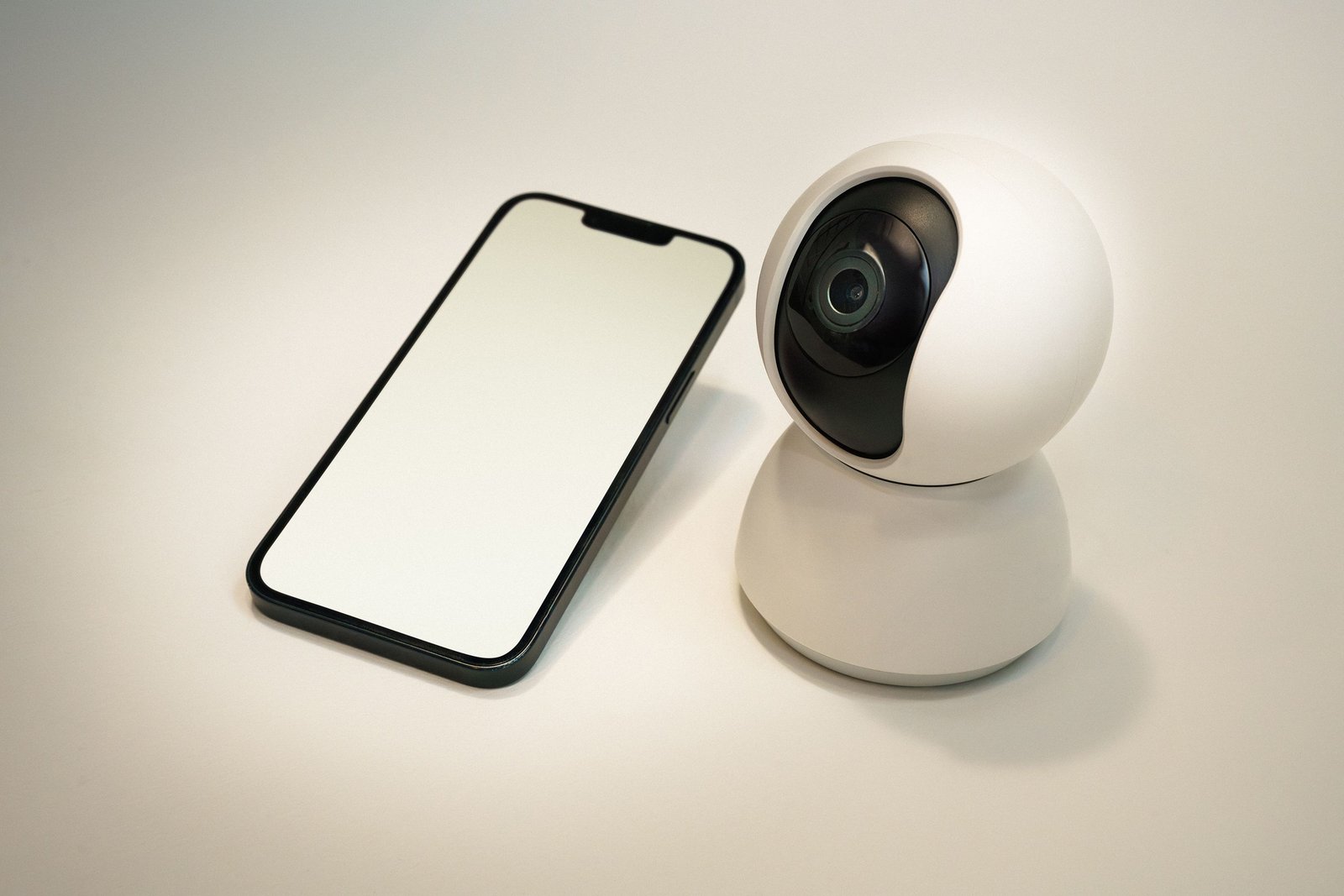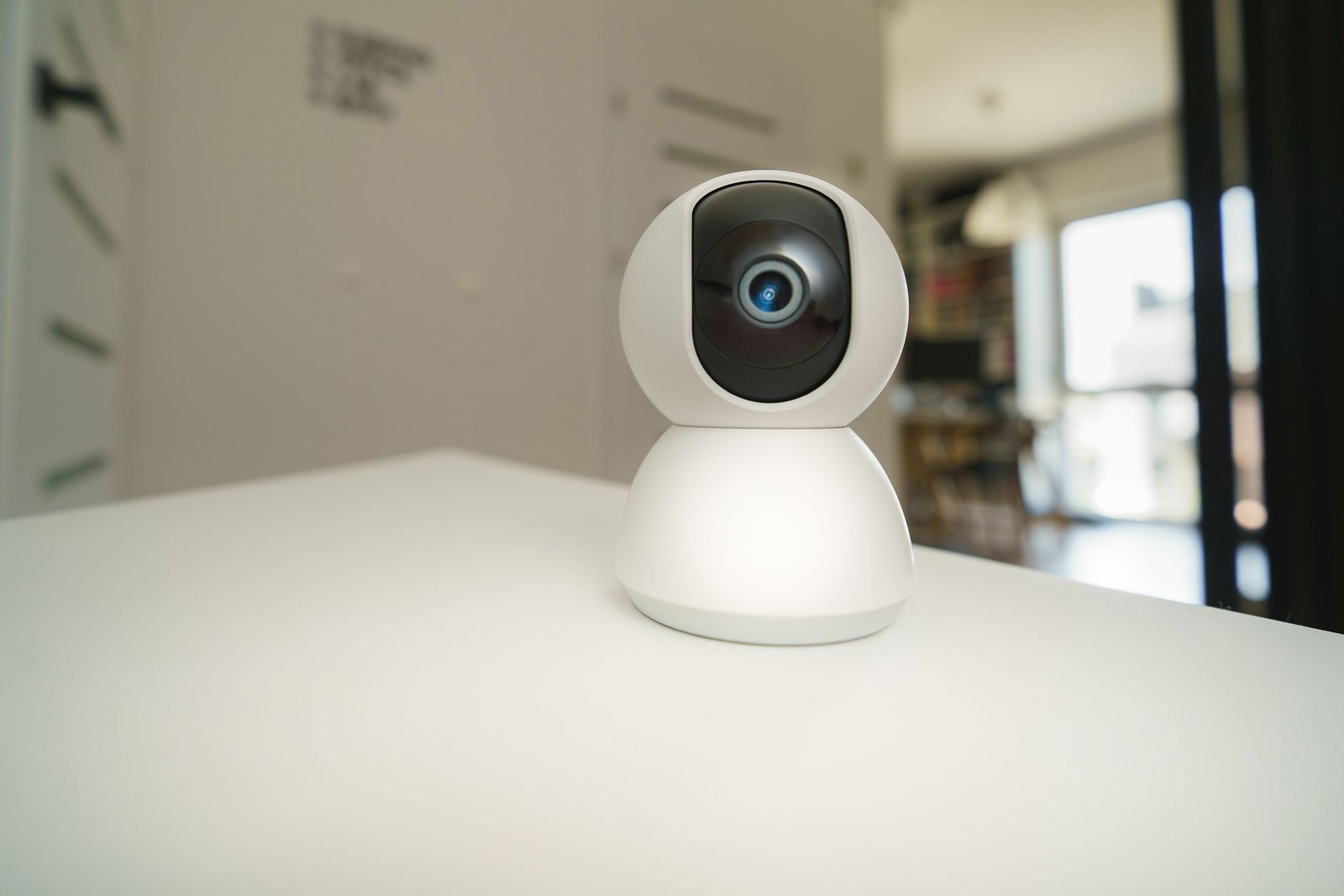
Smart Home Security Camera Buying Guide 2026: Privacy, Storage, Wi-Fi and Detection Explained
Smart home security cameras can help you check a front door, watch a driveway, receive package alerts, monitor a garage, or review what happened while you were away. They are also internet-connected cameras placed around some of the most private parts of your life, so choosing one should involve more than image resolution and a sale price.
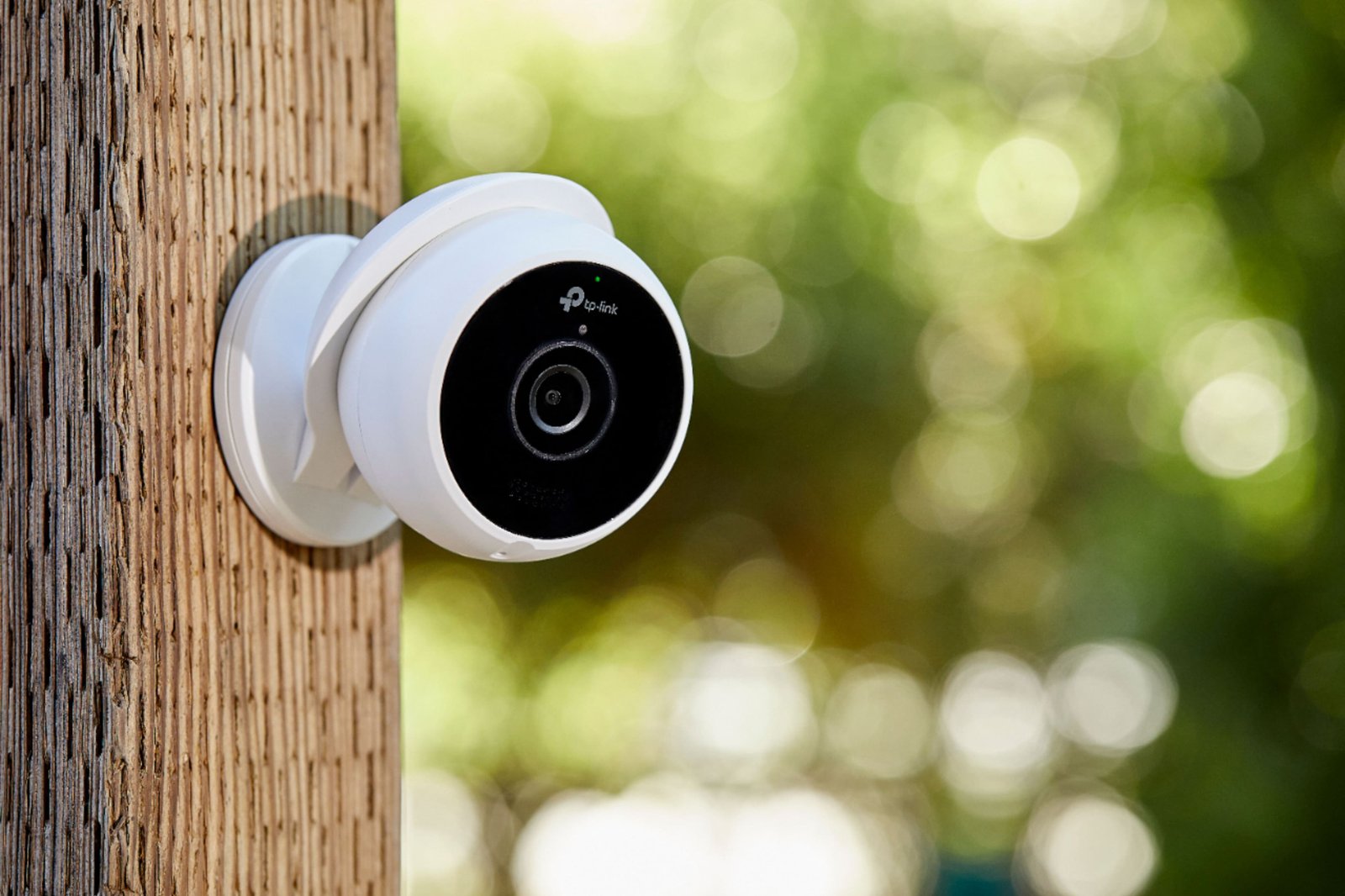
This smart home security camera buying guide for 2026 focuses on the features that matter most for U.S. households: privacy, account security, local and cloud storage, subscriptions, power, Wi-Fi reliability, detection quality, night performance, and long-term support.
First Decide What You Want to Monitor
Front door
You may care most about person detection, package alerts, two-way audio, wide vertical coverage, and quick notifications.
Driveway
Longer detection range, weather resistance, good night performance, and vehicle alerts become more important.
Backyard
Wide coverage, motion zones, outdoor durability, and avoiding false alerts from trees or animals matter.
Indoor common area
Privacy controls, physical shutters, local recording options, and clear rules about when the camera is active can be especially important.
Garage
Low-light performance, Wi-Fi reach, power access, and temperature tolerance matter.
Resolution: More Pixels Are Not the Whole Story
1080p, 2K, 4K, and other labels describe image resolution, but usable security video also depends on lens quality, bitrate, compression, lighting, dynamic range, and motion handling.
A higher-resolution camera with aggressive compression may not show more useful detail than a well-tuned lower-resolution camera.
Look for real examples
Independent daytime and nighttime footage is more informative than a specification sheet. Pay attention to faces, license plates at realistic distances, shadows, backlighting, and moving subjects.
Field of View
A wide lens covers more area but can make distant subjects appear smaller. A narrower view may provide more detail at a specific point such as a gate or driveway entrance.
Choose the camera position first, then select a field of view that covers the important area without wasting most of the frame on sky, walls, or the neighbor’s property.
Wired Power vs Battery Cameras
Wired power
Wired cameras can record more consistently because they do not need to conserve battery. They are a good choice when an outlet or low-voltage power source is available.
Battery power
Battery cameras are easier to install and can be placed where wiring is difficult. They often use motion-triggered recording and power-saving behavior.
Solar charging
Optional solar panels can reduce battery maintenance in locations with adequate sunlight. Performance depends on climate, camera activity, panel placement, and season.
Continuous Recording vs Event Recording
Event recording saves clips when motion or another trigger is detected. Continuous recording captures a full timeline.
Continuous recording can be useful for important locations because you do not depend entirely on motion detection, but it requires more storage, bandwidth, and often wired power.
Local Storage vs Cloud Storage
Local storage
Video may be stored on a microSD card, base station, network recorder, or NAS. This can reduce dependence on a subscription and may keep more footage inside the home network.
Cloud storage
Cloud recording can protect footage even if a camera is stolen or damaged and can make remote access easier. It normally depends on the provider’s service, account, internet connection, and subscription terms.
Hybrid storage
Some systems offer both local and cloud options, which can provide flexibility.
Read the current product documentation carefully because recording limits, retention periods, and subscription features can change.
Subscription Costs Matter
A low-cost camera may become expensive over several years if the features you need require a monthly plan.
Check which features require payment
- Cloud recording.
- Longer video history.
- Person or package detection.
- Advanced AI alerts.
- Multiple-camera plans.
- Emergency or professional monitoring integrations.
Calculate the total cost for three years instead of looking only at the camera purchase price.
Motion Detection and Smart Alerts
Good alerts should tell you about events you care about without sending a notification every time a branch moves.
Useful detection categories
- Person.
- Vehicle.
- Package.
- Animal.
- General motion.
Detection accuracy varies by camera, lighting, angle, distance, and software. Treat AI detection as a filter, not perfect evidence.
Activity Zones
Activity zones let you focus detection on a door, driveway, walkway, or gate while ignoring a street, tree, or neighbor’s yard.
This can dramatically reduce false alerts and unnecessary recording.
Night Vision
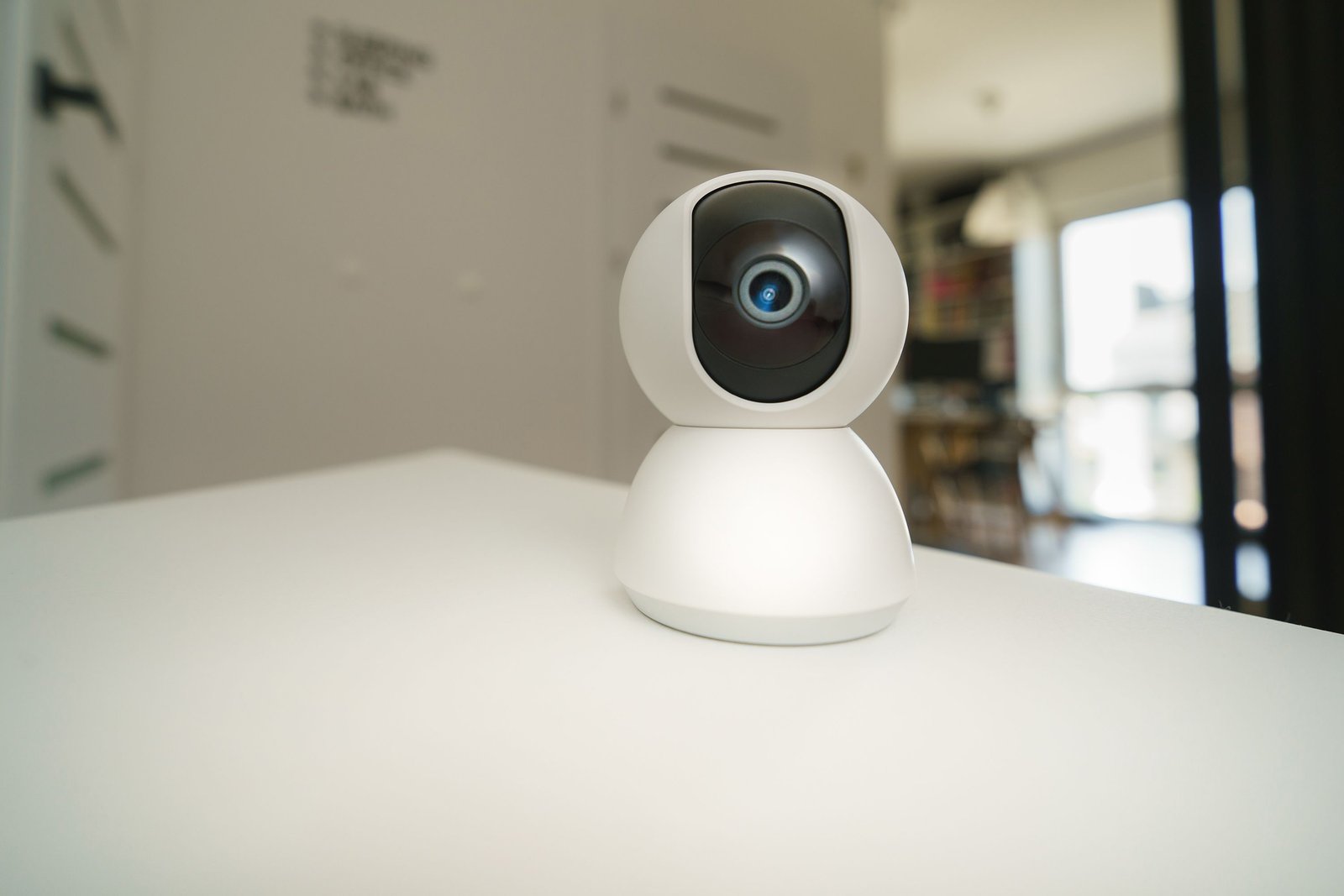
Cameras may use infrared night vision, visible spotlights for color video, or a combination.
Infrared
Infrared can provide discreet black-and-white night video without a bright visible light.
Color night video
A built-in spotlight can provide color information, but visible light may draw attention and consume more power.
Test the camera where it will actually be installed. Reflections from windows, walls, rain, insects, or nearby surfaces can affect night footage.
Two-Way Audio
A microphone and speaker allow you to talk to visitors, delivery drivers, or family members through the app.
Audio quality can be affected by wind, distance, and network latency. If this is important, test real sample recordings.
Wi-Fi Reliability
A camera with weak Wi-Fi may produce delayed alerts, missing clips, slow live view, or frequent offline status.
Before installation
- Stand at the planned camera location with your phone.
- Check whether Wi-Fi is stable.
- Test the same band the camera uses if possible.
- Consider a mesh node or wired option for weak locations.
- Avoid mounting the camera first and troubleshooting signal later.
For home-network planning, our Wi-Fi 7 router buying guide explains mesh and backhaul concepts.
2.4 GHz vs 5 GHz
Many smart-home devices continue to use 2.4 GHz because it can provide good range and wall penetration. Some cameras support 5 GHz for higher throughput at shorter distances.
Do not assume a 5 GHz-only design is automatically better outdoors. Reliable coverage matters more than the band name.
Outdoor Weather Resistance
Outdoor cameras should have a documented operating-temperature range and weather-protection rating appropriate for the installation.
The IEC explanation of IP ratings describes how ingress-protection codes relate to solids and water.
Mounting under an eave can still improve protection even when the camera is rated for outdoor use.
Account Security Is Critical
A camera account may provide live access to your home. Protect it accordingly.
Use
- A unique password.
- Multifactor authentication when offered.
- Updated mobile apps.
- Current camera firmware.
- Separate user accounts instead of sharing one login when supported.
The CISA Secure Our World program provides practical guidance on strong passwords, MFA, phishing, and software updates.
Privacy Settings to Review
Before installing indoor or outdoor cameras, review what gets recorded, who can access it, and what is shared with cloud services.
Check for
- Physical privacy shutter if desired.
- Geofencing or schedules.
- Microphone disable control.
- Camera disable control.
- Local-only modes where supported.
- Sharing permissions.
- Data-retention controls.
The FTC privacy and security resources are useful general references for understanding consumer-data practices.
Think About Neighbors and Public Areas
Position cameras to cover your property and security needs without unnecessarily recording neighboring windows, private areas, or spaces unrelated to your property.
Local laws can vary, especially around audio recording and expectations of privacy. If you have a legal question about a specific installation, check current local rules or qualified guidance.
Smart Home Ecosystem Compatibility
If you already use Apple Home, Google Home, Amazon Alexa, or another smart-home platform, check how the camera integrates.
Possible features include live view on smart displays, voice commands, automation triggers, and unified notifications.
Compatibility can change, so verify current support on both the camera manufacturer’s and ecosystem provider’s official pages.
Doorbell Camera vs Security Camera
| Feature | Video doorbell | Security camera |
|---|---|---|
| Visitor interaction | Excellent | Varies |
| Mounting location | Door area | Flexible |
| Vertical package view | Often prioritized | Depends on lens |
| Wide property coverage | Limited | Better options |
| Best use | Front-door activity | Driveway, yard, interior, garage |
How to Test a New Camera
- Update firmware before mounting.
- Enable MFA on the account.
- Test live view.
- Walk through detection zones during the day.
- Test at night.
- Test rain or windy conditions if possible.
- Check notification delay.
- Test two-way audio.
- Review storage and clip retrieval.
- Verify what happens if the internet goes down.
Common Security Camera Mistakes
- Buying by resolution alone: lens and processing matter.
- Ignoring subscription cost: calculate long-term ownership.
- Mounting in weak Wi-Fi: test signal first.
- Using a reused password: protect the camera account.
- Ignoring privacy settings: review audio, sharing, and recording behavior.
- Expecting perfect AI detection: false positives and misses can happen.
Buying Checklist
- Indoor or outdoor use.
- Resolution and sample quality.
- Field of view.
- Wired or battery power.
- Local and cloud storage.
- Subscription requirements.
- Detection categories.
- Activity zones.
- Night vision.
- Two-way audio.
- Wi-Fi requirements.
- Weather rating.
- MFA support.
- Privacy controls.
- Smart-home compatibility.
Frequently Asked Questions
Do security cameras work without a subscription?
Some do, especially models with local storage. Others reserve cloud history or advanced detection features for paid plans. Check current product details before buying.
Is local storage more private than cloud storage?
Local storage can keep more footage under your direct control, but privacy also depends on account security, app design, network security, and whether the camera still communicates with cloud services.
Are battery cameras reliable?
They can be excellent for event-based monitoring. Wired cameras are often better for continuous recording and high-activity locations because they do not need to conserve battery.
Can security cameras be hacked?
Any internet-connected device can face security risk. Use unique passwords, MFA, software updates, trusted products, and secure home-network practices to reduce risk.
Conclusion
The best smart home security camera in 2026 is the one that provides useful footage and alerts without creating unnecessary privacy, subscription, or connectivity problems.
Choose the location first, test Wi-Fi, compare storage and subscription terms, protect the account with MFA, and review privacy controls before mounting the camera permanently. Good security starts with the system around the camera, not only the camera itself.