Mechanical Keyboard Buying Guide 2026: Switches, Layouts, Wireless and Hot-Swap Explained
Mechanical keyboards are no longer a niche product for enthusiasts. They are now common in offices, gaming setups, home desks, and creative workstations because they offer a wide range of layouts, switch feels, wireless options, customization, and repairability.

The downside is choice. A product page can mention linear switches, tactile switches, hot-swap sockets, gasket mounts, PBT keycaps, 2.4 GHz wireless, Bluetooth, polling rates, and programmable layers without explaining which features actually matter for you.
This mechanical keyboard buying guide for 2026 breaks those decisions into practical steps for U.S. buyers who want a keyboard that feels good, fits the desk, and remains comfortable for long-term use.
Start With Layout, Not Switches
Layout determines how many keys you have and how much desk space the keyboard uses. Choose this first because it affects everything else.
Full-size
A full-size keyboard includes the number pad, function row, navigation cluster, and arrow keys. It is useful for spreadsheets, accounting, data entry, and users who rely on dedicated keys.
Tenkeyless
Tenkeyless, or TKL, removes the number pad while keeping most other dedicated keys. It provides more mouse space without requiring many shortcuts.
75%
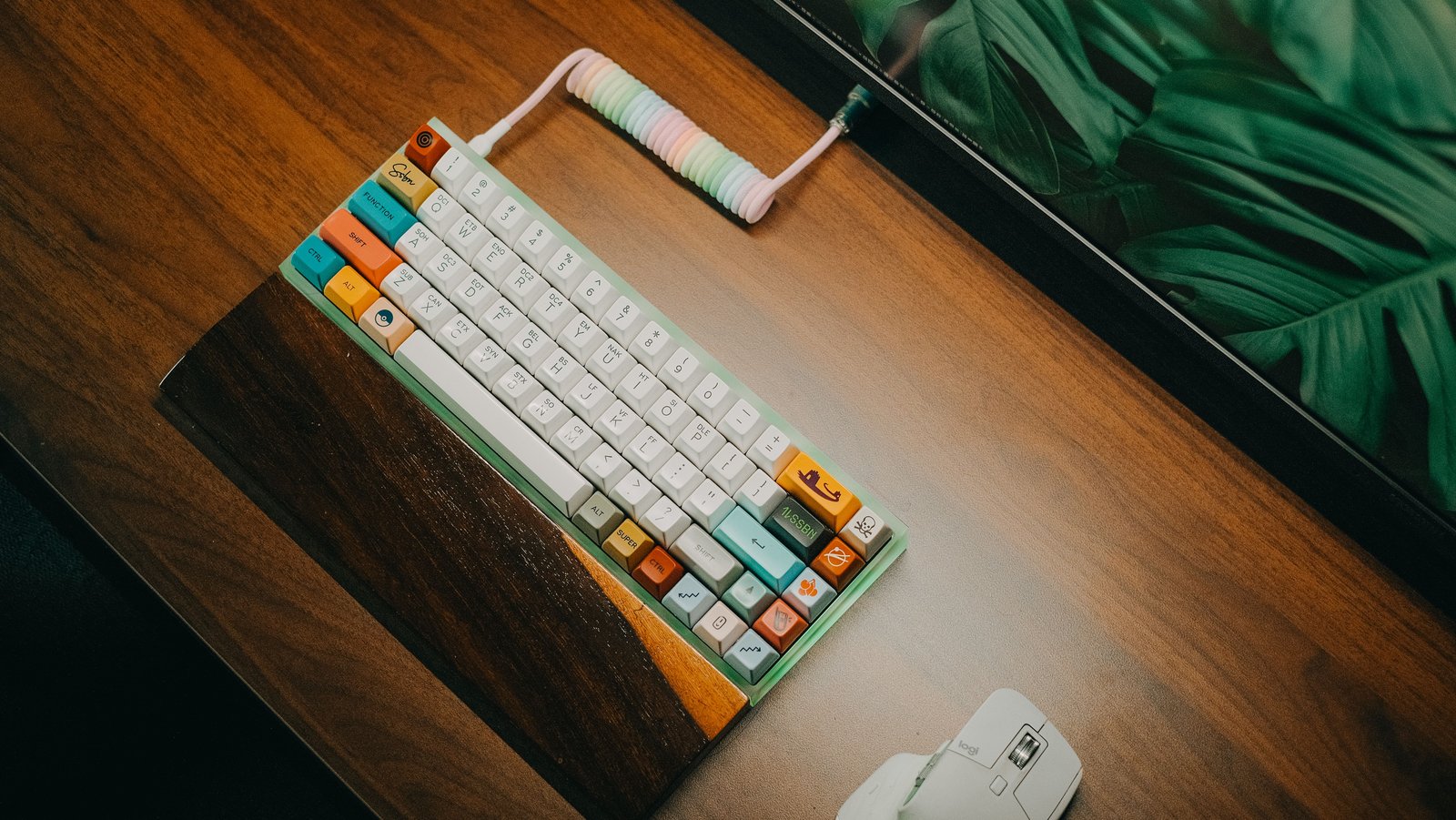
A 75% layout keeps the function row and arrow keys in a tighter design. It is a popular balance between compact size and dedicated controls.
65%
A 65% board usually keeps arrow keys but removes the function row and some navigation keys. It saves significant desk space while remaining practical for many users.
60% and smaller
Very compact layouts rely heavily on layers and shortcuts. They are portable and leave maximum mouse space, but there is a learning curve.
Mechanical Switch Types
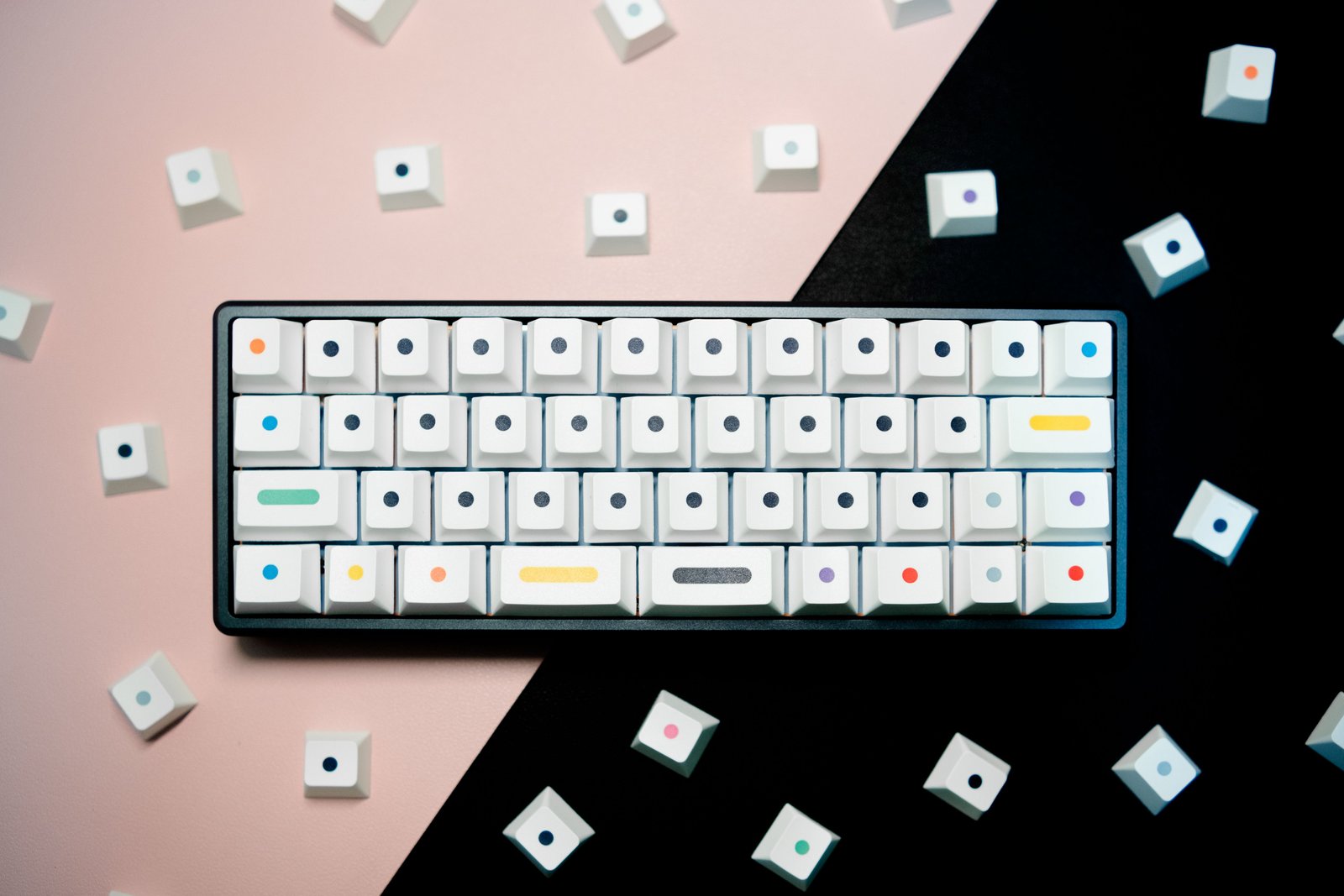
Switches determine much of the key feel and sound. The three broad categories are linear, tactile, and clicky.
Linear switches
Linear switches move smoothly without a tactile bump. Gamers often like them, but they can also be comfortable for typing if you prefer a smooth feel.
Tactile switches
Tactile switches provide a noticeable bump during the press. Many typists like the feedback because it indicates actuation without requiring a click sound.
Clicky switches
Clicky switches add an audible click along with tactile feedback. They can be satisfying but may be distracting in shared offices, calls, or quiet homes.
Switch Weight Matters
Switches also differ in how much force is required. Very light switches can feel fast but may lead to accidental presses. Heavy switches can feel deliberate but may fatigue some users during long typing sessions.
If possible, test a few switches before buying. A small switch tester can be more informative than reading dozens of descriptions.
Hot-Swap: One of the Most Useful Features
A hot-swappable keyboard lets you replace compatible switches without soldering. This is valuable even if you do not consider yourself an enthusiast.
Why hot-swap matters
- You can change switch feel later.
- A failed switch can be replaced easily.
- You can experiment without buying a new keyboard.
- The keyboard may remain useful longer.
Check socket compatibility because not every hot-swap board accepts every mechanical switch format.
Keycap Material: ABS vs PBT
ABS keycaps
ABS is common and can produce bright colors and sharp legends. Lower-quality ABS can develop a shiny surface with use, although premium ABS sets can be excellent.
PBT keycaps
PBT is valued for texture and resistance to shine. It is common on enthusiast-oriented and premium boards.
Material is only one factor. Keycap thickness, profile, texture, and legend quality also affect the experience.
Keycap Profiles
Keycaps come in different shapes and heights. Some profiles are sculpted row by row, while others are uniform.
If you type for long periods, the profile can affect comfort and wrist angle. There is no universal best profile, so personal preference matters.
Wired, Bluetooth or 2.4 GHz Wireless?
Wired
A wired connection is simple, reliable, and does not require battery management. It is a good choice for permanent desks and low-latency gaming.
Bluetooth
Bluetooth is convenient for laptops, tablets, and switching between several devices. Latency can be higher than dedicated wireless modes, though it is usually fine for normal typing.
2.4 GHz wireless
A dedicated USB receiver can provide low-latency wireless performance suitable for gaming and responsive desktop use.
Many modern keyboards support all three modes.
Battery Life
Wireless battery life depends on battery capacity, RGB lighting, polling behavior, wireless mode, sleep settings, and usage.
To extend battery life
- Reduce or disable RGB lighting.
- Use automatic sleep.
- Lower brightness.
- Use Bluetooth for basic typing if appropriate.
- Charge before travel.
Gaming Features
Gaming keyboards may advertise high polling rates, rapid-trigger technology, analog sensing, macro functions, or very low-latency wireless.
Competitive players can benefit from lower input latency, but everyday users should not overpay for features they will never notice.
Hall Effect and Magnetic Switches
Hall Effect keyboards use magnetic sensing rather than traditional mechanical electrical contacts. They can support adjustable actuation points and rapid-trigger behavior.
These features can be valuable for competitive gaming and users who want customizable actuation. For ordinary office typing, a traditional mechanical board may be simpler and less expensive.
Sound: More Than Just the Switch
Keyboard sound depends on the switches, keycaps, plate material, case, mounting style, stabilizers, desk surface, and internal damping.
A “silent” switch can reduce noise, but the entire keyboard design still matters.
Gasket Mounts and Other Mounting Styles
Enthusiast keyboards often describe how the internal plate and PCB are mounted in the case. Gasket-style designs use softer material between parts to create a more cushioned feel and change sound.
Mounting style can affect typing feel, but it should not outweigh basics such as layout, switches, stability, software, and comfort.
Stabilizers
Large keys such as the spacebar, Enter, Shift, and Backspace use stabilizers. Poor stabilizers can rattle or feel uneven.
Well-tuned stabilizers often make a bigger perceived quality difference than exotic case materials.
Keyboard Software
Software may control RGB, macros, remapping, layers, profiles, and firmware.
Look for
- Reliable remapping.
- Onboard memory if you move between computers.
- Clear firmware updates.
- Ability to use basic functions without keeping software running.
- Support for open configuration standards where relevant.
Some enthusiast keyboards support QMK or VIA-style remapping ecosystems, which can offer powerful customization. Check the exact product documentation because support varies.
Ergonomics: Mechanical Does Not Automatically Mean Comfortable
A mechanical keyboard can still cause discomfort if it is too tall, too wide, or used with a poor wrist position.
Comfort tips
- Keep the keyboard low enough that wrists are not bent upward sharply.
- Use a smaller layout if a full-size board pushes the mouse too far away.
- Take regular movement breaks.
- Adjust chair and desk height.
- Consider a wrist rest if it supports a neutral position during pauses.
For workplace ergonomics information, the OSHA Computer Workstations eTool provides U.S. guidance on workstation setup.
Mechanical Keyboard for Office Use
For shared offices, prioritize quieter switches, good wireless reliability, stable keycaps, and a layout that supports your work.
Clicky switches may be fun at home but irritating to coworkers or audible on video calls.
Mechanical Keyboard for Gaming
Competitive gaming priorities can include low latency, consistent switches, reliable wireless, high polling, rapid trigger, and a compact layout that leaves mouse space.
For casual gaming, comfort and general build quality usually matter more than chasing the highest technical specification.
Mechanical Keyboard for Programming
Programmers often benefit from comfortable tactile or linear switches, easy remapping, arrow keys, and a layout that keeps commonly used symbols accessible.
A 75% or TKL layout is a common balance because it retains function keys and navigation without taking as much desk width as full-size.
How to Test a Keyboard Before the Return Window Ends
- Type a full page of normal work.
- Use the keyboard for several hours.
- Test every key.
- Check stabilizers.
- Switch wireless modes.
- Test sleep and wake.
- Try device switching.
- Check software and firmware.
- Listen to the keyboard during a video call recording.
- Confirm the layout does not create shortcut frustration.
Common Mechanical Keyboard Mistakes
- Choosing switches by color name alone: switch naming varies by manufacturer.
- Buying a tiny layout without considering shortcuts: compact boards require adaptation.
- Ignoring keyboard height: ergonomics matter.
- Assuming expensive means quiet: sound depends on the entire build.
- Buying clicky switches for a shared office: consider coworkers.
- Ignoring software quality: remapping and firmware can affect long-term use.
Buying Checklist
- Layout.
- Switch type.
- Switch weight.
- Hot-swap support.
- Keycap material.
- Wired or wireless modes.
- Battery life.
- Gaming requirements.
- Software and remapping.
- Keyboard height.
- Sound level.
- Warranty.
- Replacement keycap compatibility.
Frequently Asked Questions
Are mechanical keyboards better for typing?
Many people prefer the feel and consistency, but comfort is personal. Switch choice, keycap profile, layout, and desk ergonomics matter more than the word “mechanical.”
What switch is best for office work?
Quiet tactile or linear switches are often a practical choice for shared offices. Avoid very loud clicky switches unless your environment allows them.
Is hot-swap worth it?
Yes for many buyers. It makes repairs and switch changes much easier and can extend the useful life of the keyboard.
Is 2.4 GHz better than Bluetooth for gaming?
A good dedicated 2.4 GHz connection generally targets lower latency than Bluetooth. For normal typing, Bluetooth is usually convenient and sufficient.
Conclusion
The best mechanical keyboard in 2026 is not the one with the most enthusiast terminology. It is the one with the right layout, switch feel, connectivity, software, and comfort for your actual work.
Start with layout and ergonomics, then choose switches and features. A simple, reliable keyboard that feels good for hours will deliver more value than a complicated board you bought for specifications you never use.