Mini PC Buying Guide 2026: Intel Core Ultra, Ryzen AI, RAM, Ports and Local AI
Mini PCs have become capable enough for office work, development, home servers, media, light creative work and increasingly local AI workloads. The difficult part in 2026 is that two systems with similar-looking processor names can differ dramatically in cooling, upgradeability, ports and sustained performance.
Updated September 2026. This guide uses current Intel and AMD platform information and focuses on buying criteria rather than unverified benchmark claims for individual mini PCs.
2026 processor landscape: Core Ultra Series 3 and Ryzen AI 400
Intel launched Core Ultra Series 3, code-named Panther Lake, in January 2026. Intel says the platform powers more than 200 PC designs and top mobile SKUs include up to 50 NPU TOPS. AMD expanded Ryzen AI 400 and Ryzen AI PRO 400 into desktop processors in March 2026, widening the range of compact AI-capable systems.
CPU class matters more than the marketing label
For web, office and media use, a modern efficient processor is usually enough. Developers, creators and users running several virtual machines should prioritize higher sustained multicore performance and adequate cooling. A mini PC can advertise the same processor family as a larger computer but run it at a different sustained power level.
Look for independent reviews that report long-duration performance and fan noise, not only short benchmark bursts.
How much RAM should you buy?
16 GB is a sensible floor for a general-purpose 2026 Windows or Linux mini PC. 32 GB is the better value target for development, creative tools, large browser workloads, containers or local AI experimentation. These are practical recommendations rather than hardware requirements.
Check whether memory is socketed or soldered. A cheaper system with two accessible SO-DIMM slots may have a longer useful life than a slightly faster sealed model.
Storage: one M.2 slot or two?
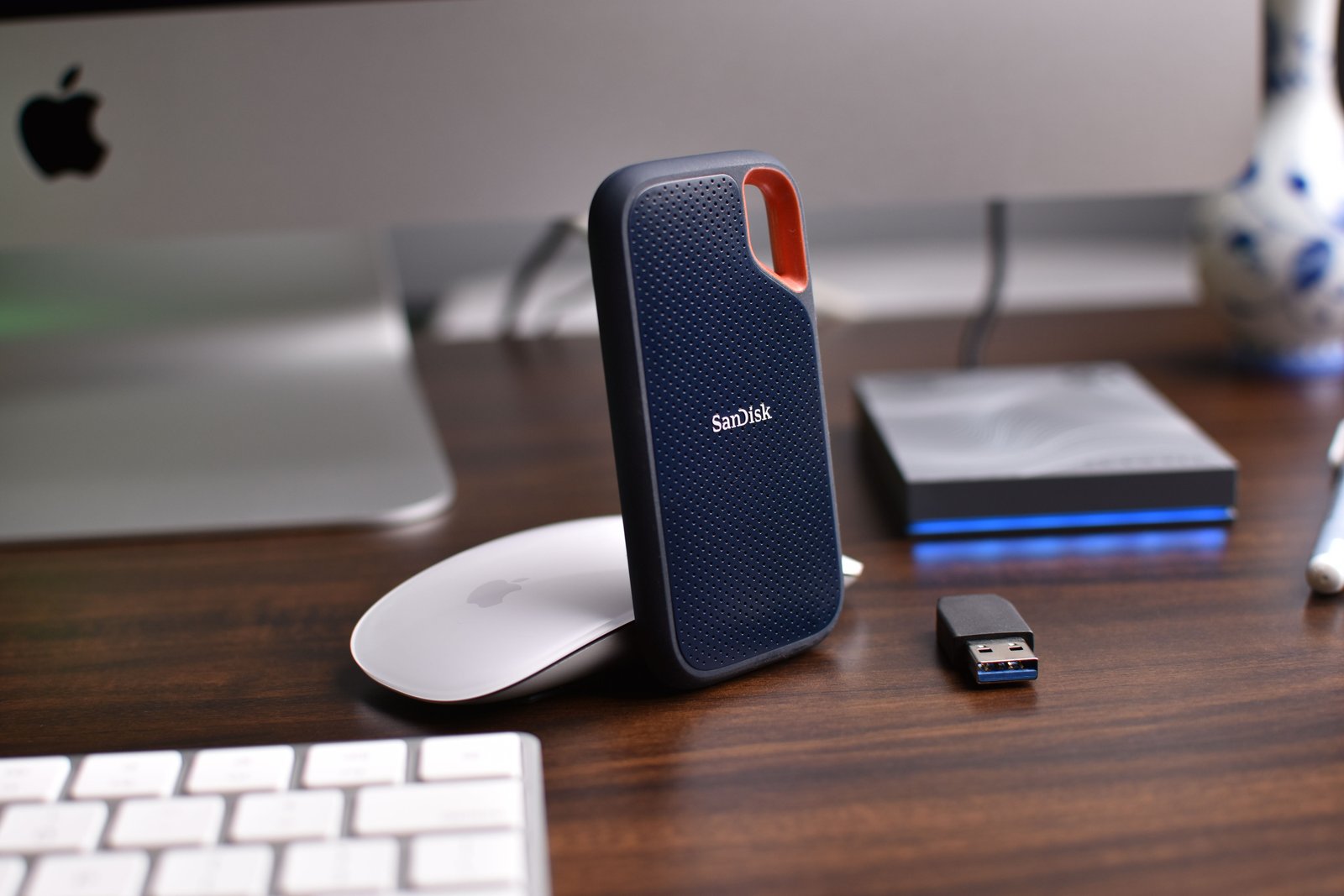
A 1 TB NVMe SSD is a comfortable starting point for many users, but developers and creators can fill it quickly. Check the number of M.2 slots, PCIe generation, supported drive lengths and whether replacing the factory SSD affects warranty or recovery partitions.
A second internal slot is especially valuable for separating operating-system storage from project, media or virtual-machine data.
Ports determine whether a mini PC stays mini
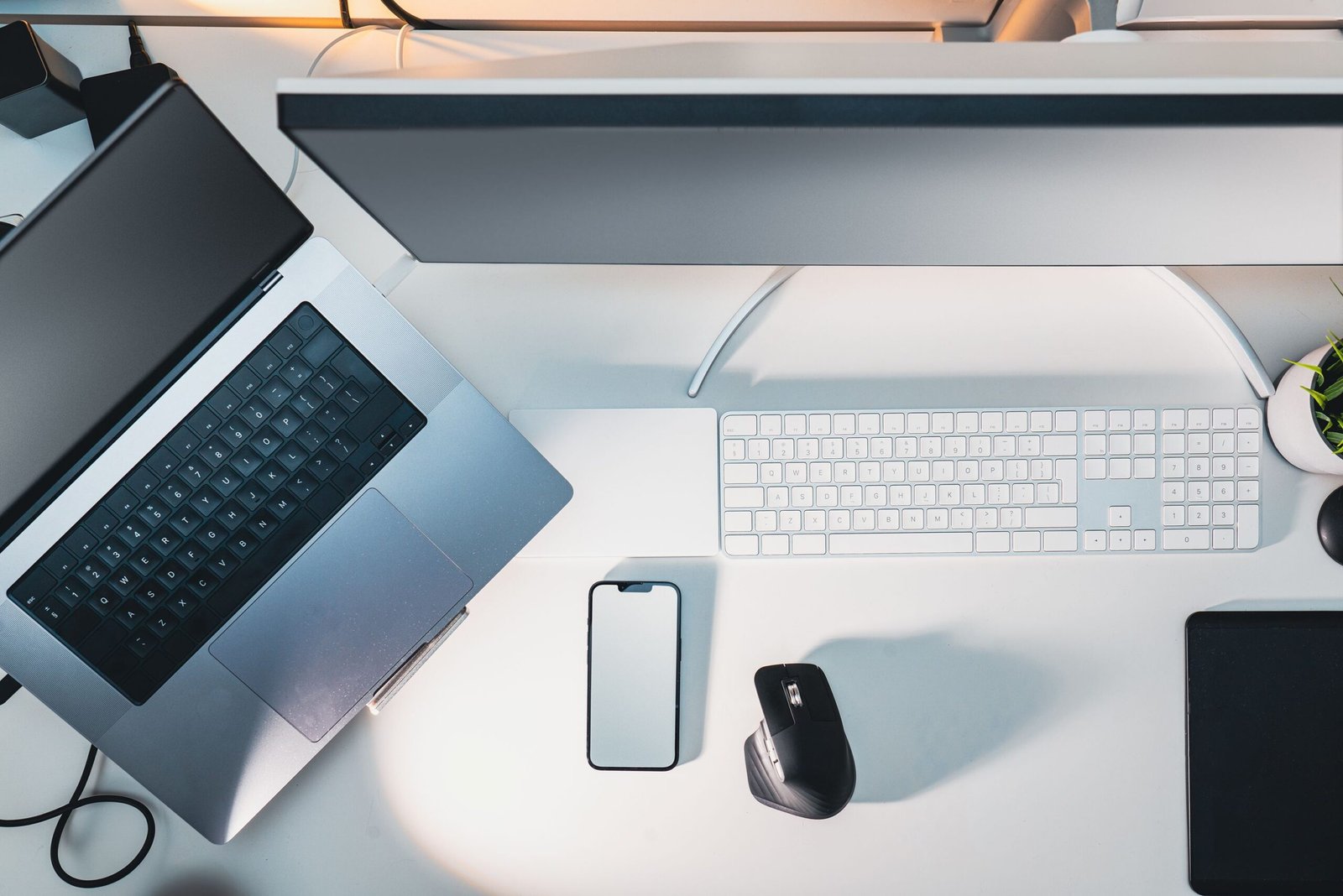
Count the ports you will use every day. A good compact workstation may need two display outputs, several USB-A ports, at least one high-bandwidth USB-C or USB4 port, audio, Ethernet and perhaps an SD reader. If every peripheral requires a dock, the original size advantage disappears.
2.5GbE is increasingly worth having
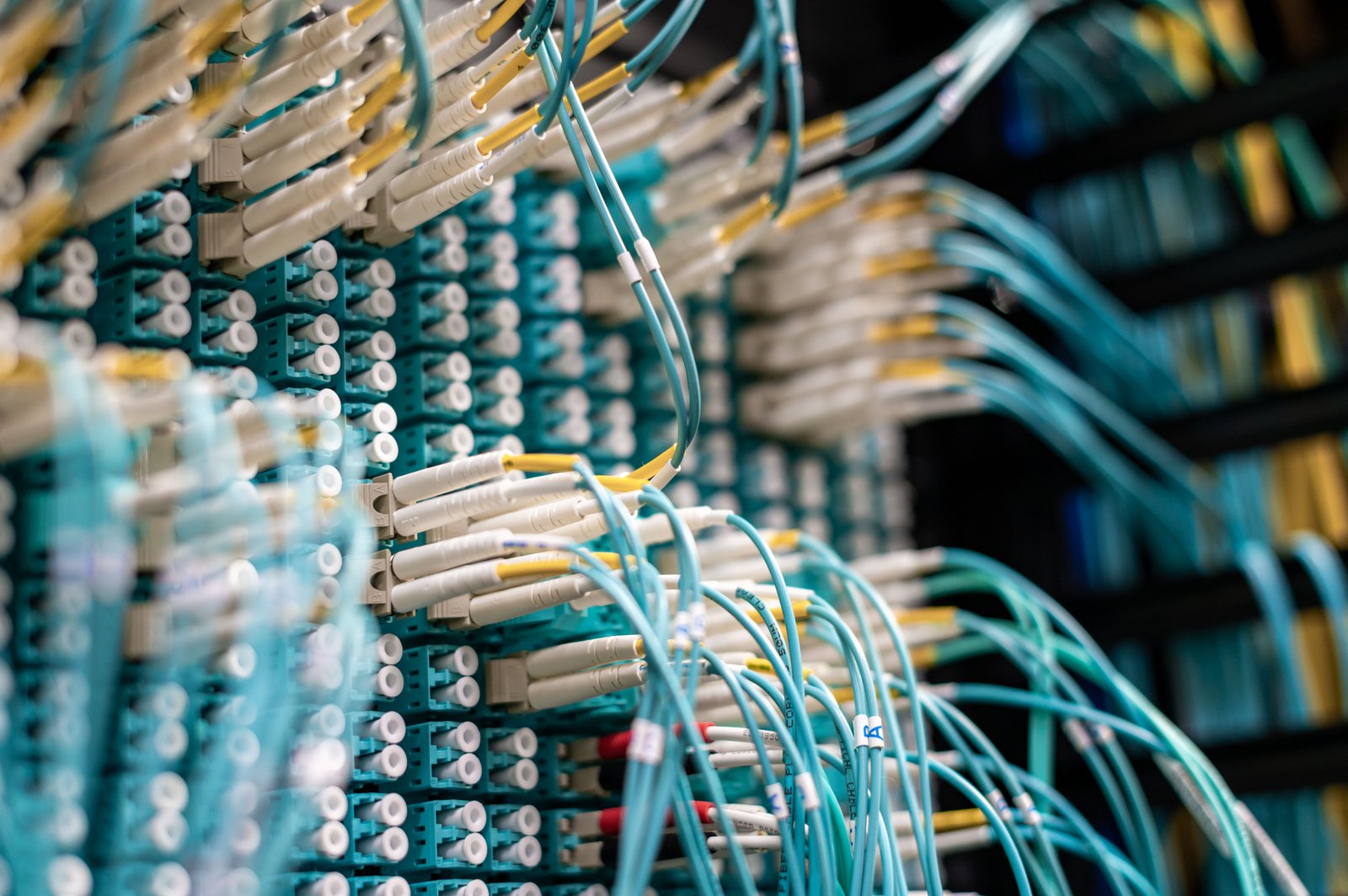
If the mini PC will connect to a NAS, home lab or multi-gigabit internet service, 2.5GbE can make local transfers much faster than traditional gigabit Ethernet. It is not essential for ordinary web browsing, but it is a useful longevity feature in a desktop that may stay in service for years.
What the NPU actually changes
An NPU can accelerate supported AI workloads at lower power than using the CPU or GPU alone. It matters most when your operating system and applications actually use it. Do not buy a computer solely on a TOPS number; check the applications you care about, GPU capability, memory capacity and software support.
Cooling and noise are hidden specifications
A mini PC has less room for fans and heat sinks than a tower. Under sustained compilation, rendering or gaming, thermal design can affect both performance and noise. Check idle noise, load noise, dust access and whether the system throttles during longer workloads.
Mini PC buying checklist
- Processor class and sustained cooling.
- 16 GB minimum practical RAM; 32 GB for heavier work.
- Upgradeable memory if longevity matters.
- At least 1 TB storage if you keep large local files.
- Enough M.2 slots for future expansion.
- USB4 or Thunderbolt if you need high-speed docks or storage.
- 2.5GbE for NAS or multi-gig networks.
- Display outputs matching your monitor setup.
- Clear warranty and BIOS/firmware support.
Official sources checked
Related GetTechDose guides
Frequently Asked Questions
Is 16 GB RAM enough for a mini PC in 2026?
For office, web and general use, yes. For development, creative work, VMs and local AI, 32 GB gives more headroom.
Do I need an NPU?
Not for every workload. It becomes useful when supported applications can offload AI tasks efficiently.
Is a mini PC good for a home server?
Often yes, especially for lightweight services, but check storage expansion, Ethernet, power behavior and whether the system is designed for continuous operation.