Wi-Fi 7 Router Buying Guide 2026: Speed, 6 GHz, MLO and Mesh Explained
Wi-Fi 7 routers promise very high theoretical speeds, lower latency, wider channels, and better use of multiple wireless bands. Those improvements are real, but buying a new router is not as simple as choosing the largest speed number printed on the box.

Your internet plan, home layout, wired network, device support, interference and placement will determine what you actually experience. This buyer-focused Wi-Fi 7 router guide helps you decide whether a router or mesh upgrade is worth buying and which hardware details matter. For a deeper explanation of MLO, 6 GHz, 320 MHz channels and certification, read our Wi-Fi 7 technology explainer.
What Wi-Fi 7 Is
Wi-Fi 7 is the consumer name used for products based on the IEEE 802.11be generation of wireless networking. It builds on Wi-Fi 6 and Wi-Fi 6E with features designed to increase throughput, reduce latency, and use spectrum more efficiently.
The Wi-Fi Alliance provides official information about Wi-Fi CERTIFIED 7 and the features included in certified products.
Feature 1: Multi-Link Operation
Multi-Link Operation, often shortened to MLO, is one of the most important Wi-Fi 7 features. It allows compatible devices to use or coordinate multiple wireless links across available bands rather than relying on one link in the traditional way.
Why it matters
Depending on the device and network conditions, MLO can improve throughput, latency, reliability, or the ability to work around congestion.
Both the router and client device need compatible support to get the full benefit. A Wi-Fi 7 router does not turn an older Wi-Fi 5 or Wi-Fi 6 phone into a Wi-Fi 7 device.
Feature 2: Wider 320 MHz Channels
Wi-Fi 7 can support very wide channels in the 6 GHz band where regulations and available spectrum allow. Wider channels can carry more data, but they also require enough clean spectrum and compatible client hardware.
In a busy environment, the fastest theoretical channel may not always be the most stable choice. Modern routers normally manage channel use automatically, although advanced users may adjust settings based on local conditions.
Feature 3: 6 GHz Band
Wi-Fi 6E introduced consumer use of the 6 GHz band, and Wi-Fi 7 continues to take advantage of it.
Advantages
- More spectrum for modern devices.
- Less legacy-device congestion.
- Support for very wide channels.
- Potentially excellent performance at shorter indoor distances.
Tradeoff
Higher-frequency signals generally have more difficulty traveling through walls and across long distances than lower-frequency Wi-Fi. A 6 GHz connection may be extremely fast in the same room but drop sooner through multiple walls.
In the United States, wireless spectrum use is regulated by the Federal Communications Commission. Device capabilities and allowed operating modes can vary by region.
Feature 4: Higher-Order Modulation
Wi-Fi 7 can use denser modulation than earlier generations under favorable signal conditions. This can increase data throughput when the connection is strong and clean.
In real homes, walls, distance, interference, and client quality mean you should treat advertised maximum rates as theoretical capability rather than expected internet speed.
Your Internet Plan May Be the Limiting Factor
If you have a 500 Mbps internet plan, a router advertising many gigabits of wireless capacity will not make internet downloads exceed the service speed.
The extra local network capacity can still matter for file transfers to a NAS, local backups, game streaming, or multiple devices, but the internet connection remains one limit.
Check the WAN Port
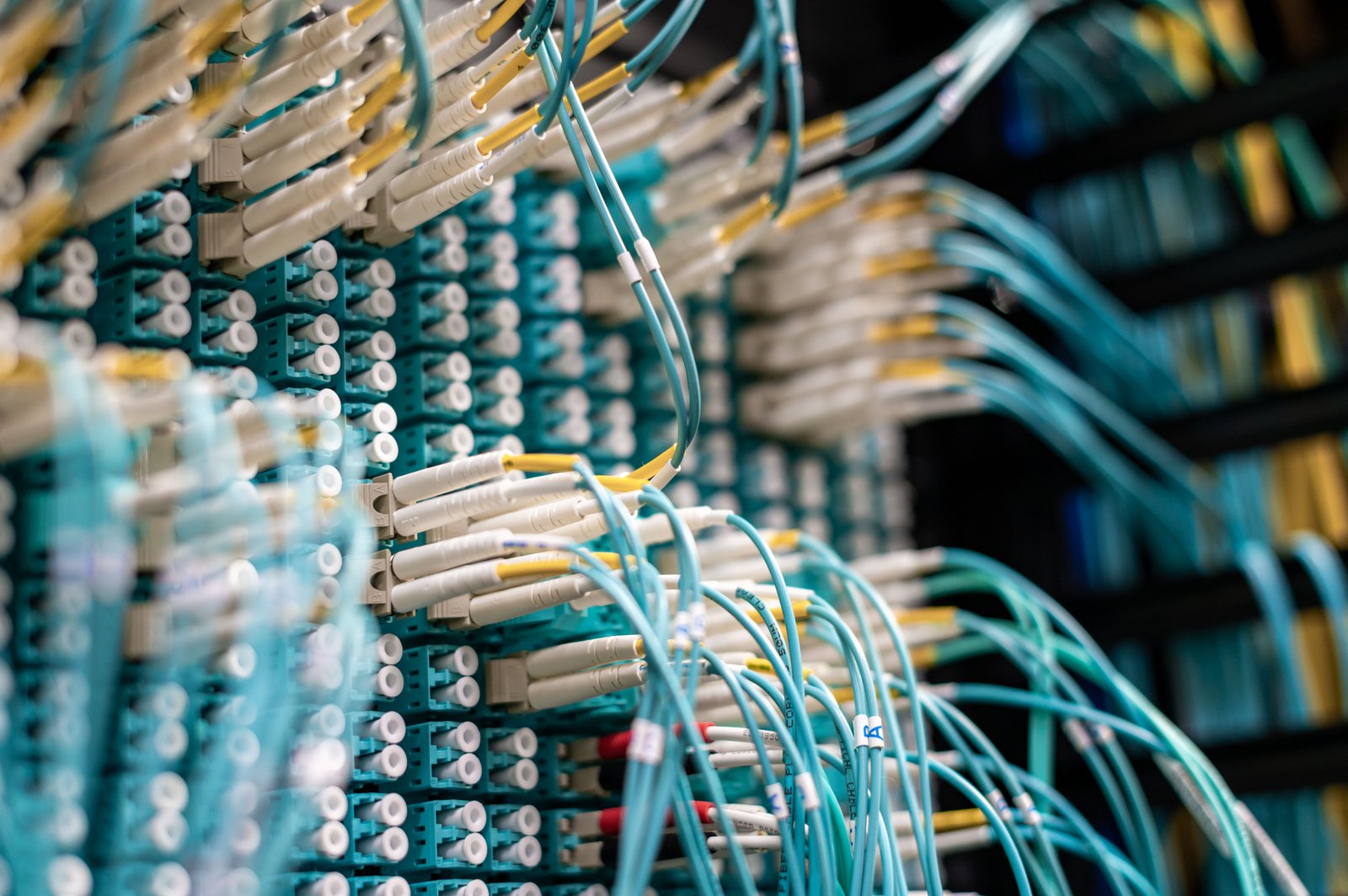
If you have multi-gigabit internet service, confirm that the router’s WAN port supports the service speed.
Common wired speeds to consider
- 1 Gigabit Ethernet.
- 2.5 Gigabit Ethernet.
- 5 Gigabit Ethernet.
- 10 Gigabit Ethernet on higher-end products.
A router with very fast Wi-Fi but only a slower internet-facing port may bottleneck a high-speed fiber plan.
Check the LAN Ports Too
Fast wired ports matter for desktops, NAS devices, servers, gaming PCs, switches, and wired mesh backhaul.
If you plan to transfer large files locally, a 2.5 GbE or faster wired network can deliver a bigger practical improvement than changing Wi-Fi generations alone.
Single Router or Mesh?
Single router
A powerful single router works well in smaller homes, apartments, and layouts where the router can sit near the center.
Mesh system
A mesh system uses multiple nodes to extend coverage. It can be a better choice for large homes, multiple floors, long layouts, or buildings with difficult walls.
Wired Backhaul vs Wireless Backhaul
Mesh nodes need to communicate with the main router or network. That connection is called backhaul.
Wired backhaul
Ethernet between nodes usually provides stable capacity and leaves more wireless spectrum available for client devices.
Wireless backhaul
This is easier to install because no cable is required. Performance depends on node placement, radio design, and interference.
If your home already has Ethernet wiring, using it for mesh backhaul can be one of the best upgrades available.
Tri-Band and Quad-Band Marketing
Routers may advertise multiple radios across 2.4 GHz, 5 GHz, and 6 GHz. More radios can help capacity and mesh backhaul, but the number of bands alone does not guarantee better coverage or speed.
Look at the complete design: radio configuration, wired ports, software, placement, and client devices.
Device Compatibility
Wi-Fi standards are designed with backward compatibility in mind. Older devices can generally connect to newer routers using the Wi-Fi generation they support.
What older devices will not get
- Wi-Fi 7 MLO capability.
- Wi-Fi 7 maximum channel widths.
- Other client-side Wi-Fi 7 improvements.
This means upgrading the router can improve the network foundation while the full benefit grows as you replace phones, laptops, and other devices over time.
Security: Look for Modern WPA Support
Use the strongest security mode supported by your devices and router, while maintaining compatibility where necessary. Avoid obsolete wireless security methods.
The Wi-Fi Alliance provides information about Wi-Fi security technologies. For general home-network security practices, the CISA Secure Our World resources are also useful.
Router Software Matters
Hardware specifications get attention, but software affects the router every day.
Look for
- Automatic security updates.
- Clear firmware support.
- Guest networks.
- Device management.
- Parental or family controls if needed.
- VPN options if you use them.
- Traffic information.
- Easy backup and restore of settings.
A router is an internet-facing device that may stay in service for years. Long-term security support matters.
Router Placement Can Matter More Than an Upgrade
A premium router placed in a basement cabinet can perform worse than a more modest router placed centrally and in the open.
Placement tips
- Place the router near the center of the coverage area.
- Keep it out of closed metal cabinets.
- Raise it above floor level.
- Avoid placing it directly next to large electronics or dense obstructions.
- For mesh, place nodes where they still receive a strong upstream connection.
How to Know Whether You Need Wi-Fi 7
Wi-Fi 7 makes sense if
- You are buying a new premium router anyway.
- You have or plan to buy Wi-Fi 7 devices.
- You use multi-gigabit internet or local networking.
- You transfer large files to a NAS.
- You want a new mesh system with long service life.
- Your household has many active high-bandwidth devices.
You may not need to upgrade yet if
- Your current Wi-Fi 6 or 6E network is reliable.
- Your internet plan is modest and local transfers are rare.
- Your main problem is poor router placement.
- Most devices are older and will not benefit from new features.
Wi-Fi 7 vs Wi-Fi 6E
| Feature | Wi-Fi 6E | Wi-Fi 7 |
|---|---|---|
| 6 GHz access | Yes | Yes |
| Multi-Link Operation | No full Wi-Fi 7 MLO | Key feature |
| Maximum channel width | Up to 160 MHz | Up to 320 MHz where supported |
| Target use | Modern high-speed Wi-Fi | Higher throughput and lower-latency capability |
A good Wi-Fi 6E system can still be excellent. The practical upgrade value depends on your devices and network needs.
How to Test a New Router
- Update the router firmware.
- Test wired internet speed at the router.
- Test Wi-Fi in the same room.
- Test common rooms and weak spots.
- Repeat tests at busy times of day.
- Test video calls and real workloads, not only speed tests.
- Move mesh nodes if backhaul is weak.
- Test older smart-home devices.
- Check sleep/wake behavior on phones and laptops.
- Verify guest-network isolation if you use it.
Common Wi-Fi 7 Router Mistakes
- Buying by the largest speed number: advertised rates combine theoretical capabilities.
- Ignoring wired ports: WAN and LAN speeds can bottleneck the network.
- Expecting 6 GHz to cover the whole house from one router: higher frequencies have shorter practical reach through obstacles.
- Assuming old devices become Wi-Fi 7: client hardware matters.
- Putting the router in a bad location: placement is critical.
- Ignoring firmware support: security updates matter for years.
Buying Checklist
- Home size and layout.
- Internet plan speed.
- WAN Ethernet speed.
- LAN Ethernet speeds.
- Number of Wi-Fi 7 devices.
- 6 GHz support.
- MLO support.
- Mesh requirement.
- Wired backhaul availability.
- Guest network features.
- Security-update policy.
- Parental controls if needed.
- USB or storage features if needed.
- Warranty and support.
Frequently Asked Questions
Will Wi-Fi 7 make my internet faster?
It can improve the wireless link, but internet speed is still limited by your service plan, modem or fiber equipment, router ports, server speed, and device capability.
Do I need Wi-Fi 7 devices?
Older devices can usually connect, but they will use the Wi-Fi features they support. You need compatible clients for the full Wi-Fi 7 benefits.
Is Wi-Fi 7 better for gaming?
It can offer lower-latency and higher-capacity features on compatible equipment, but Ethernet remains an excellent option when consistent low latency is the top priority.
Should I buy a Wi-Fi 7 mesh system?
Mesh is useful when one router cannot cover the space reliably. If your home is small and centrally wired, a single strong router may be enough.
Conclusion
Wi-Fi 7 is a meaningful technology upgrade, but the best router is still the one that fits your home, devices, wired network, and internet service.
Check MLO, 6 GHz, Ethernet speeds, mesh backhaul, software support, and router placement. Those details determine whether Wi-Fi 7 delivers a real improvement instead of just a bigger number on the box.