Passkeys in 2026: Why Passwordless Sign-In Has Reached the Mainstream
For years, the idea of replacing passwords sounded simple in theory and difficult in practice. People already had hundreds of accounts, websites used different sign-in systems, and nobody wanted to learn another security method. In 2026, that picture has changed. Passkeys are no longer a small experiment. They are becoming a normal sign-in option across phones, computers, major online services, and workplace systems.
On May 7, 2026, the FIDO Alliance reported that an estimated 5 billion passkeys were in active use worldwide. Its State of Passkeys 2026 research also found that 90% of surveyed consumers were familiar with passkeys, 75% had enabled at least one, and 68% of surveyed organizations were deploying, piloting, or rolling them out for employee sign-in. Those figures do not mean passwords have disappeared, but they show that passwordless sign-in in 2026 has moved far beyond the early-adopter stage.
This guide explains what passkeys actually are, why they can be more resistant to phishing than traditional passwords, how they move between devices, and what U.S. consumers and businesses should check before relying on them for important accounts.
What Is a Passkey?
A passkey is a digital credential based on public-key cryptography. Instead of sharing a secret password with a website, your device holds a private cryptographic key while the service stores a related public key.
When you sign in, your device proves that it has the correct private key. The private key itself is not sent to the website in the way a typed password is sent for verification.
What the user experiences
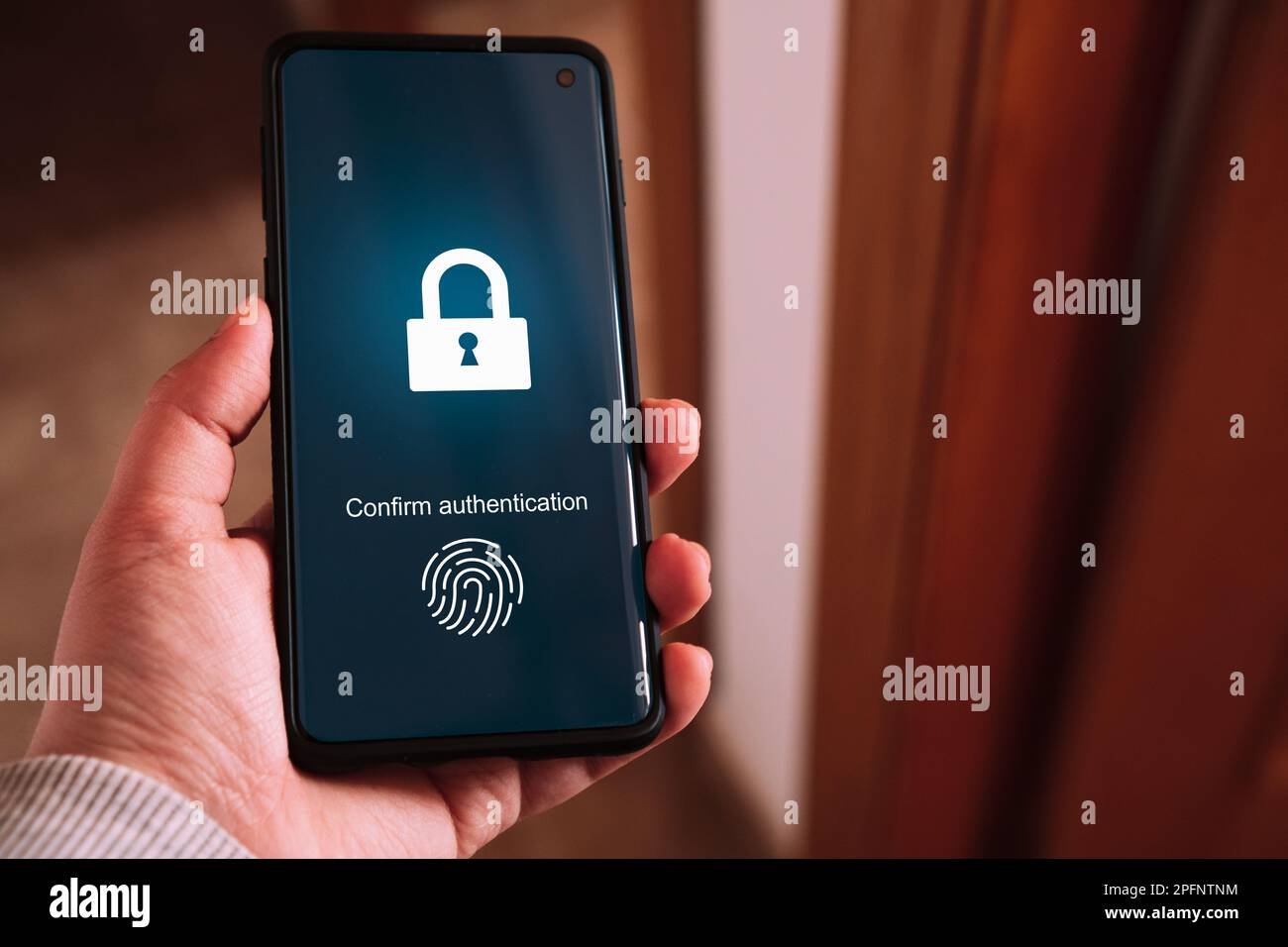
From the user side, signing in may feel very simple. You choose “Sign in with a passkey,” then approve the request using your device unlock method, such as a fingerprint, face recognition, PIN, or other local authentication.
The cryptography happens in the background. You do not need to memorize a long random string.
Why Passkeys Are More Resistant to Phishing

Traditional phishing often works by convincing a person to type a real password into a fake website. Once the attacker receives the password, it can be reused against the legitimate service.
Passkeys are designed around the legitimate site or app identity. The credential is not simply a reusable text secret that a fake page can collect and replay in the same way.
The FIDO Alliance passkey resources explain the underlying FIDO approach and why phishing resistance is one of the technology’s core benefits.
Phishing resistance does not eliminate every risk
A passkey can reduce one major class of attack, but account security still depends on device security, recovery methods, customer-support processes, email security, and the way the service handles fallback authentication.
If a website lets an attacker bypass a strong passkey by exploiting a weak account-recovery process, the passkey itself cannot fix that design.
The 2026 Adoption Milestone
The FIDO Alliance’s State of Passkeys 2026 report, published May 7, 2026, describes a technology that has reached large-scale consumer and enterprise use.
Key figures from the report
- 5 billion passkeys estimated to be in active use worldwide.
- 90% consumer awareness among the surveyed population.
- 75% had enabled passkeys on at least some accounts.
- 49% reported using passkeys regularly when available.
- 68% of surveyed organizations were deploying, piloting, or rolling out passkeys for employee authentication.
The surveys covered consumers and enterprise decision-makers across ten countries, including the United States. These are survey and industry estimates rather than a universal census of every account, but they are useful evidence that passkeys have moved into the mainstream.
Synced Passkeys vs Device-Bound Credentials
One of the most important practical differences is how the credential is stored and whether it can move to another device.
Synced passkeys
Many consumer platforms can synchronize passkeys through an account-based credential manager. This makes it easier to sign in from multiple devices and recover when you replace a phone or computer.
Device-bound credentials
Some enterprise and high-security environments prefer credentials that remain tied to specific hardware, such as a security key or managed device.
Neither model is automatically best for every user. Consumers often value recovery and convenience. Enterprises may place more weight on device control, policy, and auditability.
What Happens When You Buy a New Phone?
This is one of the first questions people ask. With a synced credential ecosystem, passkeys may become available on the new device after you sign in to the trusted platform account and complete its security checks.
However, the exact recovery behavior depends on the credential provider, operating system, device type, and service. Before relying on passkeys for a critical account, understand how you would recover access if your phone were lost or damaged.
Do not wait for an emergency to learn recovery
Check account recovery while you still have access. Add appropriate backup authentication methods, protect your primary email account, and store recovery codes safely when a service provides them.
Our password manager buying guide explains how passkeys are increasingly becoming part of broader credential-management systems.
Can Passkeys Work Across Apple, Google and Microsoft Devices?
Cross-platform sign-in has improved substantially, but the exact experience can vary. A passkey may live in a platform credential manager, a password manager, a security key, or another supported provider.
Modern sign-in flows can also use a nearby device. For example, a computer may display a QR code and let a phone approve a passkey sign-in through a secure proximity-based flow.
When testing a service, do not check only the easy case on your primary phone. Test the combinations you actually use: Windows plus iPhone, Mac plus Android, work laptop plus personal phone, or a shared desktop plus a hardware security key.
Passkeys and Password Managers
Password managers are evolving into credential managers. Many now store both traditional passwords and passkeys.
This can make mixed-device use easier because the same manager may work across different operating systems and browsers. It also means your password-manager account becomes even more important.
Protect the credential manager
- Use a strong, unique master credential.
- Enable strong multifactor authentication where supported.
- Understand recovery options.
- Keep recovery material outside the same vault when appropriate.
- Review which devices are signed in.
Are Passkeys the Same as Biometrics?
No. A fingerprint or face scan is typically a local method used to unlock the device or approve use of the passkey. The website does not normally receive your fingerprint template simply because you used biometrics to approve a passkey sign-in.
The passkey is the cryptographic credential. Biometrics are one possible local user-verification method.
Passkeys vs Two-Factor Authentication
Passwords plus a second factor can significantly improve security, but the quality of the second factor matters. SMS codes can still be phished or affected by account-takeover risks. One-time authenticator codes are stronger in many situations but can still be captured by sophisticated phishing pages.
A properly implemented passkey can provide phishing-resistant authentication without making the user manually enter a second code every time.
Does that mean MFA is no longer needed?
Not necessarily. Enterprises may still use multiple signals and authentication factors depending on risk. Account recovery, device enrollment, sensitive actions, and administrator access may need additional checks.
Passkeys for Businesses
For organizations, passkeys can reduce password-reset workload and phishing exposure, but deployment requires planning.
Questions an organization should answer
- Will credentials be synced or device-bound?
- Which platforms and browsers must be supported?
- How will new devices be enrolled?
- What happens when an employee loses a device?
- How are contractors and temporary workers handled?
- Which accounts require hardware-backed credentials?
- How will recovery and help-desk verification work?
- What legacy systems still require passwords?
The FIDO Alliance’s 2026 workforce research shows strong organizational interest, but a successful rollout depends on operational design as much as the sign-in technology itself.
Passkeys Do Not Remove the Need for Account Hygiene
A safer authentication method should be part of a broader security setup.
Keep doing these things
- Update phones, laptops, browsers, and credential apps.
- Protect the email account used for recovery.
- Review signed-in devices.
- Remove old devices from important accounts.
- Be suspicious of unexpected recovery messages.
- Use a secure screen lock.
- Keep backup access methods protected.
The CISA Secure Our World program provides practical U.S. guidance on account security, phishing, updates, and multifactor authentication.
What If a Website Still Requires a Password?
Password adoption will not disappear overnight. Many accounts still use passwords, and some services allow both passwords and passkeys.
For accounts that still need passwords, continue using long, unique credentials stored in a trusted password manager. Do not weaken existing account security just because some of your other accounts use passkeys.
Passkey Recovery Is the New Important Question
As passwords become less central, attackers and defenders both pay more attention to recovery flows. The strongest everyday sign-in method has limited value if an account can be reset with a weak knowledge question or insecure support interaction.
Before enabling passkeys on an important account
- Review recovery email and phone information.
- Remove outdated recovery contacts.
- Understand how a lost-device reset works.
- Save recovery codes if provided.
- Add a backup security key if the account is highly important and the service supports it.
- Test a second trusted device.
Should You Delete Your Password After Adding a Passkey?
Only if the service clearly supports a passwordless account model and you understand recovery. Some services keep the password as a fallback. Others can operate without one.
If the password remains active, it may still be a route into the account. Keep it strong and unique even if you rarely use it.
A Practical Passkey Setup Checklist
- Start with your primary email account.
- Enable passkeys on major financial and cloud accounts when officially supported.
- Use only the service’s genuine account-security settings.
- Confirm where each passkey is stored.
- Test sign-in from a second device.
- Protect your credential-manager account.
- Review recovery methods.
- Remove unused devices.
- Keep strong passwords for services that still require them.
- Do not approve unexpected passkey or recovery prompts.
Frequently Asked Questions
Are passkeys safer than passwords?
Passkeys are designed to resist common password-phishing and credential-reuse attacks because they use public-key cryptography instead of a reusable shared text secret. Overall account security still depends on device protection and recovery design.
Can a hacker steal a passkey from a fake website?
Passkeys are designed to bind authentication to the legitimate service, which makes the usual fake-login-page attack much harder. Other attacks against devices or recovery systems are still possible.
Do passkeys work if my phone is lost?
Recovery depends on where the passkey is stored. Synced credential systems may restore passkeys after secure account recovery, while device-bound credentials may require a backup credential or security key.
Do I still need a password manager in 2026?
For most people, yes. Many accounts still use passwords, and modern password managers increasingly store passkeys as well. A credential manager can help bridge the transition.
Conclusion: Passkeys Are Becoming Normal, but Recovery Matters
The biggest passkey story in 2026 is not a new technical specification. It is scale. Billions of active passkeys and broad consumer awareness show that passwordless authentication has become a mainstream option.
For users, the best next step is not to replace every password in one day. Start with high-value accounts, understand where credentials are stored, test recovery, and keep fallback methods secure. Passkeys can remove a major weakness of the traditional password model, but the safest account is still the one with strong device protection, careful recovery, and good security habits around it.