Home NAS Buying Guide 2026: 2-Bay vs 4-Bay, 2.5GbE, RAID, Backups and Private Cloud
A home NAS can centralize photos, documents, backups, media and shared files without putting every piece of data into a public cloud account. In 2026, even entry-level two-bay systems increasingly include 2.5GbE networking and easier private-cloud features, but the right choice still depends on storage growth, backup strategy and the applications you expect to run.
Updated September 2026. This guide uses current manufacturer specifications and does not treat RAID as a replacement for backup.
2-bay or 4-bay?
A two-bay NAS is a good fit for households and small offices that mainly need file sharing, computer backups, photo storage and light media use. A four-bay model gives more flexibility for capacity, redundancy and future growth, but it costs more before you even buy the drives.
Current two-bay examples show where the market is heading
Synology’s current DS225+ is a two-bay NAS with built-in 2.5GbE and 1GbE network ports. QNAP’s TS-216G is also a two-bay model and includes a 2.5GbE port, a quad-core ARM processor and 4 GB of onboard memory. These are examples of how multi-gig networking has moved into mainstream home and small-office storage.
Do not choose only by CPU name. Software support, filesystem features, snapshots, mobile apps, backup packages, drive compatibility and security-update policy often matter more over a five-year ownership period.
RAID protects availability, not your history
RAID can keep a system running after some drive failures, depending on the array type. It does not protect against accidental deletion, ransomware, theft, fire or a bad sync operation. A file deleted from a mirrored array is still deleted from both drives.
Use RAID for uptime and a separate backup for recovery. For important data, keep an additional copy on external storage or another location.
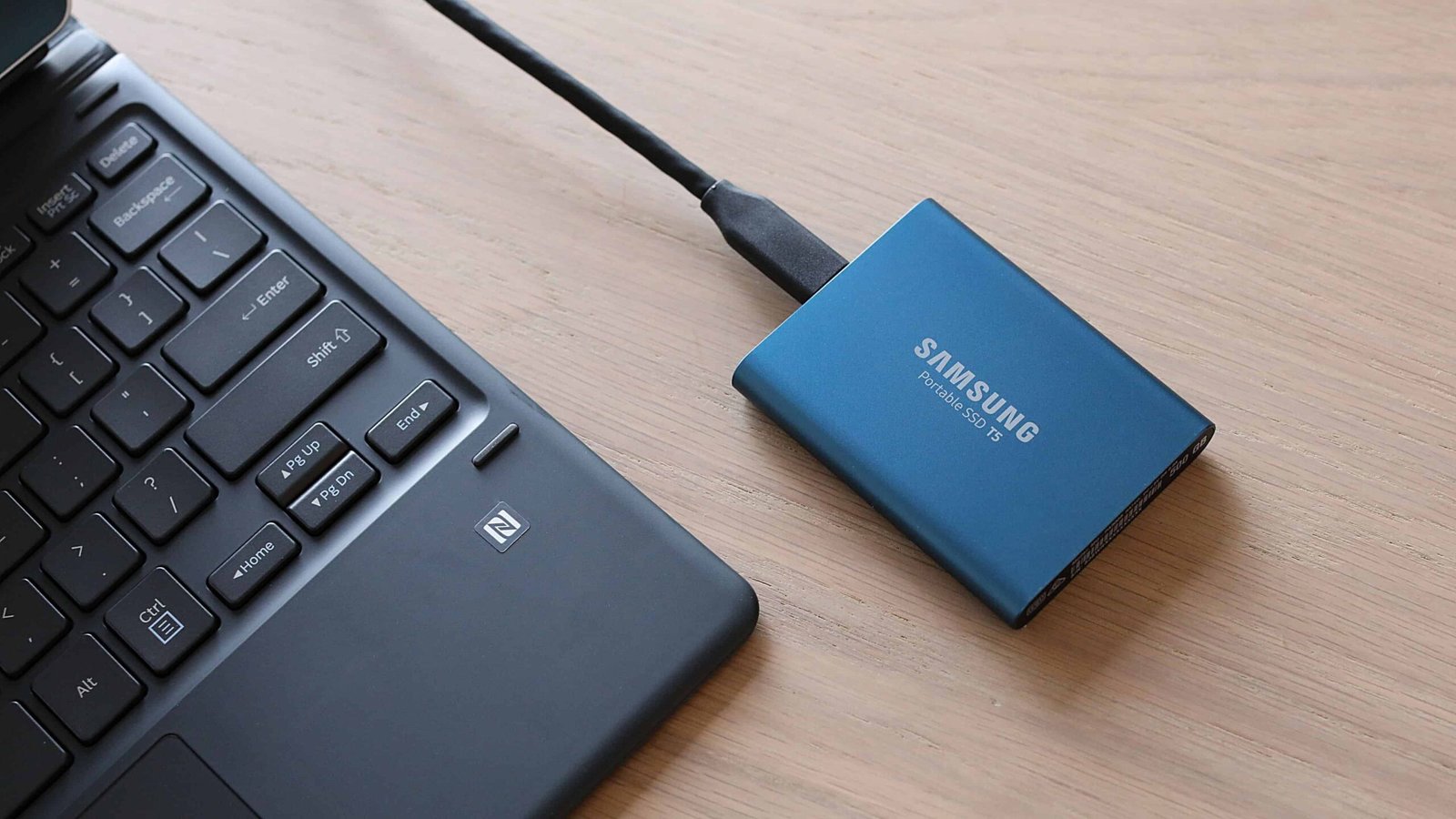
Why snapshots matter
Snapshots can preserve point-in-time filesystem states so you can roll back after accidental changes or some ransomware events. They are especially useful for shared folders that change every day. Check whether the NAS filesystem and model support snapshots, how much space they consume and whether older snapshots can be locked or replicated elsewhere.
2.5GbE: useful, but the whole path must support it
A 2.5GbE NAS can move large files faster than gigabit Ethernet, but only if the computer, switch or router and cabling path also support the higher link speed. For Wi-Fi clients, real transfer performance will also depend on the access point, signal quality and client hardware.
If you edit large photo or video libraries directly from network storage, 2.5GbE is worth prioritizing. For simple document backups, standard gigabit Ethernet may already be sufficient.

Plan drive capacity before buying
Estimate current data, expected annual growth and how much free space the filesystem and snapshots should retain. Avoid filling a NAS to the last few percent. If you already know your photo or media library grows quickly, a four-bay chassis may be cheaper than replacing an undersized two-bay system later.
UPS protection is worth considering
A small uninterruptible power supply can allow the NAS to shut down cleanly during a longer power outage. Check whether the NAS can communicate with the UPS over USB or network and automatically shut down before the battery is exhausted.
Private cloud does not mean zero maintenance
A NAS gives you more control over where files live, but you are also responsible for updates, account security and backups. Use MFA where supported, disable unused services, avoid exposing admin panels directly to the public internet and install security updates promptly.
NAS buying checklist
- Two bays for simpler needs; four bays for growth and flexibility.
- 2.5GbE if you regularly move large files.
- Snapshot-capable filesystem if rollback matters.
- Clear backup package and external-drive support.
- Drive compatibility and replacement availability.
- Enough memory for the apps you plan to run.
- UPS support for cleaner shutdowns.
- Long-term security and software updates.
Official sources checked
Related GetTechDose guides
Frequently Asked Questions
Is a two-bay NAS enough for home use?
For many households, yes. A four-bay system is better when you expect rapid storage growth or want more flexible redundancy options.
Is RAID a backup?
No. RAID improves availability after some drive failures, but separate backups are still required for deletion, ransomware, theft and disasters.
Do I need 2.5GbE?
It is useful for large local transfers and media workflows. Ordinary document backup can work well on gigabit Ethernet.