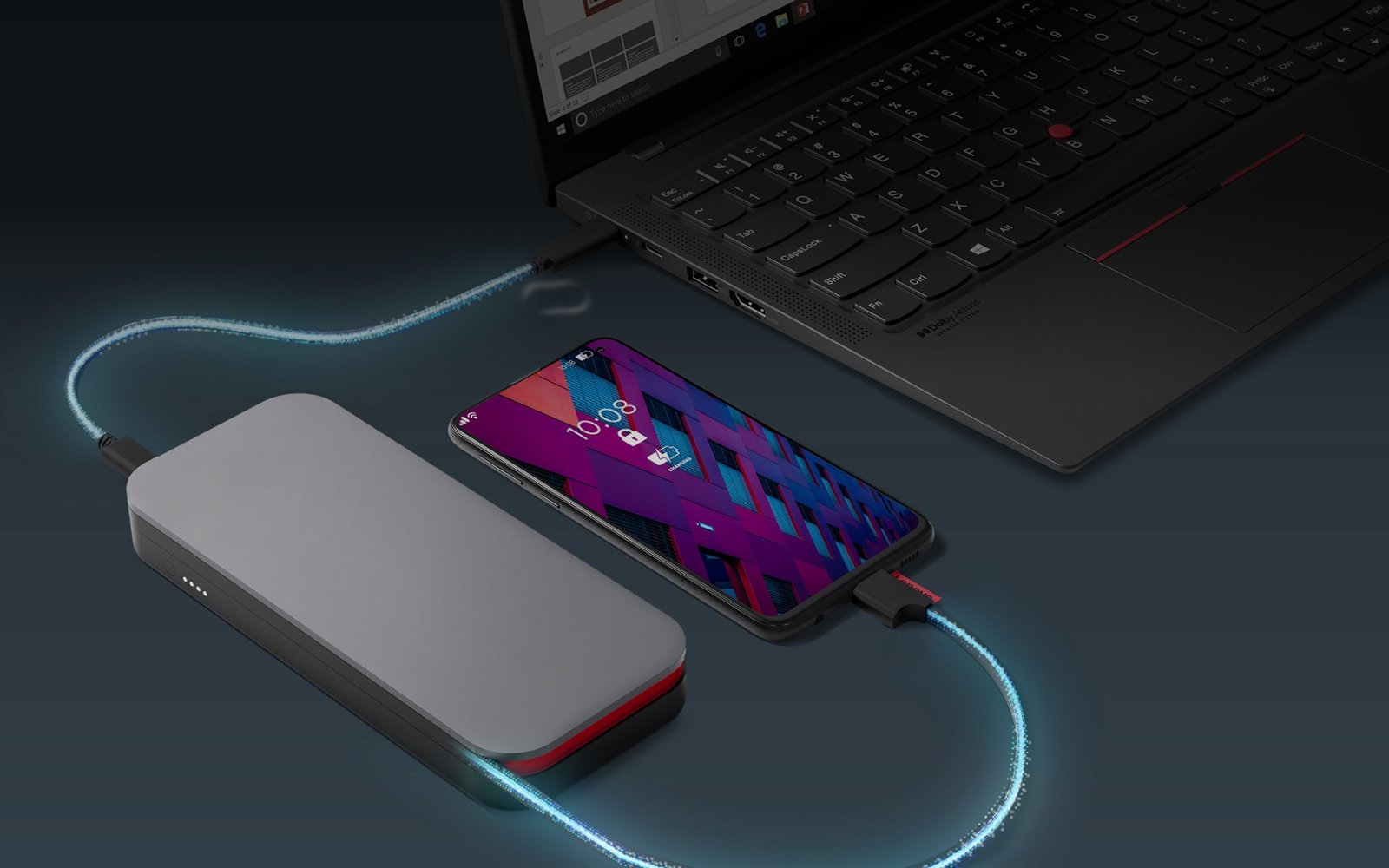
USB-C Power Bank and Charger Buying Guide 2026: Watts, PD, Cables and Airline Rules
USB-C charging has made it possible to power phones, tablets, handheld consoles, cameras, and many laptops from the same family of chargers and power banks. That convenience has also created a wall of confusing labels: 30W, 65W, 100W, 140W, USB PD, PPS, GaN, 20,000 mAh, 74 Wh, and cables that all look identical.
This USB-C power bank and charger buying guide for 2026 explains those terms in practical language so U.S. buyers can choose safe, compatible charging gear without paying for power their devices cannot use.
Start With the Device That Needs the Most Power
Your charger should be chosen around the highest-power device you plan to charge regularly.
Phone
Modern phones often charge quickly from relatively compact USB-C chargers, although the exact fast-charging protocol varies by manufacturer.
Tablet
Tablets can benefit from more power, especially while the screen is on and the device is doing heavy work.
Ultrabook
Many thin laptops charge well from 45W to 100W-class USB-C Power Delivery adapters, depending on the model.
High-performance laptop
Some laptops require more power than common USB-C chargers can provide, or they may accept USB-C charging only for light use while relying on a proprietary charger for full performance.
Check the computer manufacturer’s official charging specification before replacing the original power adapter.
USB Power Delivery Explained
USB Power Delivery, usually called USB PD, is a standard that allows compatible devices and chargers to negotiate voltage and current over USB-C.
The USB Implementers Forum publishes the official USB specifications and certified-logo information.
Why negotiation matters
A properly implemented PD charger does not simply push its maximum power into every device. The charger and device communicate and select a supported power profile.
What PPS Means
Programmable Power Supply, or PPS, is an optional USB PD feature that allows finer adjustment of voltage and current within supported ranges. Some phones use PPS as part of their fastest USB-C charging behavior.
If fast charging for a specific phone matters, verify that the charger supports the exact charging standard required by the phone rather than assuming a higher wattage guarantees the fastest speed.
Watts: More Is Not Automatically Faster
A 140W charger does not make a phone charge at 140W if the phone only requests a much lower amount.
Think of charger wattage as available capacity
The charger needs to provide at least the power your device can use. Extra capacity can be useful for future devices or multi-port charging, but it does not force extra power into a properly negotiated device.
Multi-Port Chargers Share Power
A charger advertised at 100W may provide the full output only when one specific port is used alone. Connecting a second or third device can change how the total power is divided.
Read the port-combination table
Good manufacturers publish how output changes for:
- One USB-C device.
- Two USB-C devices.
- USB-C plus USB-A.
- Three or more devices.
This is especially important if you expect to charge a laptop and phone at the same time.
GaN Chargers
Gallium nitride, or GaN, power electronics can allow compact, efficient charger designs. “GaN” does not automatically mean a charger is high quality, but it has helped manufacturers build smaller multi-port adapters at useful power levels.
Safety certification, thermal design, protocol support, and manufacturer quality still matter.
Cables Are Part of the Charging System
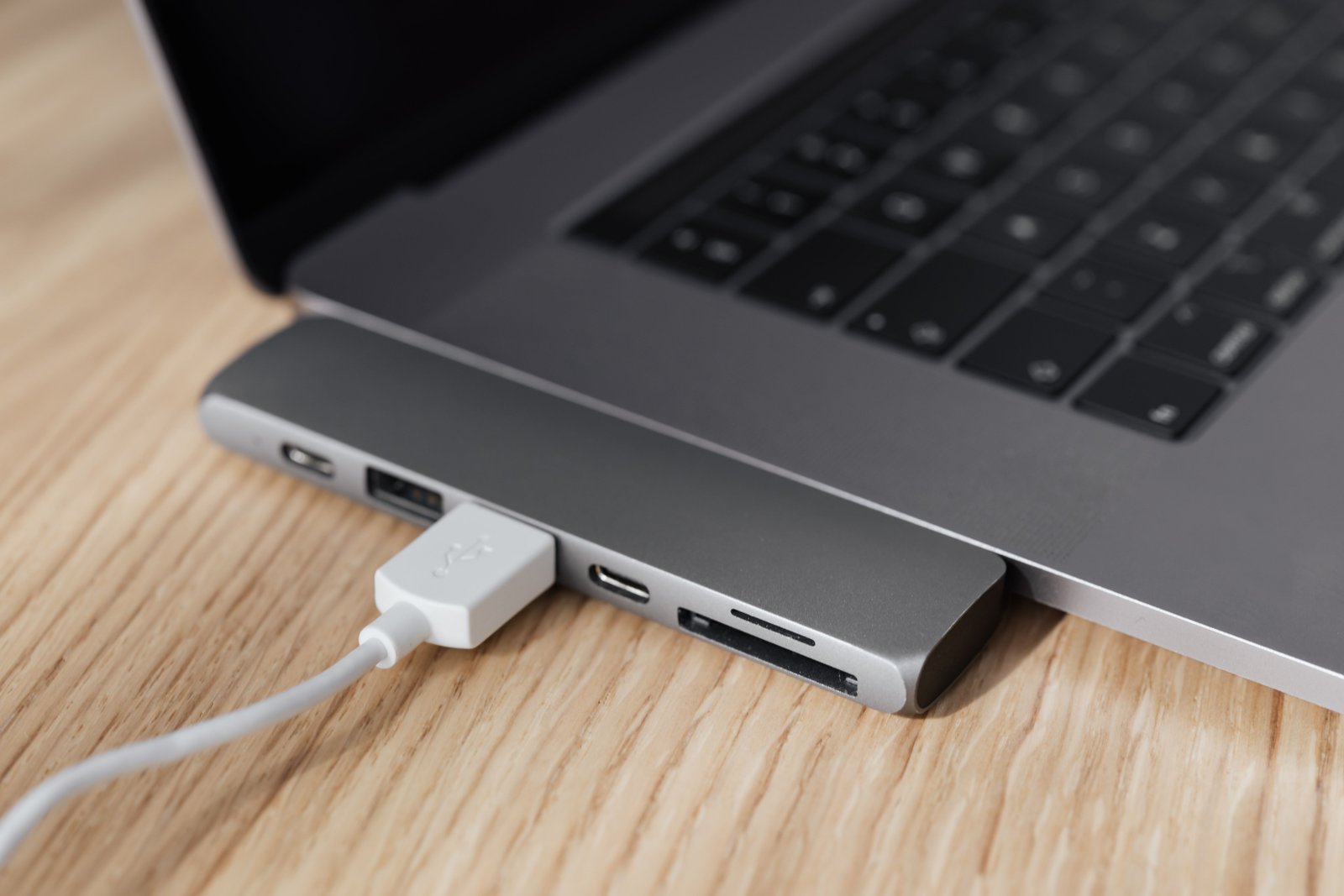
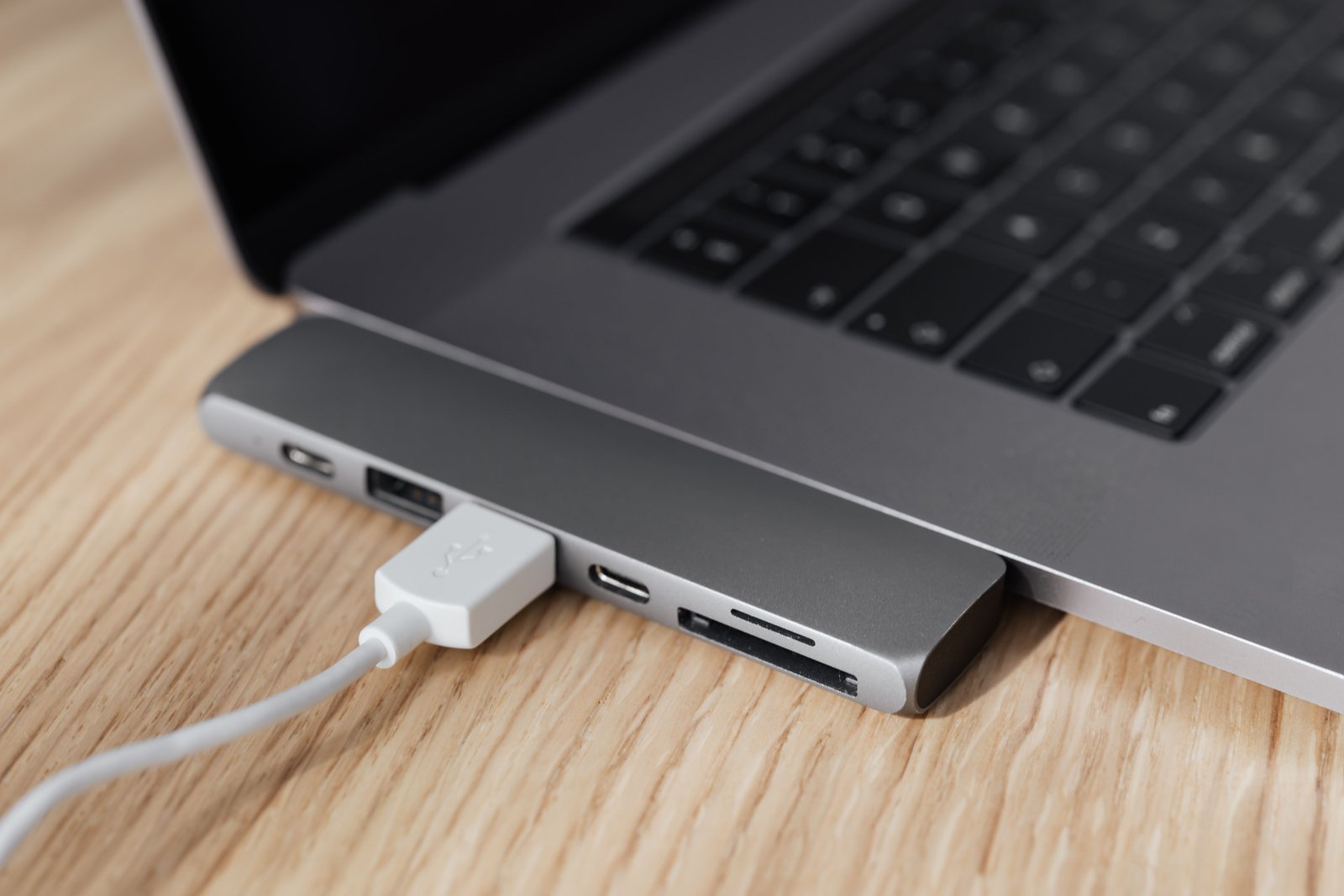
A USB-C cable can limit both power and data. Two cables that look identical may support different charging levels and data speeds.
For high-power charging
Use a cable rated for the power your charger and device require. Higher-power USB-C charging can require electronically marked cables designed for that level.
Data speed is separate
A cable that supports high charging power may still transfer data slowly, while a high-speed data cable may have different length and power characteristics.
Keep high-speed dock cables and high-power charging cables labeled if your setup includes many USB-C accessories.
Power Bank Capacity: mAh vs Wh
Power banks are commonly marketed in milliamp-hours, or mAh. Airline rules and energy comparisons often use watt-hours, or Wh.
Watt-hours provide a more direct measure of stored energy because they include voltage. Manufacturers normally print the Wh rating on the battery label.
Real usable energy is lower than the cell rating
Conversion losses, voltage changes, heat, cable losses, and the device’s own charging process mean you will not transfer 100% of the power bank’s internal energy into your phone or laptop.
How Large a Power Bank Do You Need?
Small everyday carry
A compact battery can provide an emergency phone top-up without adding much weight.
Travel power bank
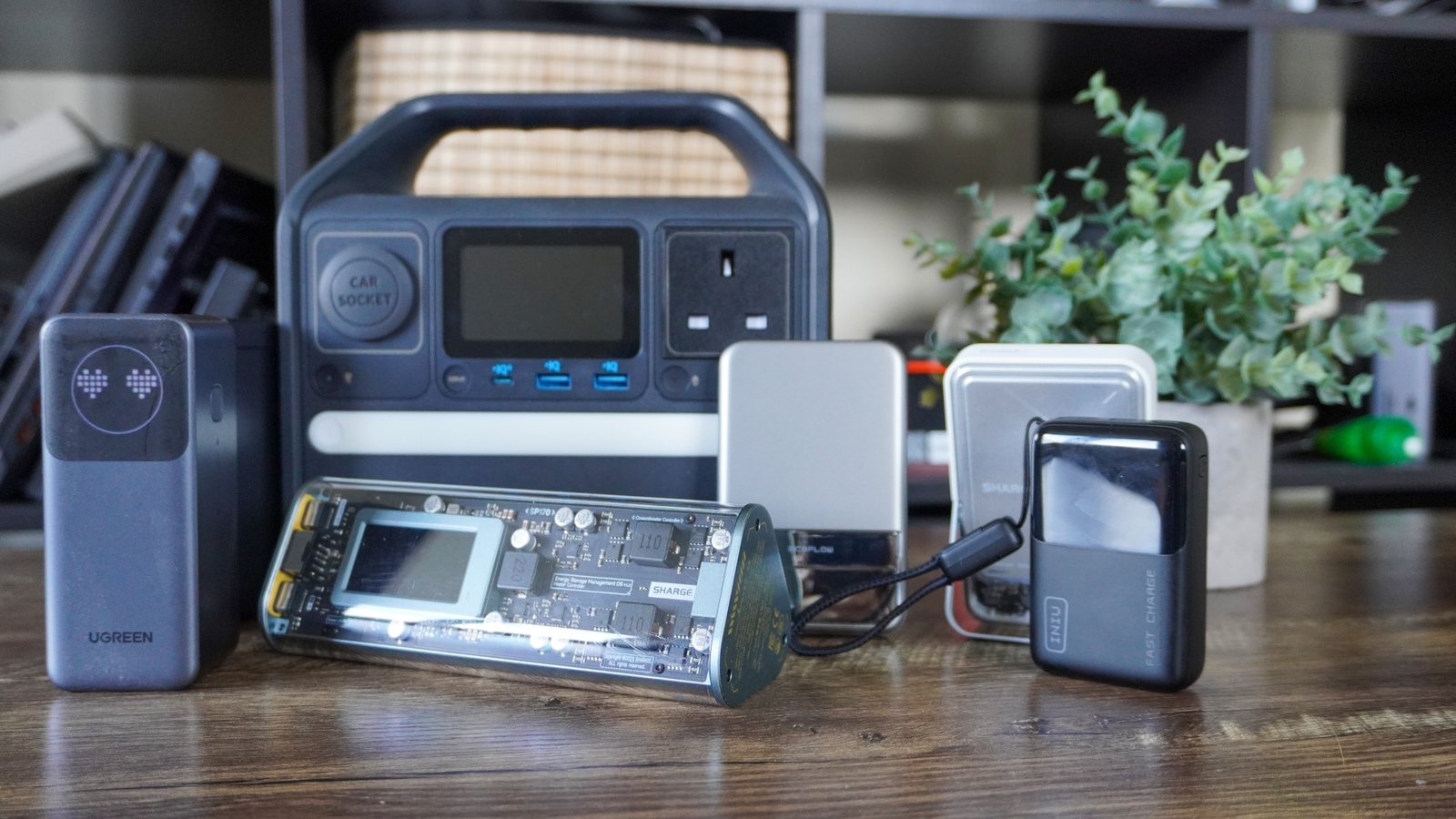
A medium or large battery can recharge a phone multiple times and may support tablets or handheld gaming devices.
Laptop-capable power bank
Look for sufficient USB-C output wattage, the right PD profiles, and enough Wh capacity to provide meaningful laptop runtime.
Check whether the power bank can maintain the required output continuously rather than only advertise a peak value.
Airline Battery Rules
Portable lithium batteries are subject to aviation safety rules. In the United States, the Federal Aviation Administration provides current PackSafe guidance for lithium batteries and portable electronic devices.
Rules can depend on battery size, quantity, and whether the battery is installed in a device. Spare lithium batteries and power banks generally belong in carry-on baggage rather than checked luggage under U.S. aviation rules, but travelers should check current FAA and airline guidance before a trip.
Do Not Hide the Capacity Label
Airline or security staff may need to read the battery rating. Avoid carrying a power bank with a damaged or unreadable label.
Pass-Through Charging
Some power banks can charge themselves while also charging another device. This is called pass-through charging.
Behavior varies. It can generate more heat and may reduce available power. Check whether the manufacturer officially supports the feature for the way you plan to use it.
Charging While Using the Device
A laptop or handheld console may consume a large amount of power while running. A charger that can slowly charge the device when asleep may only maintain or even lose battery during heavy use.
Check net power
The charger needs to provide enough power for the device’s current workload plus battery charging if you expect the battery percentage to rise.
Heat and Charging
Chargers and power banks become warm because power conversion is not perfectly efficient. Excessive heat can reduce charging speed because devices and chargers protect themselves by limiting power.
Good habits
- Do not cover chargers with blankets or clothing.
- Avoid charging batteries in extreme heat.
- Do not use damaged, swollen, or punctured power banks.
- Use reputable chargers with appropriate safety certifications.
- Replace frayed or loose cables.
Safety Certification
Look for products from established manufacturers and recognized safety testing where applicable. In the U.S., nationally recognized testing laboratories evaluate electrical products to applicable standards.
The OSHA Nationally Recognized Testing Laboratory program explains the role of recognized testing organizations.
Charging Stations for a Desk
A multi-port USB-C charger can replace several power bricks on a desk.
Plan the total load
List the devices you may charge simultaneously and their typical power needs. A 100W total charger may be enough for a laptop plus phone, but not two power-hungry laptops at maximum speed.
Travel Charger Setup
A simple travel kit might include:
- One multi-port USB-C charger.
- One high-power USB-C cable for the laptop.
- One shorter cable for phone or accessories.
- A power bank within applicable travel rules.
- Any country-specific plug adapter required for the destination.
Do not confuse a plug adapter with a voltage converter. Most modern USB chargers accept a wide input-voltage range, but verify the label before international travel.
Wireless Power Banks
Magnetic or wireless power banks can be convenient because they reduce cable use. Wireless charging is generally less efficient than a direct wired connection, so more energy may be lost as heat.
For maximum energy efficiency or faster laptop-class charging, wired USB-C remains important.
How to Test a New Charger
- Use the correct rated cable.
- Charge the highest-power device alone.
- Connect multiple devices and observe power sharing.
- Check whether the laptop reports slow charging.
- Feel for unusual excessive heat.
- Test each port.
- Test the power bank near low charge and high charge.
- Confirm the Wh label is readable.
- Verify fast charging on the phone if that matters.
- Check firmware or app updates if the charger has smart features.
Common USB-C Charging Mistakes
- Buying by wattage alone: protocol and device support matter.
- Ignoring power sharing: multi-port output changes with connected devices.
- Using a low-rated cable: the cable can limit charging.
- Assuming mAh equals usable phone charges directly: conversion losses matter.
- Putting power banks in checked baggage: review current airline and FAA rules.
- Using damaged batteries: stop using swollen or physically damaged packs.
Buying Checklist
- Highest-power device.
- USB PD support.
- PPS support if needed.
- Total charger wattage.
- Per-port power.
- Multi-port sharing behavior.
- Cable rating.
- Power bank Wh capacity.
- Maximum USB-C output.
- Size and weight.
- Safety certification.
- Airline compatibility.
- Warranty.
Frequently Asked Questions
Can a 100W USB-C charger damage my phone?
With properly implemented USB Power Delivery, the phone and charger negotiate a supported power level. The phone does not automatically receive the charger’s full maximum output.
Why does my laptop say “slow charger”?
The charger, port, cable, or multi-port power-sharing mode may provide less power than the laptop expects. Check the original laptop charger rating and USB-C specifications.
Can I take a 20,000 mAh power bank on a plane?
Airline rules are based primarily on watt-hours and current safety regulations, not only mAh. Check the printed Wh rating and current FAA and airline guidance before travel.
Is GaN better than a normal charger?
GaN technology can enable smaller, efficient designs, but product quality still depends on engineering, safety, protocol support, and thermal management.
Conclusion
The best USB-C charger or power bank in 2026 should match your devices, not just advertise a large wattage. Check USB Power Delivery profiles, multi-port behavior, cable ratings, and the actual charging requirement of your laptop or phone.
For power banks, pay attention to Wh capacity, output power, safety, and current airline rules. A well-chosen USB-C setup can replace several chargers while remaining simple, portable, and reliable.