Portable Monitor Buying Guide 2026: Size, Resolution, USB-C Power and Laptop Compatibility
A portable monitor can make a laptop much more comfortable for travel, remote work, coding, presentations, gaming, and temporary desk setups. Instead of squeezing a spreadsheet, browser, chat window, and document onto one screen, you can carry a second display that fits into a backpack.
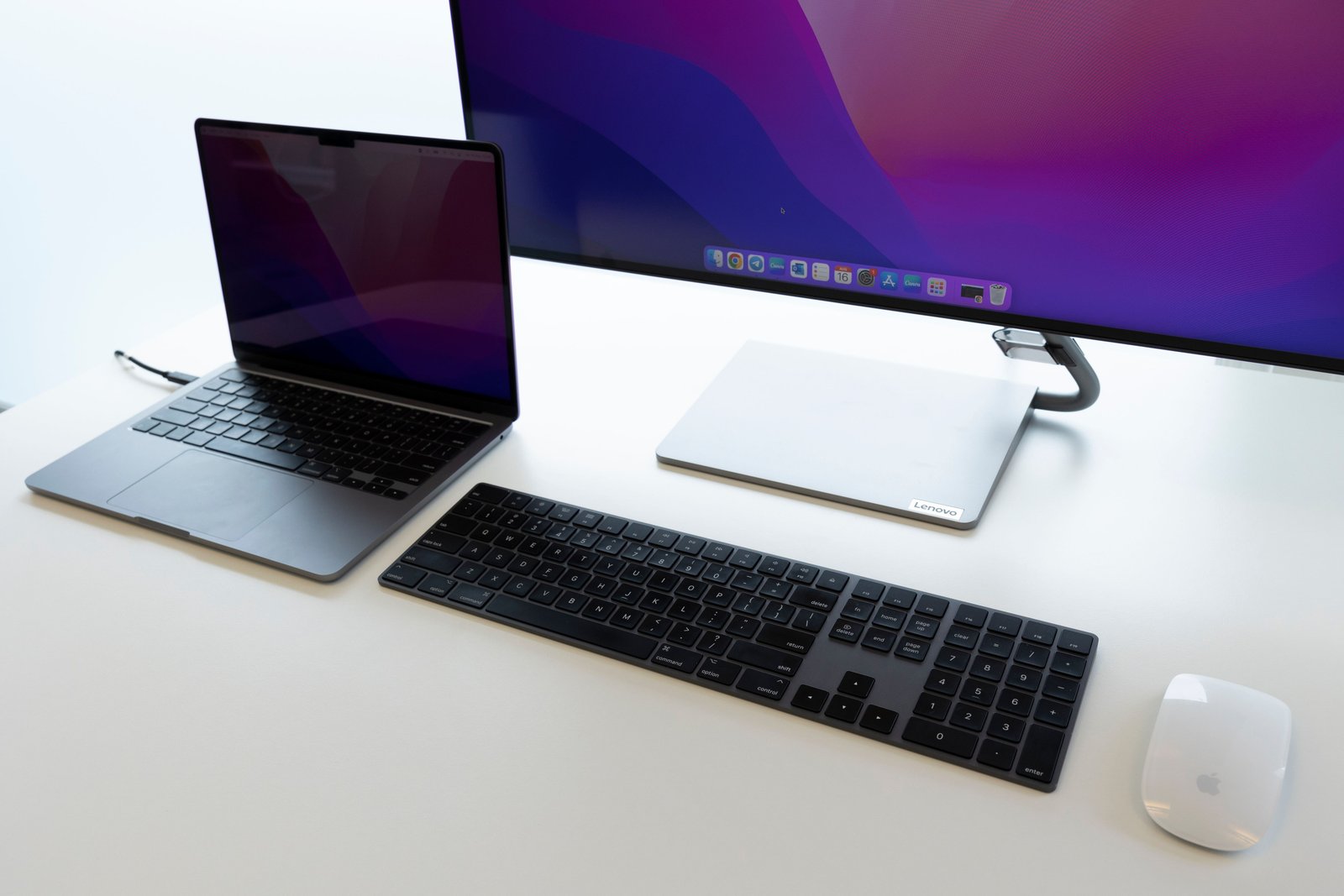
The challenge is that portable monitors vary widely in brightness, panel quality, power requirements, stands, USB-C support, and real-world compatibility. This portable monitor buying guide for 2026 explains what matters so you can choose a screen that works with your laptop instead of buying based only on size and resolution.
Start With the Main Use Case
Travel and business work
Prioritize low weight, a protective cover, reliable USB-C connection, usable brightness, and a stable stand.
Coding and productivity
Text clarity, a comfortable aspect ratio, good scaling, and a stand that can place the display at the right height matter more than gaming features.
Gaming
Refresh rate, response behavior, adaptive-sync support, input options, and low latency become more important.
Creative work
Color accuracy, wide-gamut coverage, calibration support, brightness uniformity, and panel quality matter more than simply having a high resolution.
Choose the Right Size
Portable monitors commonly sit in the same general size range as laptop displays, but larger models are also available.
Smaller screens
They are easier to carry and fit on tight desks, but text and UI elements may feel cramped if the resolution is high.
Mid-size screens
These often balance portability and workspace well for typical laptop users.
Large portable monitors
They provide more workspace but can be awkward in a backpack and may need a stronger stand and more desk depth.
Measure your laptop bag and the desk spaces where you actually plan to use the monitor.
Resolution: 1080p Is Still Practical
A Full HD portable monitor can provide sharp enough text at common sizes while keeping GPU load and power requirements manageable.
Higher resolution
1440p or 4K can improve text and image detail, especially on larger panels or for creative work. The tradeoff is that higher resolution may increase price, power use, and scaling complexity.
For a small secondary screen, resolution should be considered together with screen size and viewing distance rather than in isolation.
Brightness Matters More Than Product Photos Suggest
Portable displays are often used near windows, in hotel rooms, airports, cafés, or bright offices. A screen that looks good in a dark room may appear washed out in daylight.
Compare measured or manufacturer-rated brightness, but also read independent testing when available. Glossy coatings can look vibrant indoors but create more reflections.
USB-C Video: Check the Laptop First
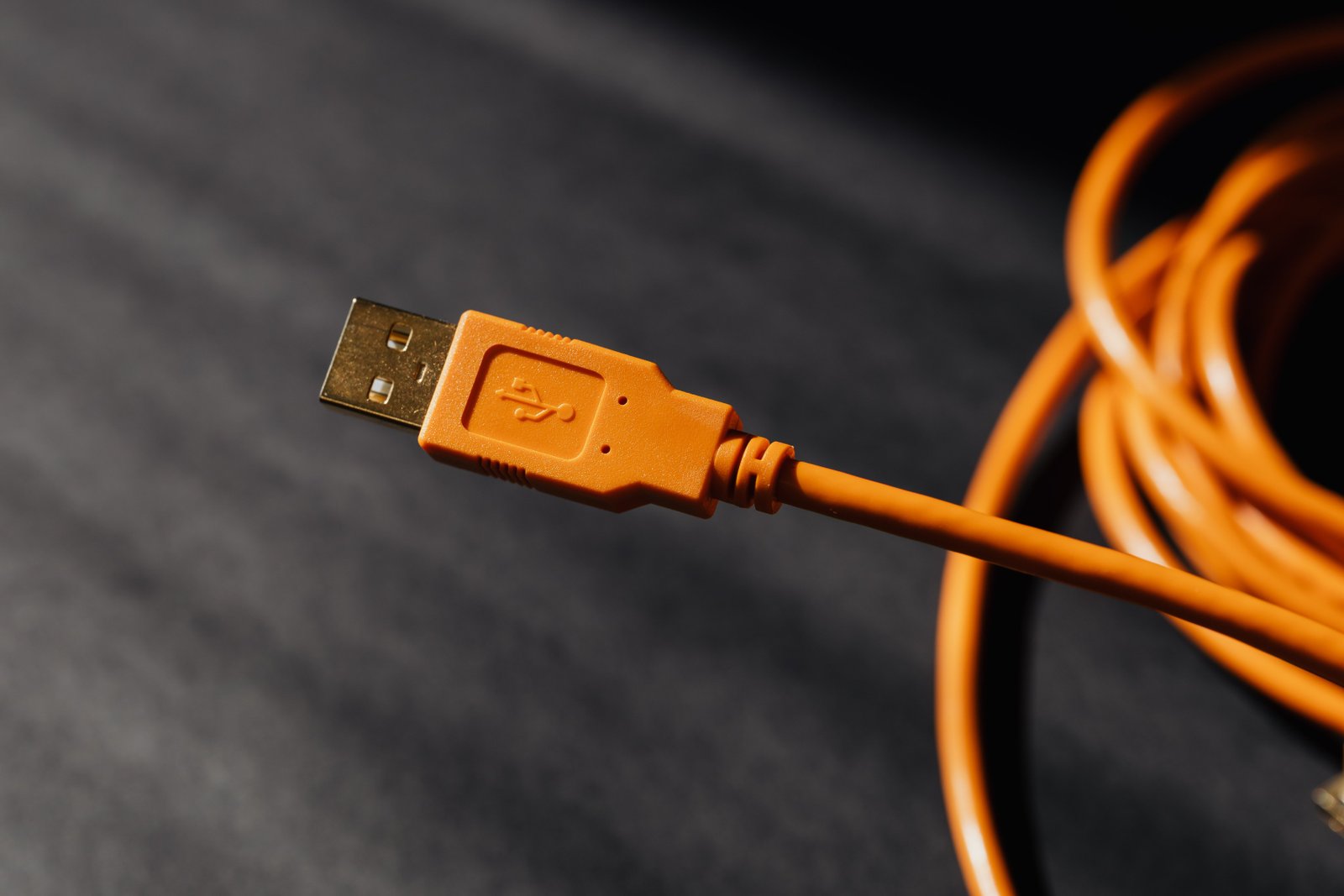
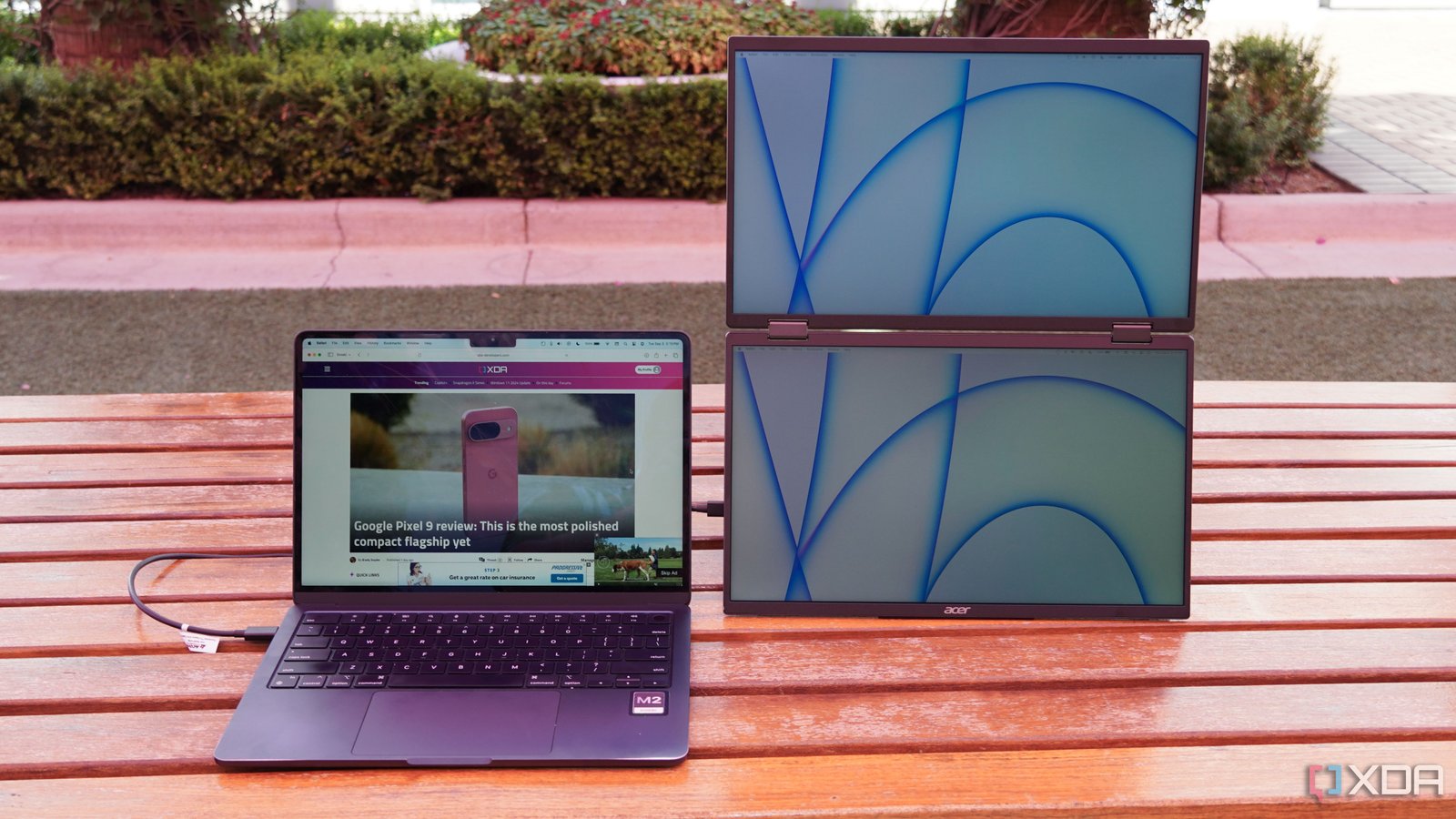
Many portable monitors can receive video and power through one USB-C cable. This is convenient, but the laptop’s USB-C port needs to support video output, typically through DisplayPort Alt Mode, USB4, or Thunderbolt.
The USB-C connector shape alone does not guarantee video support. Check the exact laptop specification.
The USB Implementers Forum publishes official information about USB standards and certified logos.
One-Cable vs Two-Cable Setup
One cable
The laptop provides both video and enough power to run the monitor. This is the cleanest setup for travel.
Two cables
One cable carries video while a second provides power. This can be necessary with HDMI sources, underpowered USB ports, or brighter/high-refresh displays.
If your laptop battery drains quickly while powering a second screen, use a USB-C charger or power source that supports the monitor’s needs.
HDMI Is Useful for Compatibility
Mini HDMI or full-size HDMI can make the monitor work with more devices, including game consoles, cameras, mini PCs, and laptops that lack USB-C video.
When using HDMI, the monitor will normally require separate power through USB-C or another power input.
Aspect Ratio: 16:9 Is Not the Only Option
Most portable monitors use a widescreen 16:9 format, but taller ratios can be more comfortable for documents, coding, and web work.
A 16:10 display gives a little more vertical space, while unusual wide or tall portable displays can serve specialized workflows.
Refresh Rate
For office work, a standard refresh rate is usually sufficient. Higher refresh rates can make motion feel smoother and can be valuable for gaming.
Remember that high refresh requires compatible output from the laptop or console and enough connection bandwidth. Check the exact resolution-and-refresh combination supported over USB-C or HDMI.
Panel Type and Image Quality
IPS-style LCD panels are common because they provide good viewing angles and balanced image quality. OLED portable monitors can offer excellent contrast and deep blacks, but may cost more and have different brightness or long-term image-retention considerations.
Do not assume the panel technology alone determines quality. Calibration, coating, brightness uniformity, and manufacturer tuning matter too.
Color Accuracy for Creative Work
If you edit photos or video, look beyond phrases such as “vivid color.” Check which color spaces are covered, whether the manufacturer provides calibration information, and whether independent measurements are available.
For color-critical professional work, a portable monitor may be a useful preview or secondary display but should be evaluated carefully before becoming the only reference screen.
The Stand Is a Major Part of the Product
A great panel with a weak stand is frustrating. Portable monitors use several stand designs:
- Folding protective cover.
- Built-in kickstand.
- Magnetic stand.
- Detachable desktop stand.
- VESA mount support on some models.
Test whether the stand remains stable while you type, adjust cables, or use the screen in portrait orientation.
Portrait Mode Can Be Extremely Useful
A vertical portable display can be excellent for code, long documents, chat, reference material, and reading.
Check whether the stand supports portrait use and whether your operating system can rotate the display easily.
Touchscreen Portable Monitors
Touch input can be useful for presentations, creative work, control panels, or compact PC setups. Compatibility varies by operating system and connection method.
Some devices need both a video connection and a USB data connection for touch to work. Mac support for external touch input may differ from Windows, so check the exact monitor documentation.
Built-In Speakers
Small portable monitors sometimes include speakers. They are convenient for basic audio but rarely replace headphones or proper external speakers.
Treat built-in speakers as a convenience rather than a main buying factor unless your use case specifically needs them.
Power Consumption and Battery Impact
A portable monitor powered by the laptop shortens laptop battery life. Brightness, panel type, refresh rate, and resolution can affect power consumption.
For long travel sessions
- Lower brightness when practical.
- Use a wall charger with enough USB-C power.
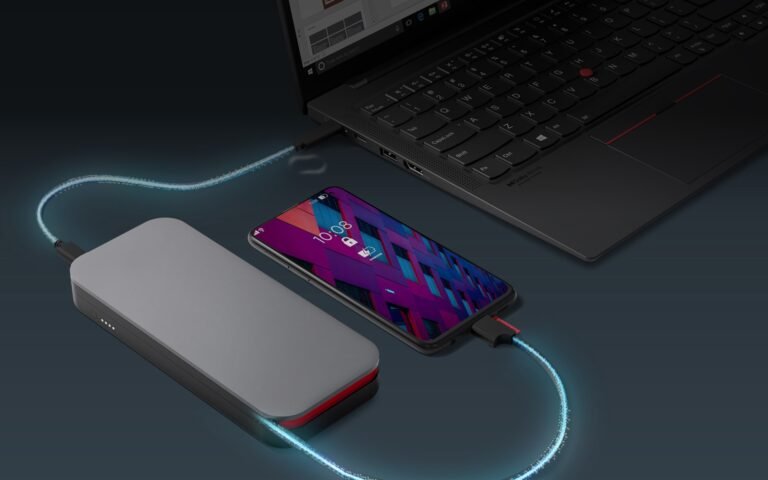
- Use a power bank that supports the required USB Power Delivery profile.
- Disable the second screen when you do not need it.
Built-In Battery vs Bus-Powered
Some portable monitors include a battery, which reduces laptop drain and can simplify certain setups. The tradeoffs are extra weight, cost, and another battery that eventually needs charging and ages over time.
Bus-powered monitors are simpler and lighter but depend more heavily on the source device or an external charger.
Mac, Windows and Chromebook Compatibility
Windows
Windows generally provides flexible multi-monitor support, but USB-C video still depends on the laptop’s hardware.
Mac
Check the external-display capabilities of the exact Mac model. Some Apple computers support different numbers of external displays.
Chromebook
Many Chromebooks support external USB-C or HDMI displays, but resolution and multi-display limits vary by model.
Portable Monitor for Game Consoles
A portable monitor can pair well with a console if it has a compatible HDMI input and supports the console’s output resolution and refresh rate.
Check audio options and power requirements, especially if you plan to use the setup away from a wall outlet.
How to Test a Portable Monitor
- Connect it through USB-C with one cable.
- Test HDMI if included.
- Run the screen at native resolution.
- Check text clarity and scaling.
- Use maximum brightness near a window.
- Test portrait orientation.
- Run a long video or work session.
- Watch for disconnects after sleep.
- Check the stand on a small desk.
- Pack it in the bag you plan to use.
Common Portable Monitor Mistakes
- Assuming every USB-C port outputs video: check the laptop specification.
- Buying too large for travel: measure the bag.
- Ignoring the stand: stability affects daily use.
- Choosing 4K automatically: higher resolution may not improve a small secondary screen enough to justify the tradeoff.
- Forgetting power: HDMI setups usually need separate power.
- Expecting built-in speakers to sound like real speakers: they are usually basic.
Buying Checklist
- Screen size.
- Resolution.
- Brightness.
- Panel type.
- Color requirements.
- USB-C video support.
- HDMI input.
- Power requirements.
- Refresh rate.
- Touch support if needed.
- Portrait support.
- Stand quality.
- Weight and thickness.
- Protective cover.
- Warranty.
Frequently Asked Questions
Can a portable monitor run from one USB-C cable?
Yes, if the laptop supports USB-C video output and can provide enough power. Some setups still require a separate power cable.
Is 1080p enough for a portable monitor?
For many common portable sizes, 1080p offers a practical balance of clarity, cost, power use, and compatibility.
Can I use a portable monitor with a MacBook?
Often yes, but check the exact Mac model’s external-display support and the monitor’s connection requirements.
Can a power bank run a portable monitor?
Many can, provided the power bank supports the required USB-C output and the monitor’s power needs. Check both specifications.
Conclusion
The best portable monitor in 2026 is the one that matches your real use case. Start with size, connection, power, brightness, and stand quality before comparing extras.
For most users, reliable one-cable USB-C operation and a stable stand will improve everyday experience more than an impressive specification that the laptop cannot fully use.